
IT 튜토리얼, 유용한 팁 및 뉴스.
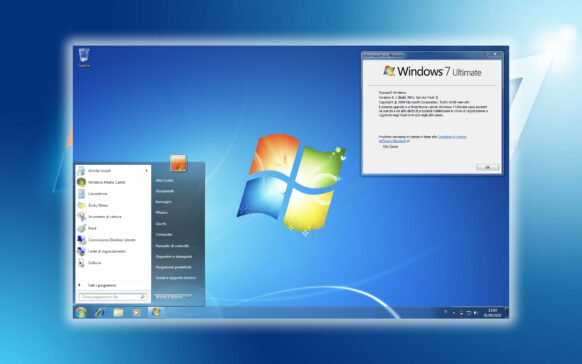
Windows 7의 Windows 라이브러리 (음악, 그림, 문서, 비디오 …)) – 비활성화, 숨기고 복원하십시오 & 방법
Windows 라이브러리는 Windows 7에서 환영받는 기능입니다. 이 용어가 익숙하지 않은 경우 Windows에 대해 간략하게 설명하겠습니다.
Ma-Config로 컴퓨터 드라이버를 최신 상태로 유지하세요
대부분의 Windows 사용자가 믿는 것과는 달리 Microsoft는 모든 컴퓨터 하드웨어 구성 요소를 모니터링하지 않습니다.
WhatChanged [Windows 앱]을 사용하여 시스템 레지스트리 변경 사항 모니터링
시스템에 설치하는 각 응용 프로그램은 자체 레지스트리를 추가하여 레지스트리를 변경합니다. 등록하는 것은...

최대 200MB의 첨부 파일이 포함된 이메일을 무료로 보내세요!
사용하는 이메일 클라이언트에 관계없이 최대 30MB의 제한이 있습니다(어떤 경우에는 제한이 다음과 같다는 점을 고려하면...
PC에서 홈그룹을 입력하는 방법 [Windows 7 파일 공유 & 프린터]
홈 그룹은 Microsoft가 Windows Vista 운영 체제 출시와 함께 도입한 기능으로, 유지 관리되고 있으며 ...
Windows 7 시스템의 성능 문제를 확인하세요.
꽤 많은 프로그램이 있지만 그 중 일부는 더 발전되고 칭찬받으며 시스템 설정을 변경하여 추락합니다.
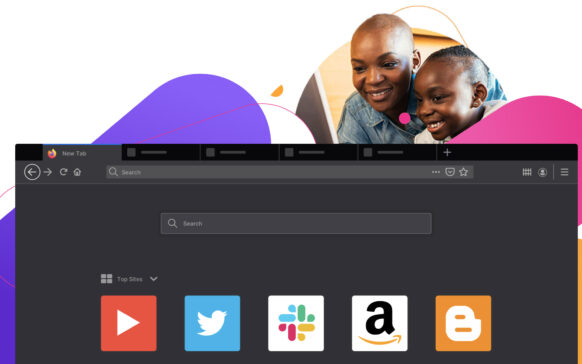
Firefox 업데이트 – v3.6.7 [다운로드 & 업데이트]
최종 버전인 Firefox 4.0이 출시될 때까지 버전 3.6은 요즘 업데이트를 받았습니다. 파이어폭스 3.6.7.
이번 업데이트...

Windows Shell에서 발견된 새로운 취약점
그리고 한 가지 더: Microsoft는 며칠 전에 또 다른 Windows 취약점이 확인되었다고 발표했습니다.
Microsoft Security Essentials v2.0.0375.0 베타 [다운로드 & 안티 바이러스 설치]
이틀 전, Microsoft는 Microsoft Security Essentials 바이러스 백신의 새 버전을 출시했습니다. 마이크로소프트 보안 에센셜...

"크랙" 시 저장되지 않은 게시물을 복구하는 방법” Windows Live Writer-ul
Windows Live Writer가 몇 분마다 작성한 게시물을 자동 저장하는 데 익숙하다면(설정에 따라 다름)