
Tag Archives: Microsoft Office 2003

Using formulas in Excel cells
Microsoft Office Excel was created specifically for performing numerical calculations. To indicate to the program the method of calculation through...

Formatting cells in Office Excel spreadsheets
The appearance of the information in the cells of a spreadsheet can be changed by using the Format Cells command. At the launch of this co...
How we identify the elements of a spreadsheet in Excel
In a spreadsheet, the information is presented in a graphic interface made up of lines and columns. The columns have attached...

When edited un tabel in Excel
Many of us have needed to perform a series of mathematical operations that are repeated several times (an invoice with several...

Editing Geometric Forms in Word documents
The Drawing toolbar allows, through its buttons, the drawing of geometric shapes. If you don't have the linen bar active...

Marking, numbering paragraphs and multinivel lists in Word 2003
A list is a sequence of paragraphs indented against the left edge of the text in the document and numbered (numbered lists - Num...
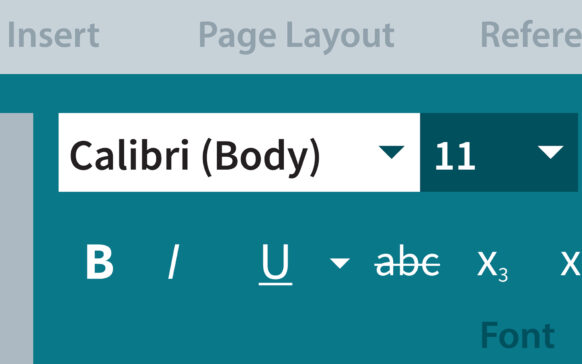
Fonts and writing modes in Word 2003
A font is a collection of characters that have common characteristics. There are many types of fonts for the characters used...