


Gmail Drive este o aplicatie care creeaza in “Моят компютър” o “partitie de sistem” prin intermediul careia puteti transfera fisierele dvs. de pe PC директно в Входяща кутия-ul contului Gmail. Aplicatia permite transferul fisierelor printr-un simplu плъзнете & капка или copy / paste, fara a fi nevoie sa deschideti internet browser-ul. E ca si cum ati transfera fisierele pe HDD dintr-o partitie in alta.
Iata un screenshot cu acesta aplicatie in actiune .. :)
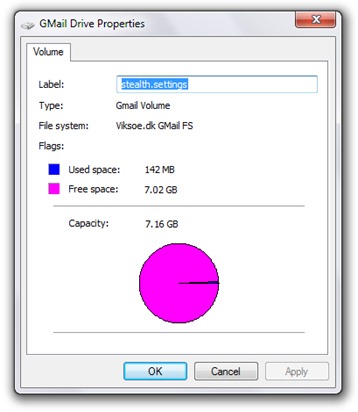
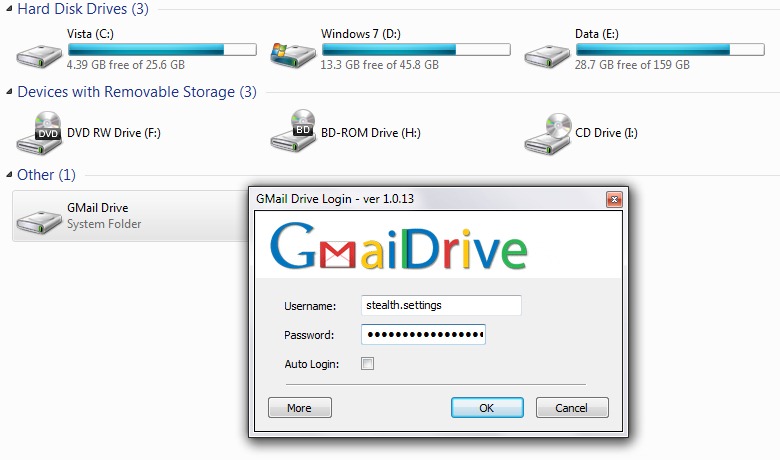 след instalarea Gmail Drive, faceti dublu-click pe partitia creeata apoi intruduceti Потребител-ul dvs de Gmail и дума. O sa observati ca aveti la dispozitie un spatiu de stocare destul de generos, dar nu v-as sfatui sa transferati fisiere foarte mari. Ar putea duce la suspendarea contului de Gmail.
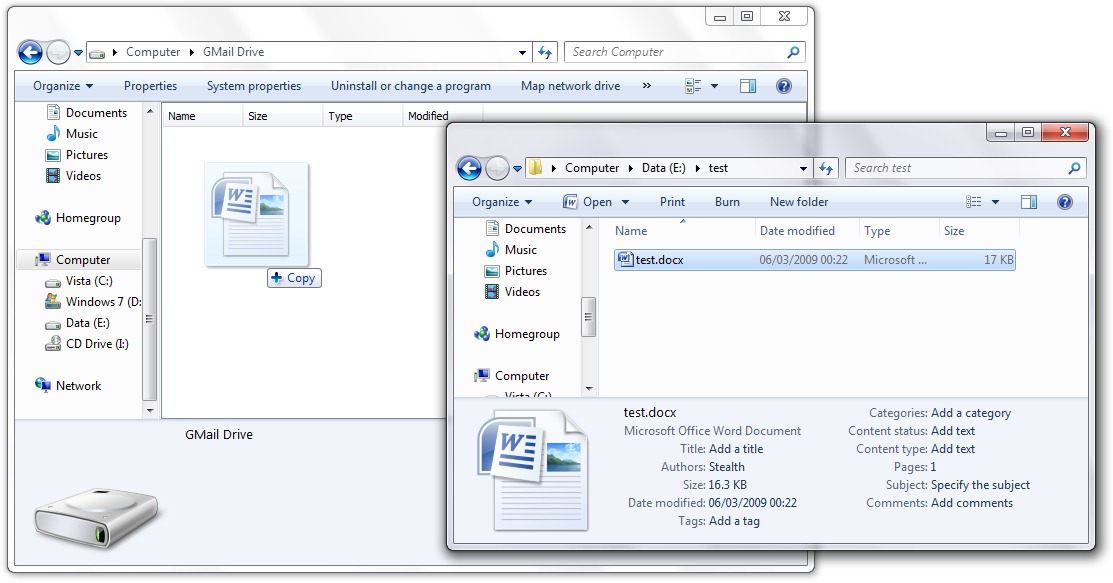
Transfer file din PC in Inbox, via Gmail Drive:
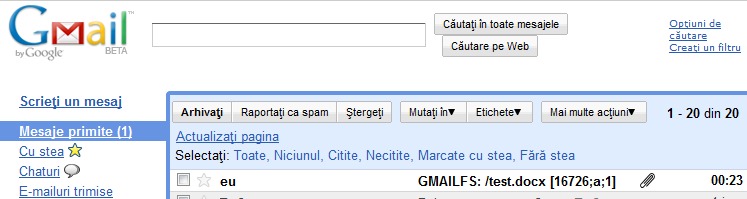
 Fisierul ajuns in Inbox via Gmail Drive:
Изтегляне: Gmail Drive – Shell Extension
GMail Drive is a Shell Namespace Extension that creates a virtual drive in the Windows Explorer, allowing you to use your Google Mail account as a storage medium.
It allows you to do basic file manipulation, such as copy and delete of files inside the Google Mail account. Because it is a Shell Extension, the interface you work in is Windows Explorer itself.
GMail Drive appears as a virtual drive under your My Computer folder in Windows Explorer.
You can:
1. Navigate between files and folders using the familiar Explorer folder view.
2. Do basic file manipulations, such as create folders and delete files.
3. Use copy and paste as you would normally do in Explorer to copy files around.
4. Use drag’n’drop to quickly move files between folders.
5. Show information about volumes and files using the Properties dialogs.
*Aceasta aplicatie a fost testata pe Windows 7 RC и Windows Vista Home Premium.


Може също да се интересувате от...

2 мисли за “Разширение на Gmail Drive Shell – Превърнете акаунта си в Gmail в малък твърд диск”