
Tag Archives: Windows 10 Tips
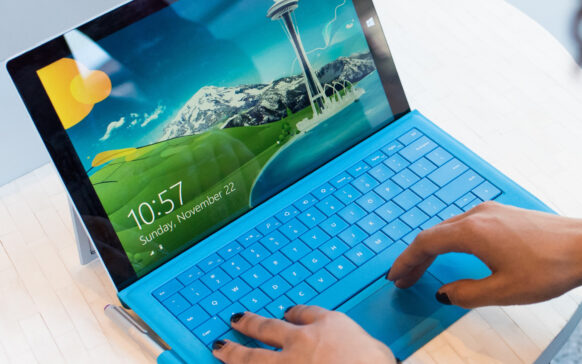
How we disable authentication with Windows Hello Pin, also Fingerprint in Windows 10
Disable Hello PIN, Face and Fingerprint password for login in Windows 10.
How do you set applications to remain open after Restart Windows 10
This tutorial will be very useful for your productivity, when you use many applications in which you carry out your activity and...
How we delete the list of files and folders recently accessed (Quick Access) from Windows 10
By default, cand accesam "This PC" in Windows 10, pe langa partitii si drive-uri apar si liste cu foldere accesate frecvent si fisiere ...
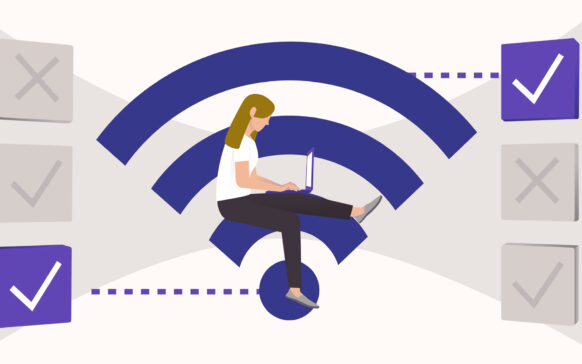
How can we find out WiFi passwords saved in Windows 10, even if we are not connected to the wireless network
In the past, I have written about how we can find out the passwords of the wireless networks to which we have been connected with an iPhone, iPad, iPod touch or ...
[How all] what is and how can Windows.old be deleted in Windows 10?
The Windows.old folder in Windows 10 present on the system partition occupies a considerable space on the disk, but it also has a very useful ...

How to disable self -corrected (Red underlining) in Microsoft Edge Browser [Windows 10 Tips]
The Internet browser Microsoft Edge is probably the most welcome feature of Windows 10. A very fast browser with a user interface...
How can we turn off the Cortana Search camp in Taskbar in Windows 10
Among the novelties introduced by Microsoft in the latest Preview version of the Windows 10 operating system is the Corta field...
How can we display this pc in a default way when we open File Explorer in Windows 10
Unlike Windows 7 or Windows 8, File Explorer in Windows 10 has Quick Access as its startup page, where users can...

How can we add the boot option in Safe Mode to the boot menu in Windows 8/8.1 and Windows 10
Unul dintre cele mai importante feature-uri ale sistemelor de operare Windows este Safe Mode, acesta permitandu-le utilizatorilor sa re...
How can you activate hibernate in Windows 10
Invata din acest tutorial in cativa pasi simpli cum poti activa Hibernate in Windows 10. Modul de repaos in care energia este economisi...