
Tag Archives: Windows 8 tips

How can we hide a partition or whole hard disk in Windows 8
When we share the same computer with several users (be it family, friends, schoolmates or work), the most ...
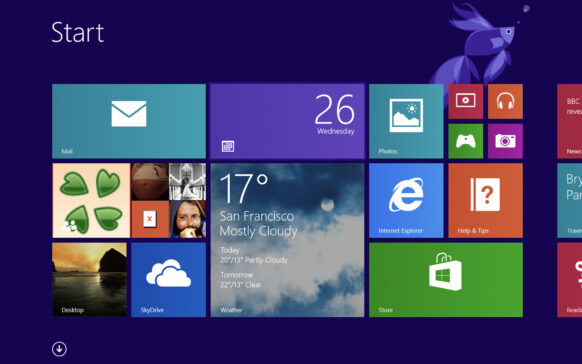
Change what applications to display notifications in Windows 8
On the Start Screen of the Windows 8 operating system, notifications are displayed for various applications installed in the system (whether they are...
Add Pin to Start in the click-right menu of files in Windows 8
One of the great advantages of the Start Screen in Windows 8 is that we can create shortcuts in it for any application or fol...
How can we change the programming time or disable Windows 8 Automatic Maintenance
Among the new features of Windows 8 is automatic system maintenance, also called Regular Maintenance, which checks if...
How can we generate a laptop/tablet battery report in Windows 8
Over time, the battery charging capacity of a laptop (or a tablet) decreases quite a lot, reaching an autonomy of less than an hour...
How can we completely close Windows 8 Without Disable Hybrid Boot
Among the new features of Windows 8 is Hybrid Boot, which increases the speed of system shutdown, but without closing co...
How can we change the default location to install modern applications in Windows 8
The Windows Store is one of the most important features of the new Windows 8 operating system, through which you use...
How can we disable autoplay and author in Windows 8
One of the most common methods of spreading viruses in Windows is through infected USB Sticks or CD/DV...
How can we turn off the "Drag To Close” For modern applications in Windows 8
In Windows 8, the handling of applications (and here we are referring especially to modern applications) is different from what we...
How can we change the owner and take control of system files in Windows 8
After the introduction of User Account Control in Windows Vista, Microsoft increased the security of the system's core files, so that use...