
Microsoft Office PowerPoint
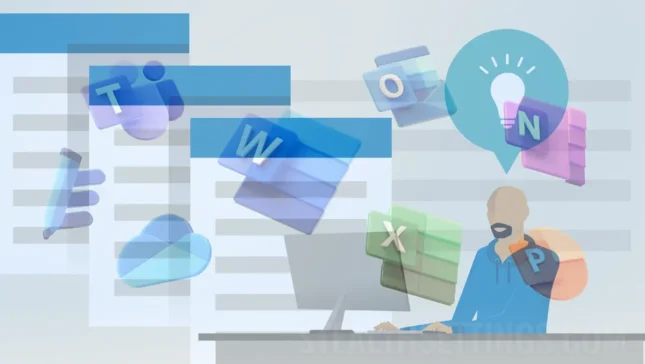
How to edit Excel and Word files without Microsoft Office installed
Tutorial about how you can edit Excel and Word files without Microsoft Office installed, directly from your Microsoft account in the browser.
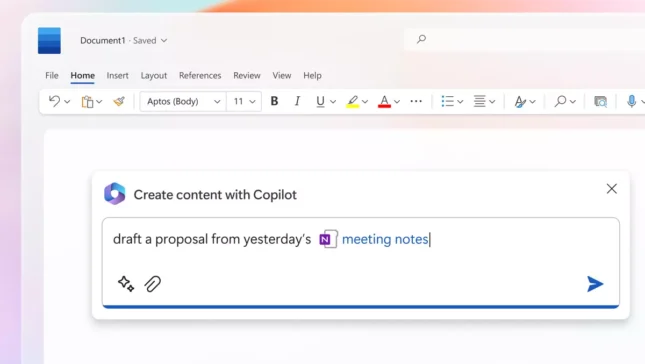
Microsoft Crărtot for Microsoft 365 (Excel, Word, PowerPoint)
A general presentation of Microsoft Crămot for Microsoft 365. Using generative artificial intelligence in Excel, Word, PowerPoint.
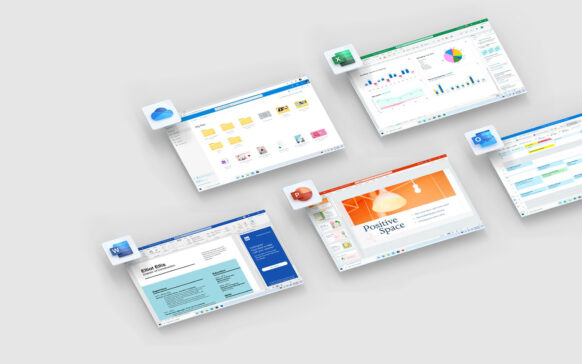
What to choose from Office 365 and Office 2019 / Word, Excel, PowerPoint and Outlook
There is almost no Windows user who has not used one of Microsoft's Office products at least once. excell...
Now you can download Microsoft Office 2016 Public Preview!
In March of this year, Microsoft announced that the Office 2016 application suite is available for testing in the business environment...
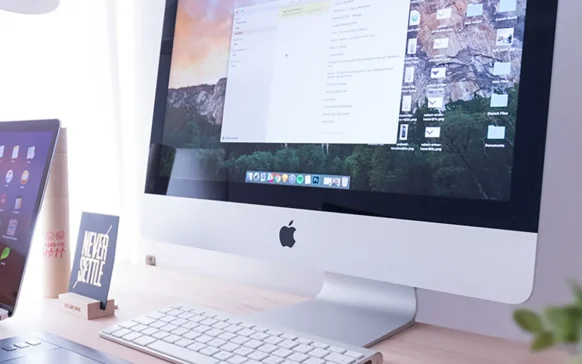
Microsoft has launched Office 2016 for Mac in Preview version
Lately, Microsoft has launched new and attractive software or hardware products, perfected and cheapened the service offer...
Microsoft Office online applications are now available in Chrome Store
Many Windows users (and not only) have to access various office documents and files daily (whether they receive them from...
Download Microsoft Office for iPad
Microsoft has finally released the Office suite for iPad, after years of waiting for iOS tablet users. The suite contains...

How can we insert a YouTube video in a MS PowerPoint 2013 file
Sometimes, when creating PowerPoint presentations, it is necessary to insert some video clips to make the presentation complete or to...
How to make animated effects in a slide in PowerPoint
Not a few times I had the opportunity to participate in a presentation of products and services where the trainer used to transmit...
How to make a PowerPoint presentation using templates
If you know exactly what you want to say in the presentation, instead of using the AutoContent Wizard routine, you can use the Templates as...