
Tag Archives: Windows 8.1 tips
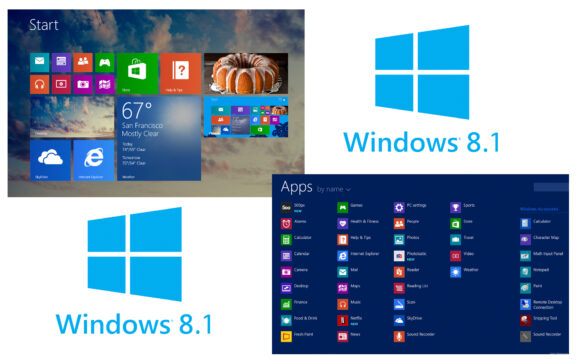
Windows 8.1에서 최신 애플리케이션을 어떻게 다시 시작할 수 있습니까?
Windows 8과 이 운영 체제의 새로운 메트로 인터페이스를 통해 Microsoft는 다음을 실행하는 최신 애플리케이션도 도입했습니다.
Windows 8 라이센스 키를 사용하여 Windows 8.1을 설치하는 방법
Windows 8.1은 기본적으로 Windows 8 운영 체제에 대한 업데이트이므로 모든 Windows 8 사용자가 업그레이드할 수 있습니다.
Windows 8.1의 보내기 메뉴(컨텍스트 메뉴)에 클라우드 위치를 추가하는 방법
최근에는 온라인 스토리지 서비스(Dropbox, Google Drive 또는 Amazon Cloud Drive)의 사용이 점점 더 대중화되고 있습니다.
Windows 8.1에서 SkyDrive 폴더의 위치를 어떻게 이동할 수 있나요?
Windows 8.1 운영 체제의 장점 중 하나는 사용자가 데이터와 시스템 설정을 동기화할 수 있다는 것입니다.
Microsoft 계정을 사용하지 않고 Windows 8.1을 설치하는 방법
Windows 8 사용자는 시스템에 로그인하는 두 가지 방법이 있습니다. 그 중 하나는 로컬 사용자를 사용하는 것이고, 다른 하나는...
Windows 8.1에서 백업 사진을 어떻게 쉬게 할 수 있습니까?
이 기사에서 말했듯이 Microsoft는 최신 운영 체제에서 시스템 이미지 백업 기능을 부분적으로 포기했습니다.
Windows 8.1에서 시스템 백업 이미지를 어떻게 만들 수 있습니까?
Windows Vista 운영 체제가 출시되면서 Microsoft는 시스템 이미지라는 새로운 시스템 백업 방법을 도입했습니다.
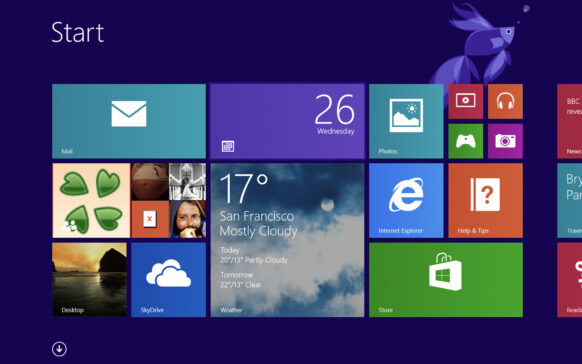
Windows 8.1에 Skydrive 통합을 비활성화하려면 어떻게 해야 합니까?
Windows 8.1 Preview를 테스트한 사용자는 이 시스템에서 사용할 수 있는 새로운 기능에 이미 익숙할 것입니다.
Windows 8.1의 Windows 체험 지수를 확인해보세요.
Windows 체험 지수는 Windows Vista 운영 체제에서 처음으로 Microsoft가 도입한 것으로, 유용하게 사용할 수 있는...
Windows 8.1의 Win+X 메뉴에서 최대 절전 모드 옵션을 활성화하려면 미리보기 미리보기
이 튜토리얼에서는 몇 가지 매우 간단한 단계를 통해 Windows 8.1의 Win+X 메뉴에서 최대 절전 모드 옵션을 활성화하는 방법을 알아봅니다.
메뉴는...