
Tag Archives: Windows 8.1 tips
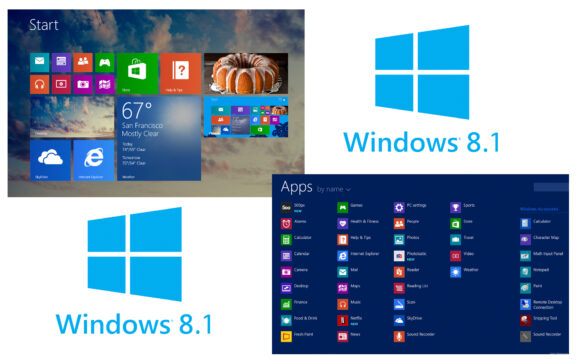
How can we restart modern applications in Windows 8.1
With Windows 8 and the new metro interface of this operating system, Microsoft also introduced modern applications, running...
How can we install Windows 8.1 using a Windows 8 license code
Windows 8.1 is basically an update for Windows 8 operating systems, so that all Windows 8 users can upgrade ...
How can we add locations from the cloud to the SEND TO (MENU context) menu in Windows 8.1
Recently, the use of online storage services (Dropbox, Google Drive or Amazon Cloud Drive) has become more and more popular...
Cum putem muta locatia folderului SkyDrive in Windows 8.1
One of the advantages of the Windows 8.1 operating system is the possibility for users to synchronize their data and system settings...
How can we install Windows 8.1 without using a Microsoft account
Windows 8 users have two ways to log into the system: one of them is with a local user, and the other with the help of a...
How can we rest a backup picture in Windows 8.1
As we said in this article, Microsoft has partially abandoned the System Image Backup feature in the newest operating system, ...
How can we create a system backup image in Windows 8.1
With the launch of the Windows Vista operating system, Microsoft introduced a new backup method for the system, namely System Image...
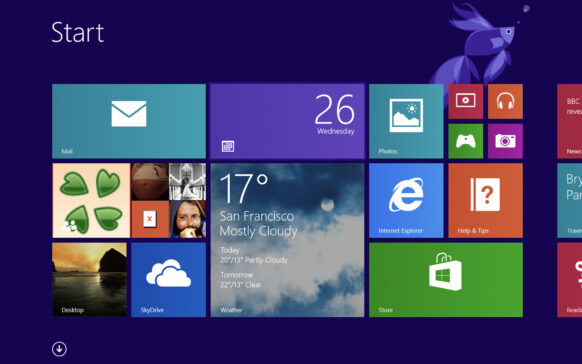
How can we disable Skydrive integration into Windows 8.1
Users who have tested Windows 8.1 Preview are most likely already familiar with the new features available in this system...
Cum putem verifica Windows Experience Index in Windows 8.1
The Windows Experience Index was introduced by Microsoft for the first time in the Windows Vista operating system, with the aim of usefully helping...
How can we activate the Hibernate option in the Win+X menu in Windows 8.1 Preview
In this tutorial, we learn how to activate the Hibernate option in the Win+X menu in Windows 8.1 in a few very simple steps.
The menu...