
Tag Archives: Windows 8 tips
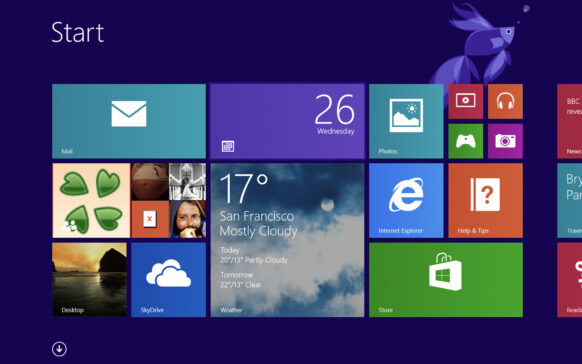
Tweak Windows 8 Aero cu Aero Glass Tweaker
By default, Windows 8 does not have the Aero Glass feature, but it can be activated with the help of third-party applications such as ...
How can we schedule Windows 8 to close automatically at night
Although there are many Windows users who are used to letting the system run for days without giving even a single restart, there are...
Cum putem accesa Folder Options in Windows 8
In Windows 7 or Windows Vista, Folders Options can be quickly accessed by clicking Organize in Windows Explorer, then selecting Folder...
How can we prevent Windows 8 automatic restart after installing Windows updates
I don't know what the preferences of other Windows users are, but I for one like to be in control of my operating system...
How can we restrict access to Panel Control in Windows 8
Most of the time, when we share our personal computer with other users (or when we manage a computer network, either...
How can we uninstall/delete all the modern applications pre -installed from user account in Windows 8
Nu toti utilizatorii Windows 8 sunt incantati de aplicatiile moderne, si cel mai probabil acestia aleg sa le dezinstaleze pe cele care ...
How can we install drivers without digital signature in Windows 8
Sometimes, when we try to install drivers in Windows 8, we get error messages that tell us either "A digitally signed driver is requi...
How can we turn a laptop with Windows 8 into a Wi-Fi hotspot
If you don't have a router at home and you want to be able to use the Internet connection on other devices besides the computer...
How can we change the default location to install modern applications in Windows 8
Whenever we install a new application in Windows, we are asked what is the location where we want it to be installed (in...
Change the notifications display time in Windows 8
One of the new features of Windows 8 is the way to display notifications every time an event happens...