


彼らのほとんどがスキンを次のように変更することに興味があることはわかっています。 Yahoo!メッセンジャー と Winamp ですが、今回は次のコレクションが付属しています。 肌のために KAV (カスペルスキー アンチウイルス 7.0)si 小さい (カスペルスキー インターネット セキュリティ 7.0):
肌 : 美学 0.1
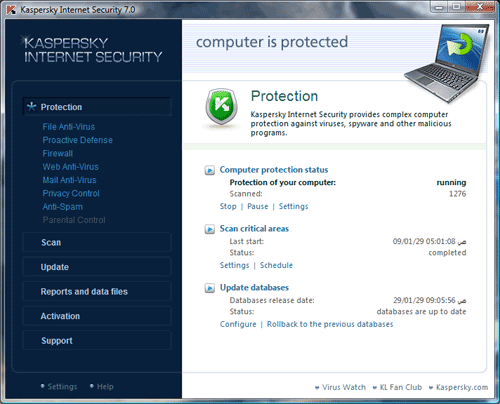
スキンをダウンロードする : カスペルスキーの美学
肌 : 美学 0.2

スキンをダウンロード: カスペルスキー美学 v0.2
肌 : 獣
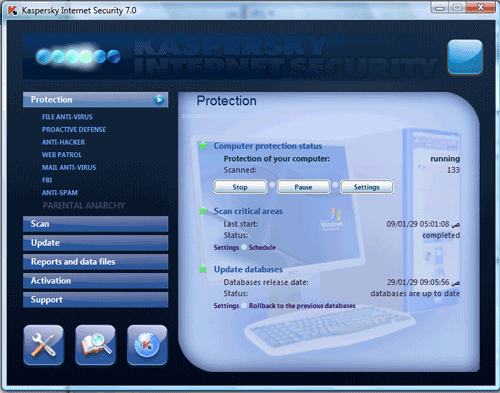
スキンをダウンロード: カスペルスキービースト
肌: 野獣2
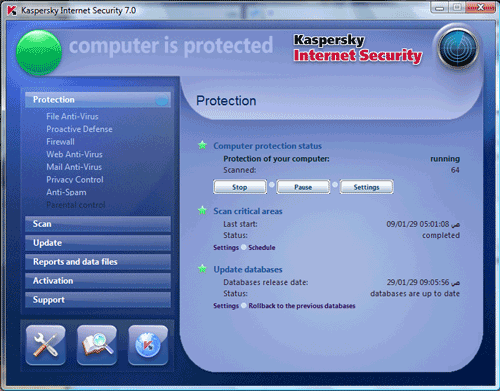
スキンをダウンロード: カスペルスキー ビースト 2
肌: ふしだらな女
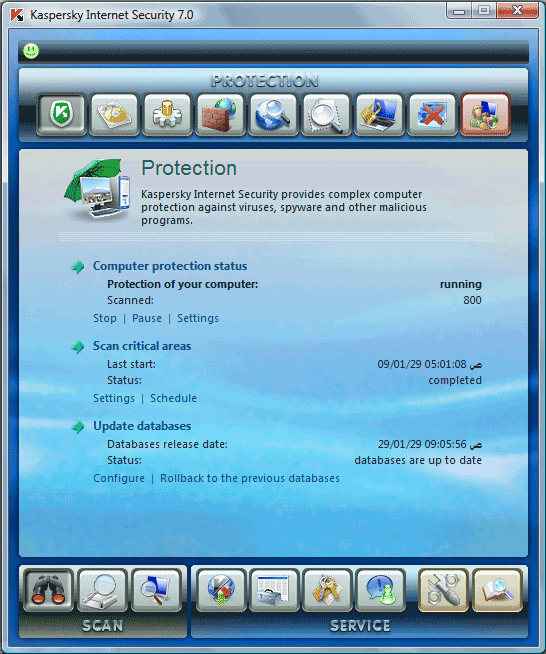
スキンをダウンロード: カスペルスキー ビンボン
肌 : Flower
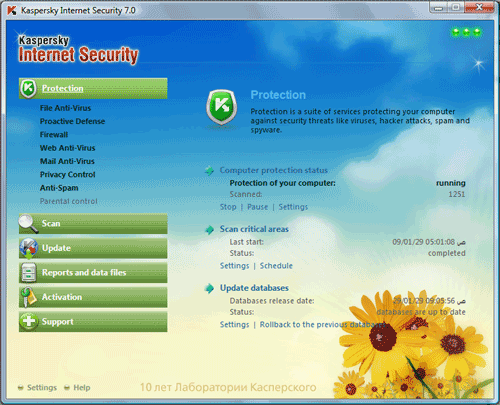
スキンをダウンロード: Kaspersky Flower
肌 : Gravitsapa
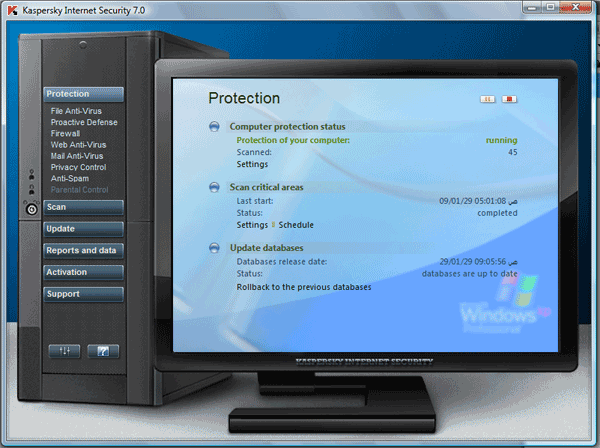
スキンをダウンロード: Kaspersky Flower
肌 : ラップトップ
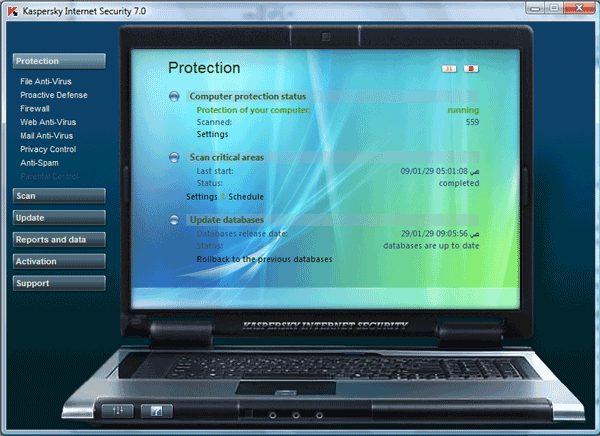
スキンをダウンロード: Kaspersky Laptop
Installing Skins –
Open Kaspersky Internet Security 7.0 Kaspersky Antivirus 7.0, click on the Settings button (or click on the program icon in the panel, and choose Setting). Uncheck instead use the system colors and styles.
On the right side just press the Browse button to specify the location of the folder
in which you unpacked the archive skin. After the change to restart the graphical program, or interface will be displayed correctly.
If a change of skin KIS “hangs”
Some graphical shell, a change of skin, can cause “hang” program. I recommend that before installing the skin uncheck “Enable defend itself” (Settings => ツール)。
Then, in the case of stopping the program can be completed via the タスクマネージャー (Ctrl + Alt + Delete) して、再実行します。プログラムは新しいデザインになります。皮膚の後には必ず護身術を含めてください。


あなたも興味があるかもしれません...

についての4つの考え “スキン – カスペルスキー インターネット セキュリティ 7.0 & カスペルスキー アンチウイルス 7.0”