


Es zinu, ka lielākā daļa no viņiem ir vairāk ieinteresēti mainīt savu ādu uz Yahoo! Kurjers un Winamp, bet šoreiz tie nāk ar kolekciju ādapar KAV (Kaspersky Antivirus 7.0) si Mazs (Kaspersky Internet Security 7.0):
Āda: Estētika 0.1
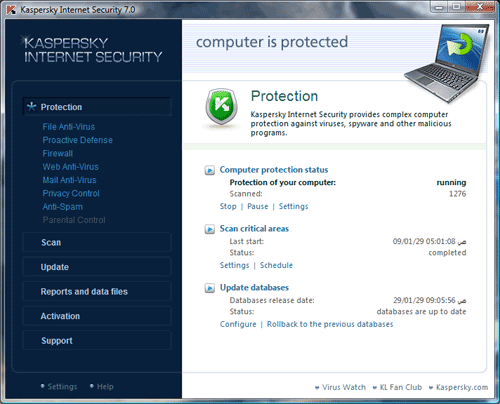
Lejupielādēt ādu : Kaspersky estētika
Āda: Estētika 0.2

Lejupielādēt ādu: Kaspersky Aesthetics v0.2
Āda: Zvērs
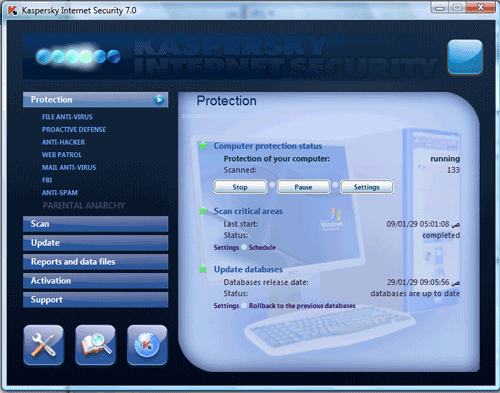
Lejupielādēt ādu: Kaspersky Beast
Āda: zvērs 2
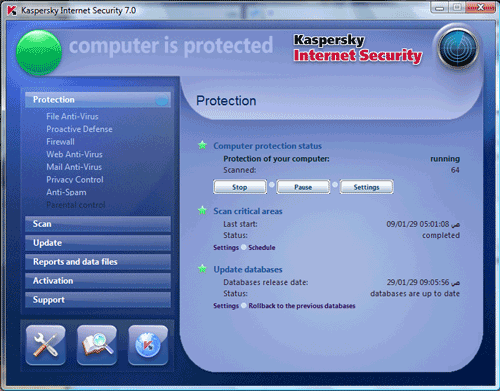
Lejupielādēt ādu: Kaspersky Beast 2
Āda: bimbom
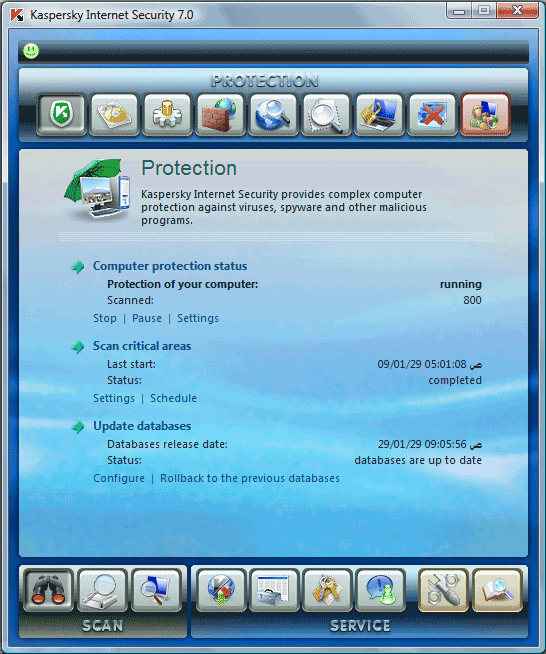
Lejupielādēt ādu: Kaspersky Bimbom
Āda: Zieds
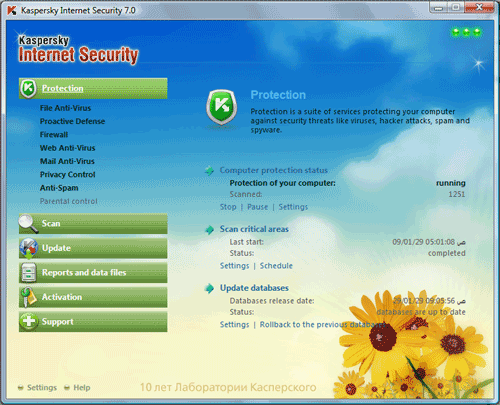
Lejupielādēt ādu: Kaspersky zieds
Āda: Gravitsapa
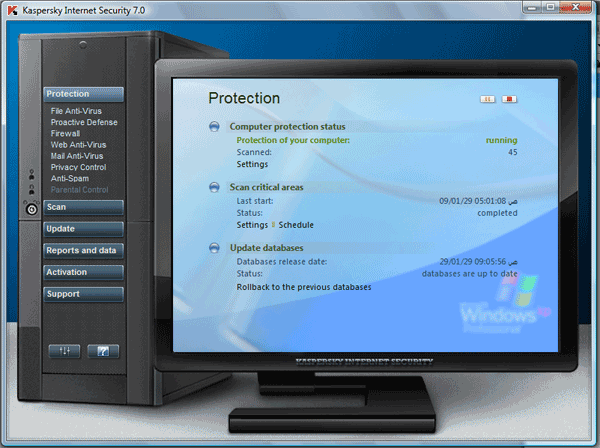
Lejupielādēt ādu: Kaspersky zieds
Āda: Klēpjdators
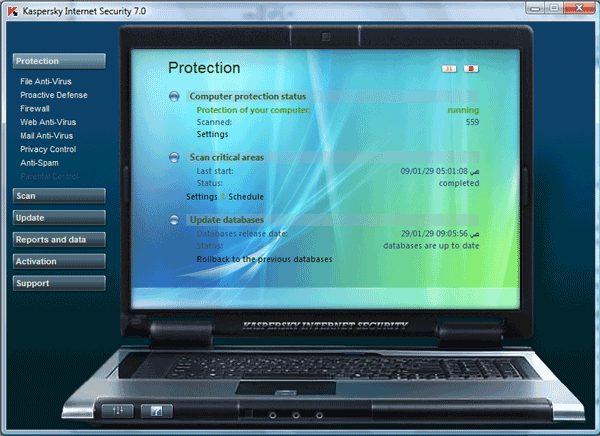
Lejupielādēt ādu: Kaspersky klēpjdators
Skinu uzstādīšana –
Atveriet Kaspersky Internet Security 7.0 Kaspersky Antivirus 7.0, noklikšķiniet uz pogas Iestatījumi (vai noklikšķiniet uz programmas ikonas panelī un izvēlieties Iestatījumi). Noņemiet atzīmi, tā vietā izmantojiet sistēmas krāsas un stilus.
Labajā pusē vienkārši nospiediet pogu Pārlūkot, lai norādītu mapes atrašanās vietu
in which you unpacked the archive skin. After the change to restart the graphical program, or interface will be displayed correctly.
If a change of skin KIS “hangs”
Some graphical shell, a change of skin, can cause “hang” program. I recommend that before installing the skin uncheck “Enable defend itself” (Settings => Instrumenti).
Then, in the case of stopping the program can be completed via the Task Manager (Ctrl + Alt + Delete), and then re-run. The program will have a new design. Be sure to include self-defence after skin.


Iespējams, jūs interesē arī...

4 domas par “Ādas – Kaspersky Internet Security 7.0 & Kaspersky Antivirus 7.0”