
Tag Archives: Windows 8.1 settings
How can we access the Boot Options menu in Windows 8.1
One of the changes brought to the Windows system with the release of Windows 8 is the new Boot Options menu, which offers to use...
How can we access certain modern applications using the service email instead of Microsoft account in Windows 8.1
Certain modern applications in Windows 8, such as Mail, Calendar or People, can only be accessed with a Microsoft account...
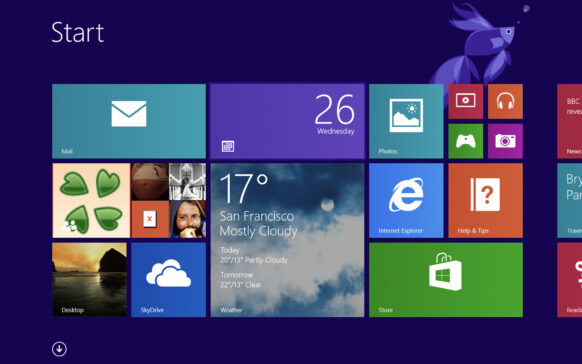
Disables the features Autocorrect and Spell Checker in Windows 8/8.1
The Windows 8 and Windows 8.1 operating systems come bundled with two new features, Autocorrect and Spell Checker, which are supposed to...
How can we increase the size of texts and other system items in Windows 8.1
Many Windows users have problems reading various texts due to the small size of the system's default fonts...
How can we set Windows 8.1 to save the files local and not in OneDrive
When Windows 8.1 was launched, one of its features was the integration of OneDrive (previously known as ...
How can we change the Default applications in Windows 8.1
Although Windows 8 was released more than a year ago, there are enough users who upgraded directly from Windows 7 to Windows 8.1, which...
How can we rest a backup picture in Windows 8.1
As we said in this article, Microsoft has partially abandoned the System Image Backup feature in the newest operating system, ...
How can we disable Skydrive integration into Windows 8.1
Users who have tested Windows 8.1 Preview are most likely already familiar with the new features available in this system...
How can we activate the Hibernate option in the Win+X menu in Windows 8.1 Preview
In this tutorial, we learn how to activate the Hibernate option in the Win+X menu in Windows 8.1 in a few very simple steps.
The menu...
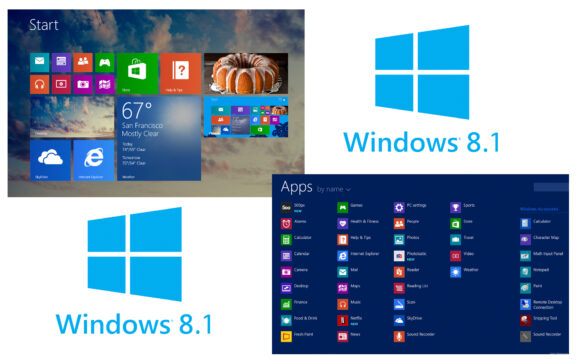
Activates the boot option directly in the desktop in Windows 8.1 Preview
Microsoft released Windows 8.1 Preview a few days ago, it can be installed either as a free update from the Windows Store, or by...