


We are sure that many of you are eager for changes, especially when it comes to stylethe operating system Windows 7. Compared to Windows XP, Windows 7 allows a lot of changes Graphic interface. We can customize the colors taskbar-to, ale windows explorer-and many more, but there is something that cannot be changed from Windows settings. The image of background a screenLogon Screen.
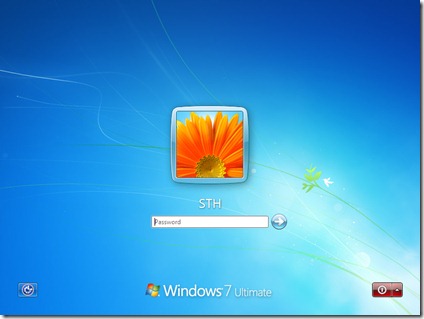
In the version default, pe Windows 7 RC 7100, this image is quite fat, but after a while, we would still like to make a change.
Screenshot – Logon Screen Default in Windows 7:
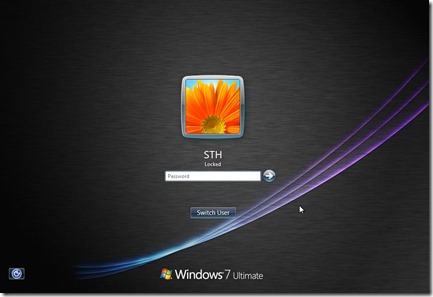
To change your Logon Screen backgrund image, a simple tool is needed. Logon Changer for Windows 7. An application with an intuitive graphic interface and which does not require installation. In just a few seconds you can change the background image of the logging screen.
Download: Logon Screen Chaager for Windows 7.
*Application developed by tweaks.com.


You may also be interested in...

2 thoughts on “Change Windows 7 Logon Screen (Users Login Screen) Background Image”