
Tag Archives: Windows 8.1 tips
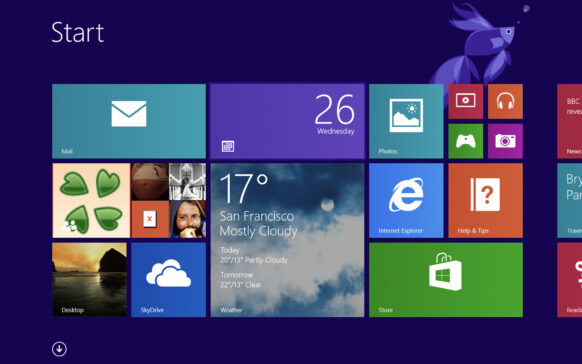
How can we change the username in Windows 8.1 Start Screen
Spre deosebire de versiunile anterioare de Windows, in Windows 8 si Windows 8.1 utilizatorii se pot loga folosind atat un cont Microsof...
How can we create a PC Settings shortcut on Windows 8.1 Desktop
Normally, in Windows 8 and Windows 8.1, users can access PC Settings through the Charms menu, displayed on the right...
How can you test if your PC can run Windows 8.1
Although more than 2 months have passed since the release of Windows 8.1, there are still plenty of users of previous Windows systems who still do not...
How can we reset Windows Firewall at Default settings in Windows 8/8.1
In some cases, Windows users may notice that the system's native firewall does not work properly. Besides, the most proof...
How can we change the Default applications in Windows 8.1
Although Windows 8 was released more than a year ago, there are enough users who upgraded directly from Windows 7 to Windows 8.1, which...
How to solve the mouse lag problem during games in Windows 8.1
One of the important problems reported by users in connection with the new Windows 8.1 operating system is the appearance of lag or c...
Delete defective tiles of modern applications after upgrade to Windows 8.1
2 weeks ago, Microsoft launched the Windows 8.1 operating system, which was made available for free (in the form of an update)...
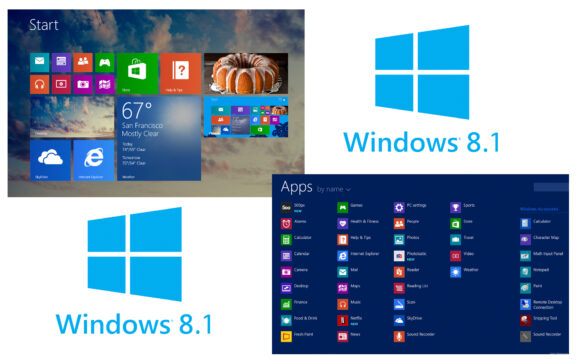
How can we delete the synchronized data from cloud to Windows 8.1
With the release of Windows 8, Microsoft also introduced the system's ability to synchronize users' personal settings (themes ...
Eroare Your Windows 8.1 install couldn’t be completed la upgrade-ul catre Windows 8.1 via Windows Store
Most Windows 8 users have already upgraded to Windows 8.1 after Microsoft released the newest operating system W...
Releases Hard-Disk space after upgrade to Windows 8.1
Every time we install a system update, whether it's a security update or a major update such as a Service...