
Microsoft Office Tips

How we identify the elements of a spreadsheet in Excel
In a spreadsheet, the information is presented in a graphic interface made up of lines and columns. The columns have attached...

When edited un tabel in Excel
Many of us have needed to perform a series of mathematical operations that are repeated several times (an invoice with several...

Editing Geometric Forms in Word documents
The Drawing toolbar allows, through its buttons, the drawing of geometric shapes. If you don't have the linen bar active...

Marking, numbering paragraphs and multinivel lists in Word 2003
A list is a sequence of paragraphs indented against the left edge of the text in the document and numbered (numbered lists - Num...
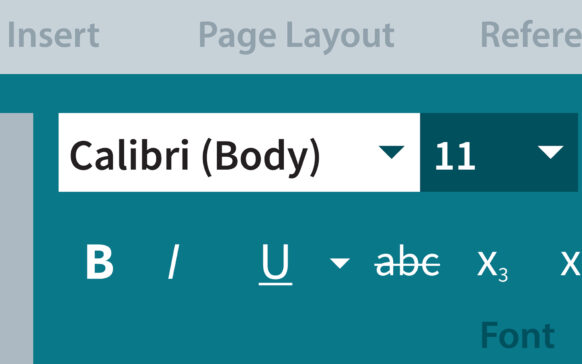
Fonts and writing modes in Word 2003
A font is a collection of characters that have common characteristics. There are many types of fonts for the characters used...

Find and Replace in Word 2003
There are many situations in which the user is interested in finding the occurrences of a certain word or sequence of characters...
Silas separation of text and sectioning a document in Word 2003
1. Division into syllables:
By default, a word that does not fit on the current line will automatically be moved to the next line (this facili...
Copying and moving text blocks to Word 2003
In order to copy and move the text from one document to another (possibly in another application) or even within the same document...
When sa edit un tabel in Word 2003
Each of us at least once needed to make a schedule, develop a work program or line up some words on lines to...
How to edit a document with pictures and text in Word 2003
Many of us had to develop a presentation work in which images had to be integrated into the text. In the following you will...