
Tweaks & Hacks

Update Management in Windows 11 – Specify deadlines for automatic updates and restarts
Windows 10 and Windows 11 operating systems constantly receive updates in the background through Windows Update. The most...

Fix mds_stores high CPU usage on Mac / MacBook
Mac and MacBook are considered the quietest computers, but when a process starts consuming abnormally many resources...
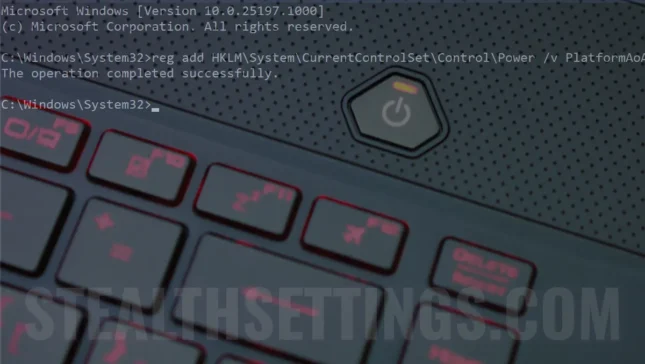
How do you activate or disable Modern Standby (S0) on Windows 11
The new low power mode, Modern Standby was introduced by Microsoft with Windows 10 and is a development of the classic Sleep mode (S3). ...

How do you screenshot to UAC notifications on Windows 11
We need to take a screenshot (print screen) many times, both on a smartphone, iPhone, tablet, and on a computer. Unfortunately...

How you update to drivers in Windows 11 – The lightest method
Microsoft has designed the newest versions of Windows quite well, and to update drivers in Windows 11 (driver update) by...
New Disk Cleanup in Windows 11 [2022 Tutorial]
In case you wonder where Disk Cleanup disappeared in Windows 11 and how you can delete Windows.old, this tutorial will show you step by step...
How To Fix Your device is not eligible to join the Windows Insider Program on Windows 11
Acest tutorial este pentru "Windows Insider Program on Windows 11" daca aveti un PC fara suport TPM 2.0 si doriti sa instalati Windows ...

How To Fix Windows Update Failed – Download Error 0x80888002 (2023 Tutorials)
Most errors in Windows Update appear after the update packages are downloaded and the installation process starts. I am...

How to reset the WordPress Administrator user password without access to email or the database – Reset WordPress Administrator Password
A simple tutorial through which you can reset the password of the user with the rank of WordPress Administrator if you do not have access to the database or to the admin email. Reset WordPress Administrator Password.

How to clean huge wp_options in SQL – Transients, wpseo_sitemap _cache_validator
A very useful tutorial if you have a website on WordPress whose SQL table wp_options is very large. Clean huge wp_options in SQL...