
Your source of IT tutorials, useful tips and news.

Start Screen si Charms Menu pentru Windows 7, Windows Vista si Windows XP
Although many Windows 8 users have not yet gotten used to the new Start Screen or the Charms menu, there are enough users of ver...

How can we reopen/restore tabs accidentally closed in Firefox, Internet Explorer, Opera, Chrome and Safari
Most users are used to opening several tabs in the browser when surfing the Internet. But precisely from that...
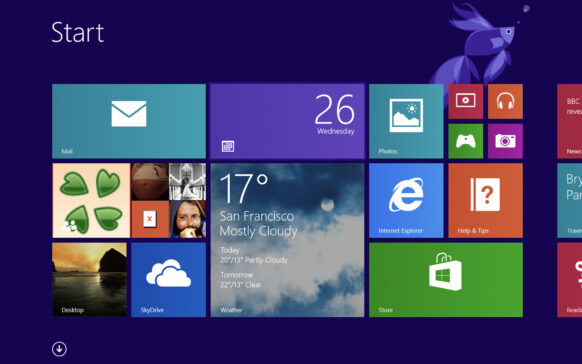
How can we display all applications in Windows 8 Store
One of the most important features of Windows 8 is the Windows Store, from where users can install applications with UI (user...
A new critical vulnerability to Internet Explorer endangers Windows systems
Just when it was starting to get rid of its bad reputation as an unsafe browser, Internet Explorer hit it again. The past few days it was often...
How can we repair applications in Windows 8
A very interesting and welcome feature of Windows 8 is the option to repair faulty applications from this operating system (obviously...
Disable Windows 7 and Windows Vista Sidebar & Gagdets to protect your systems!
One of the major changes of the Windows 8 operating system was the removal of the Sidebar and Gadgets, quite beloved...
How can we fix your favorite websites in Windows 8 Start Screen
In Windows 7, users had the possibility to pin their favorite websites to the Taskbar. With Windows 8, most likely these...
How can we delete the history of resource consumption for Windows 8 applications
One of the major improvements of Windows 8 is the Task Manager. Apart from the fact that it now allows users to manage...
How can we disable or delete history for live notifications in Windows 8
Whenever an application installed in Windows 8 has new information, it is displayed as text or image in the ap...
Uninstall any Windows application with geek uninstaller
One of the great complaints of Windows users is that every time they use the uninstaller integrated into the system ...