
Your source of IT tutorials, useful tips and news.
How can you disable useless system services [Windows 7]
System Services are those small applications that run in the background of every operating system, most of them being responsible for...
Activates check boxes for multiple selection of items in Windows 7
Multiple selection of files in Windows is possible using the Ctrl (select the desired files one by one) and Shift (select...
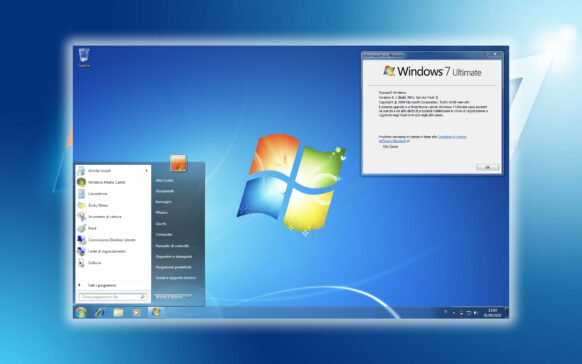
Create Backup System Image in Windows 7 (Backup Sys & Software) – System Restore
It's unpleasant to reinstall Windows every time we get a virus that we can't get rid of or when irreparable errors appear...
Happy Birthday, 2010!
HAPPY NEW YEAR!
May it be a better year than 2009 and let's be healthy!
How to do a bootable USB stick with Windows 7 [Installation Windows 7 on USB Stick]
Last week I had to solve a small problem with an Asus Eee PC mini-laptop on which the operating system (Windows XP) cracked. ...

What is thumbs.db, how it can be opened and how it can be deleted.
Ati observat probabil ca in majoritatea folderelor in care sunt poze isi face loc si un fisier ceva mai "sters" (valabil pentru cei car...

Download Panda Cloud Antivirus 1.0 [Free Antivirus Edition]
If you are looking for an effective antivirus, but which does not stand out through a high consumption of resources, which has its own...
Sterge Recent Items din Jumplist [Windows 7]
Windows 7 OS came bundled with many new features: some welcome, some necessary, some (somewhat) irritating, etc. Jump...
What's Running: Keep observing everything in the system (services, processes, drivers, modules, etc.)
Every PC user should do a daily check of the processes and services running in the system, of the network connections...