
Tag Archives: Windows 7 Tips
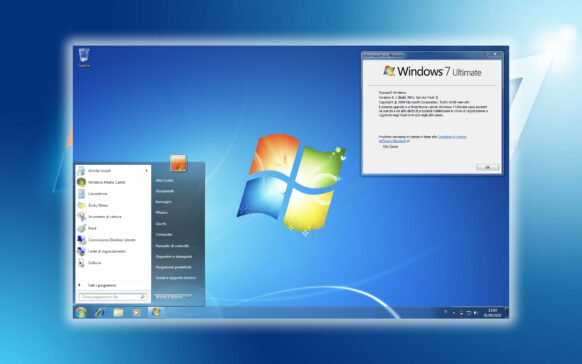
How can we automatically disable Aero Glass in Windows 7 when we pass the laptop on the battery
One of the easiest ways you can extend the battery life of a laptop running Windows 7 is to disable feat...

How can we reinstall Windows 7 without using a license code
If you find yourself in the situation where you have to reinstall the Windows operating system, in addition to the media device that contains files...
How do you change your Power Power button function in Windows 7 / Windows 8
Find out very easily from this tutorial how to change the function of the computer's physical Power button on the Windows 7 and Win... operating systems.
How can we customize the name Windows Libraries in Windows 7
Most computer users prefer to personalize their PC or laptop, whether it's the name of the computer...
How can we access an external hard disk directly from Windows 7 Taskbar
Regardless of the storage capacity of the hdd or hdds installed in the system, it never hurts to have a "reserve...
Adauga Copy, Paste si Delete in Toolbar in Windows Explorer (Windows 7 Tip)
In Windows Vista and Windows 7, unlike Windows XP, the Copy buttons are completely missing from the Windows Explorer toolbar, ...
Cum sa adaugam My Computer in Taskbar in Windows 7 (Pin Computer to Taskbar)
For Windows 7 users who want to have faster access to My Computer, we recommend adding a shortcut to it in Your...