
Tag Archives: Windows 8 tips

How do you change your Power Power button function in Windows 7 / Windows 8
Find out very easily from this tutorial how to change the function of the computer's physical Power button on the Windows 7 and Win... operating systems.
How can we disable the notification “Get Windows 8.1 for free” din Windows 8
Most Windows 8 users have been eagerly waiting for the release of the Windows 8.1 update, which came bundled with a series of features...
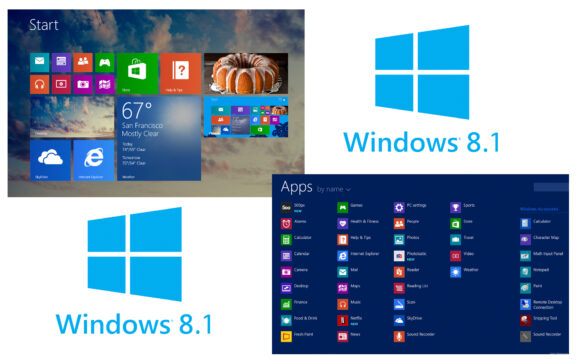
Sorry, this app is no longer available on Windows 8 Store
One of the most frequent Windows 8 errors encountered by users lately is directly related to the Windows Store and the app...
How can we change the Microsoft account registered in Windows 8 Store
Without a Microsoft account, Windows 8 users cannot access the Windows 8 Store and download applications from it. Also, they cannot be...
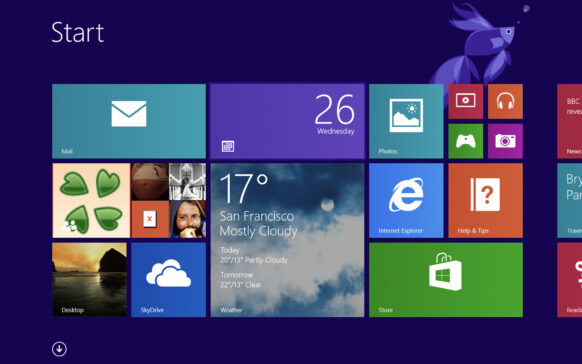
How can we reset the start screen to default mode in Windows 8
After installing Windows 8, the Start Screen by default displays tiles for some modern applications that come bundled with the system...
How can we create a new partition in Windows 8
There are certain situations when users of Windows operating systems want to create new partitions, either on the hard disk on which it is...
Disable/activate Control Panel and PC Settings in Windows 8
If other people still have access to your Windows 8 computer, you will most likely want their impact on your...
How can we display multiple applications in Windows 8 Store
Windows Store, the online store where Windows 8 users can download modern applications, is available for users in v...
How can we add Restart and Shutdown options to Power/Win+X menu in Windows 8
Windows 8 users can restart or shut down the system either by accessing PC Settings from the Charms menu, or by adding tiles for this...
What do we do if Windows 8 does not recognize the DVD-RW drive?
In some cases, when we install a new Windows operating system on a computer that has worked for a certain period with another and...