
How to find out the license code of an application installed on the PC
If you want to reinstall an application, but you no longer know the license code, fortunately there is a utility that helps you find out the license code of an application installed on your PC.
License Key Finder or License Key Crawler, is a very simple application that will help you find out the series (license key) programs installed on your PC. With the help of this application, registries and files containing licenses software (Microsoft Office, Adobe, Nero, Media Player, installed games, etc.).
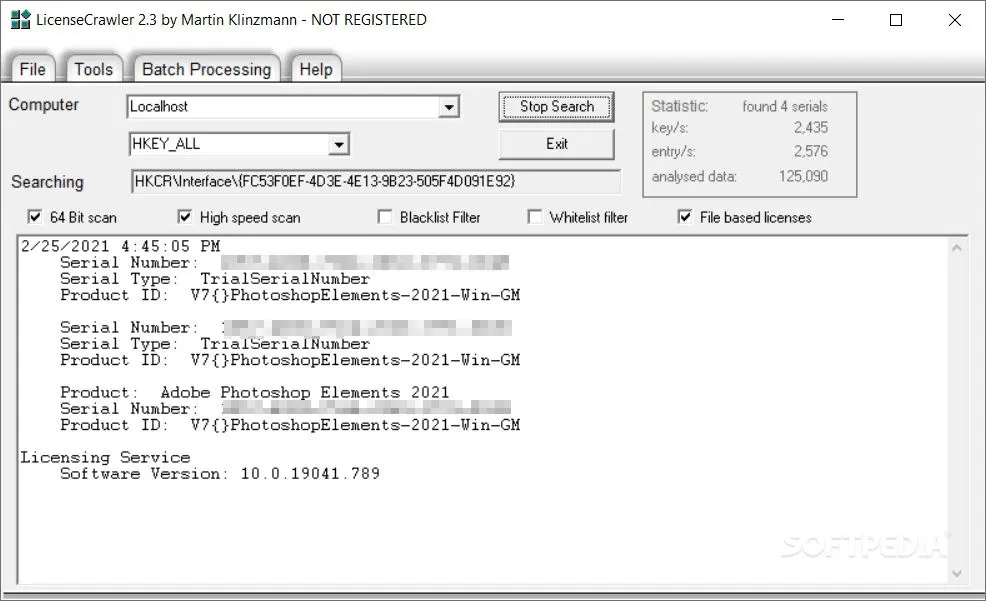
To run this application, you just need to download the file below, and run the application LicenseCrawler.exe.
Download License Crawler
https://www.softpedia.com/get/System/System-Info/LicenseCrawler.shtmlCareful! This utility that finds the license code of an application, you can download and use it at your own risk. License Crawler, it is not a unlock code generator program (serial key). The purpose of this application is to help you find a license already installed on your PC.