
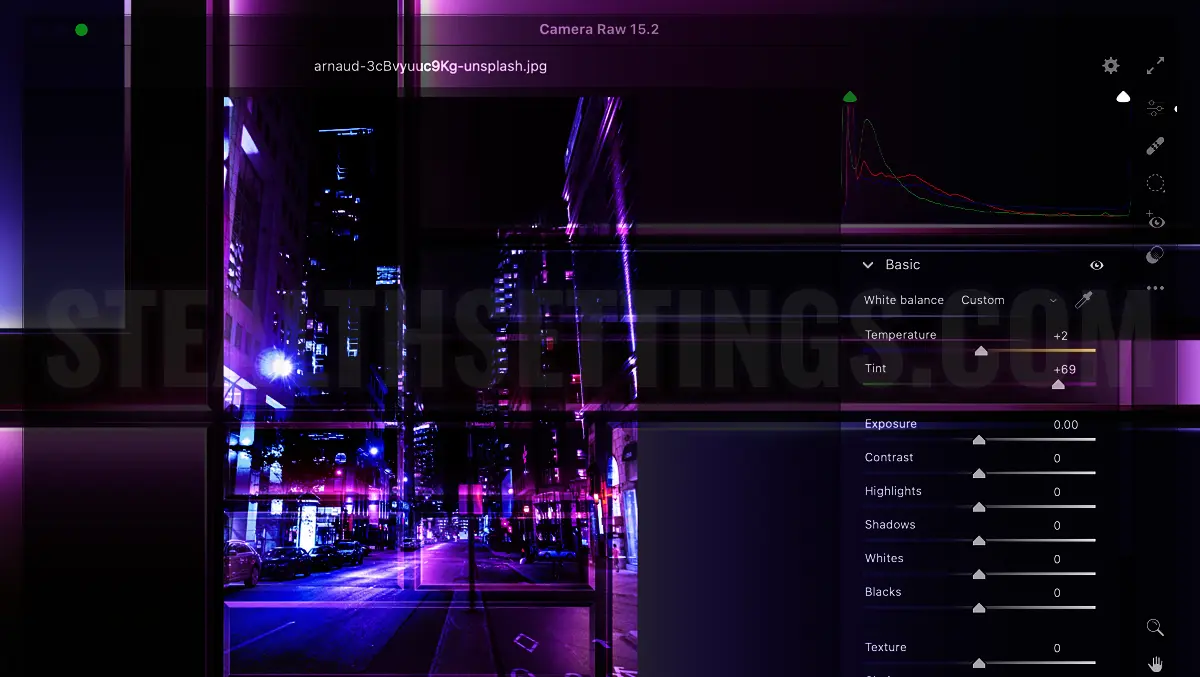

Camera Raw Filter blank interface in Photoshop is a common problem on both Mac and Windows, regardless of the version of Adobe Photoshop installed. In this simple tutorial you will see step by step how you can solve the problem of the functioning of this plugin.
If you have reached this tutorial, it means that you know what Camera Raw is and what this plugin is used for in Photoshop. Used for image editing in RAW format, i.e. images that are not processed by the camera sensor and look exactly as they are captured by the camera. Images that contain a large volume of information and require processing to obtain a final photo.
Camera Raw is a tool often used by professional photographers and amateurs who want to edit high quality images.
Camera Raw Filter is plugin included in Adobe Photoshop, to make the work easier in image processing and editing. The problem that a lot of people come across is related to an anomaly that appears in the Camera Raw filter panel. The buttons for the filters are not clearly visible, the writing with the names of the filters is not visible and the refinement settings cannot be made either. The Camera Raw interface appears blank on black or white.
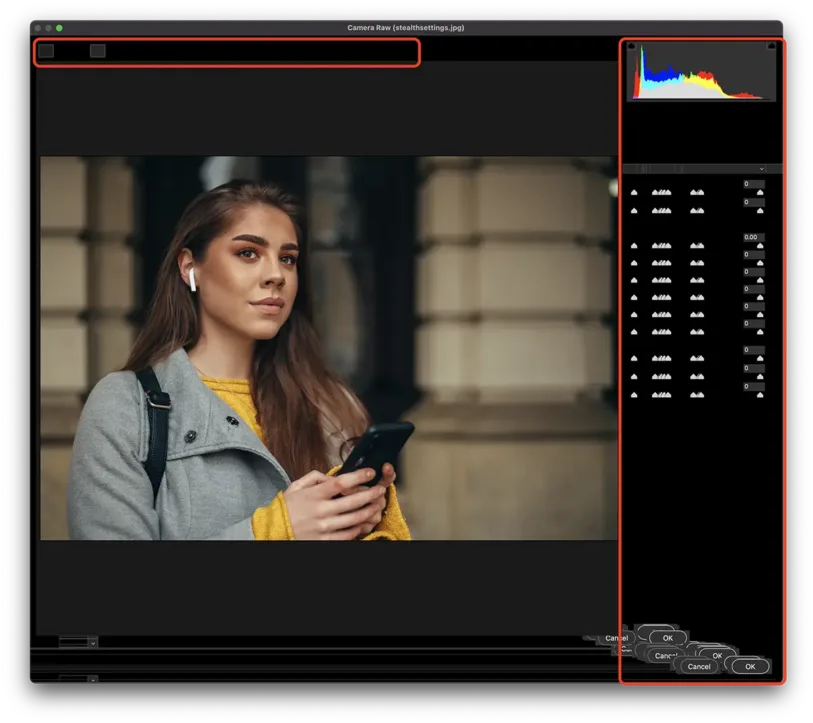
This is what the Camera Raw interface error looks like. Buttons offset or not visible, written menu non-existent, impossibility of image editing.
- How can you block the focus of the camera at a point on iPhone and iPad
- Fix Adobe Photoshop / Illustrator 2020 Installer Error – Installer file may be damaged
How to solve the Camera Raw Filter blank interface error in Photoshop
To resolve this Camera Raw Filter interface error, close Adobe Photoshop, then go to helpx.adobe.com and download the latest version of the Camera Raw plugin. Attention, to download Camera Raw for your operating system. Mac or Windows.
Installation is very easy, following the steps indicated in the installer. Finally, open an image in Photoshop and test if the Camera Raw Filter works.
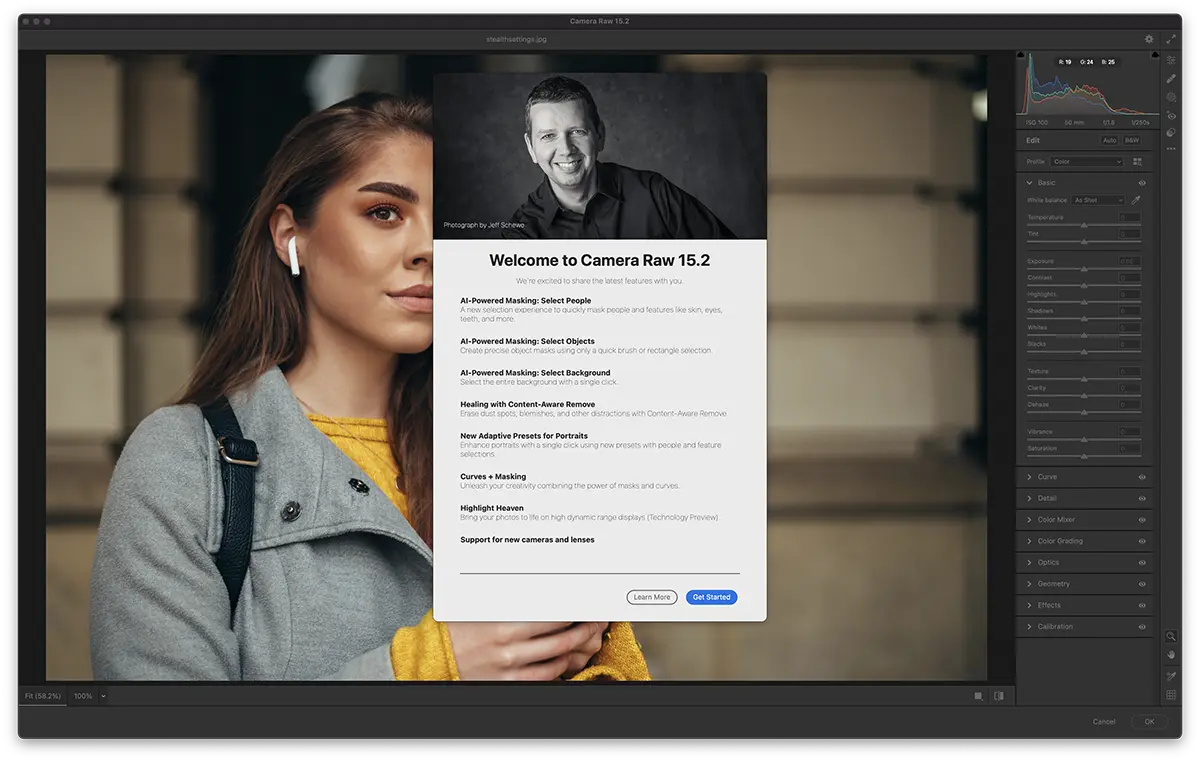
Everything should work without problems and the Camera Raw Filter blank interface error should disappear. To be able to edit images.


You may also be interested in...
