
Tag Archives: Customize Windows 8
How can we reactivate Aero Glass (with Blur Effect) in Windows 8
Windows 8 users who miss the Aero effect, introduced by Microsoft for the first time in Windows Vista, and retired (some would ...
How can we change the default location to install modern applications in Windows 8
Whenever we install a new application in Windows, we are asked what is the location where we want it to be installed (in...
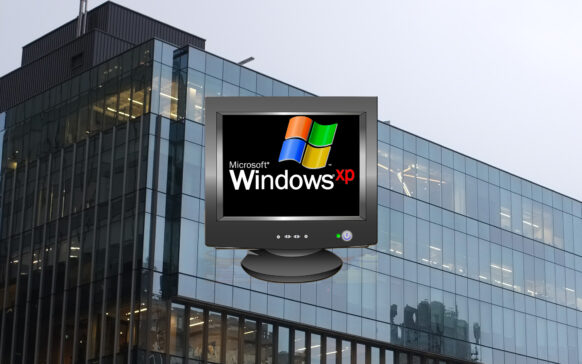
Royale 8 Theme transforms your Windows 8 system into Windows XP
One of the most long-lived Windows operating systems, Windowx XP continues to have quite a few fans today, despite the effo...
Cum putem instala teme third-party (custom) in Windows 8
Just like Windows 7, Windows 8 does not allow the installation of custom (third-party) themes by default, but they can be installed if...
How can we set an images slideshow as Start Screen Background in Windows 8
The most important feature of Windows 8 is without a doubt the Start Screen, with its modern metro-style interface.
In im...

How can we customize Windows 8 Start Screen with Custom Pictures and Colors
When it comes to Windows 8, obviously the most interesting and most discussed feature is the Start Screen, greeted with enthusiasm by major...
How we disable the Reveal Password button in Windows 8
In Windows 8, when we enter a password, either to access a metro application or to log in to a website, on the right...
Download Win+X Menu Editor for Windows 8
Win+X Menu is a menu of the Windows 8 operating system, which lists its administrative tools and which is displayed a...
Personalize Charms menu in Windows 8 Consumer Preview
Windows 8 Consumer Preview, released on the last day of last month, came bundled with several novelties, among which we mention the lack of but...