
Tag Archives: Windows 8 Features
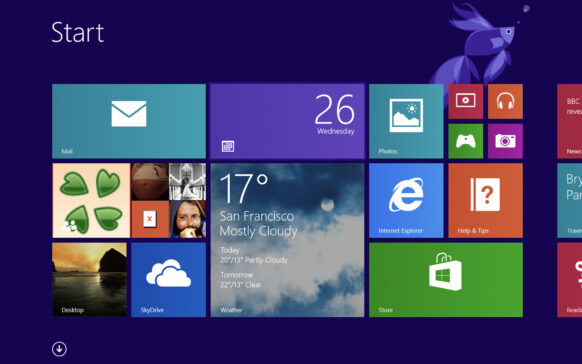
How can we reinstall applications in Windows Store with a single click on a new Windows 8 system
A reinstallation of Windows means for the vast majority of users a headache, first of all because after the installation p...
How can we disable autoplay and author in Windows 8
One of the most common methods of spreading viruses in Windows is through infected USB Sticks or CD/DV...
How can we set an images slideshow as Start Screen Background in Windows 8
The most important feature of Windows 8 is without a doubt the Start Screen, with its modern metro-style interface.
In im...
How can we turn off the "Drag To Close” For modern applications in Windows 8
In Windows 8, the handling of applications (and here we are referring especially to modern applications) is different from what we...
Five hidden (but important) features of Windows 8
Without a doubt, Windows 8 is one of the most discussed topics lately, primarily because it is the newest system...

How can we bring back Aero Peek to Windows 8
One of the major changes in Windows 8 is the removal of some Aero effects, such as Aero Glass, or the disabling of others (with the possibility...
How can we customize Windows 8 Start Screen with Custom Pictures and Colors
When it comes to Windows 8, obviously the most interesting and most discussed feature is the Start Screen, greeted with enthusiasm by major...
Get free of free license for Windows Media Center in Windows 8 Pro
One of the biggest changes in Windows 8 was the removal of Windows Media Center from the package, which was included for free in Windows ...
How can we display all applications in Windows 8 Store
One of the most important features of Windows 8 is the Windows Store, from where users can install applications with UI (user...
How can we repair applications in Windows 8
A very interesting and welcome feature of Windows 8 is the option to repair faulty applications from this operating system (obviously...