
Tweaks & Hacks
How to turn off your recent files in File Explorer on Windows 10
A very useful guide if you share your computer or laptop with another person and for privacy reasons you want to disable a...
How can we automatically log in Windows 10
If you are one of the users who chose to test Windows 10 Technical Preview, you already know that every time you boot ...
How can we activate the Default administrator account in Windows 10
Starting with Windows Vista, Microsoft decided to hide the System Administrator account by default, for security reasons....
How can we hide the Search button in Windows 10 Taskbar
Among the novelties of the Windows 10 operating system (at least the Technical Preview version) is the Search button available in the...
How can we activate Ctrl+C and Ctrl+V shortcuts on a Mac OS X keyboard
Although the keyboard of a Mac system is relatively similar to the keyboard of a PC, there is an essential difference between the two, namely...

How can we force applications installed in Windows to open only in maximized/minimized windows
One of the more advanced features in Windows systems than in other operating systems (Linux or OS X) is window management...
How can we add the Toggle Start Menu/Screen option to the click-right menu from the desktop to Windows 10
One of the changes brought by Windows 10 is the reintroduction of the Start menu in the system, but, unlike Windows 8, where...
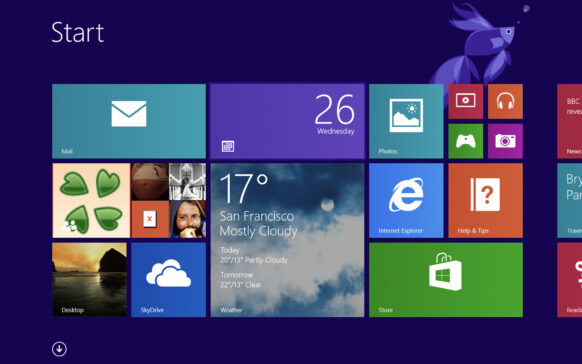
How can we rest the classic games in Windows 7 in Windows 8.1
Among the features released by Microsoft in Windows 8 are the classic desktop games, also called Microsoft Games (Soli...
How can we display the hard drive partitions in the Windows 10 Home folder
One of the changes included in the new Windows 10 operating system is that when we click on File Explorer, it...
Cum putem reactiva Charms Bar in Windows 10
In addition to the modern metro-style interface of Windows 8, one of the novelties brought by this operating system was the Charms Bar, through ...