
Noteworthy
How can we find drivers for Unknown Devices in Windows
Usually, when we buy a new PC or laptop, it either comes with a pre-installed operating system, or with a CD on which...

Cum sa customizam Windows Explorer Navigation Panel in Windows 7
If you are used to using the navigation pane in Windows Explorer to navigate from one partition to another or from one folder to another...
How to restrict user access to USB Storage in Windows
Although it cannot be denied that USB storage devices are a simple and fast method of transferring data between PCs, ...
How can we prevent changing the desktop to Windows to change the Windows
Whether you are the administrator of a computer network (in an internet cafe, a school, a company or a public institution) and you...
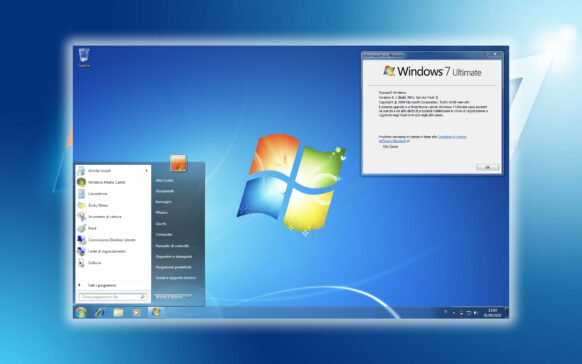
Windows 7 SP1 – News and uninstallation
As I said in the previous article, Windows 7 SP1 does not bring who knows what great news to Windows 7 users, but rather re...
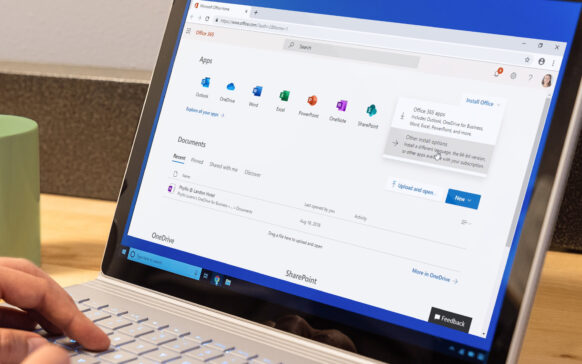
Download Office 2010 Language Pack (Office in Limba Romana – Word, Excel, PowerPoint, Outlook, OneNote, etc MS Office Apps)
If you have installed the new Microsoft Office 2010 package (Word Office 2010, OneNote Office 2010, Excel, Access, InfoPath, Outlook or Publis...

How to set the color of the aero theme to change according to the background image/wallpaper
If you are among the Windows 7 users who prefer a customized look of the system instead of the original one, probably...
Eliminate / hide the clock, volume, network, power & Action Center din System Tray (Remove Systray Icons)
I don't know exactly who would want to disappear the clock, the audio volume settings, the battery indicator (valid for the notebook) and the network from ...
Cum cream shortcut-uri pe Desktop pentru Advanced Power Settings, Add/Remove Programs, Registry Editor, Windows Security Center, etc …
Windows 7 are un design foarte simplu, iar majoritatea tool-urilor si optiunilor din Windows 7 pot fi accesate din Control Panel sau di...
How to relocate a folder to another partition in Windows 7 without changing its access path
Usually, when we run out of space on the system partition, a check of the installed programs is necessary (even mandatory)...