
Windows How-To
How can we display Windows 8 license code
Unlike computers that come with Windows 7 or earlier Windows systems, computers that come with Windows 8 preinstalled…
Run Command Prompt Direct from the Windows Explorer address bar
Not all programs for Windows have a GUI interface, and some of them can only be run through the Command Prompt. And...
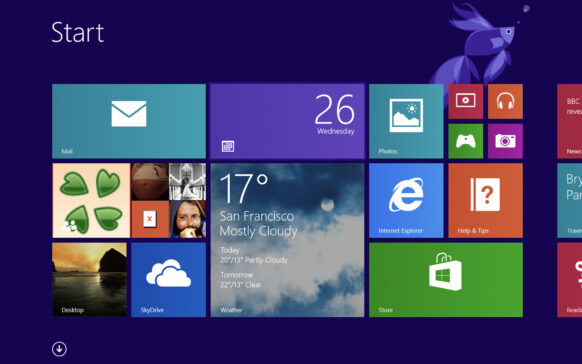
Cum putem afisa Administrative Tools in Windows 8 Start Screen
In Windows 8, system utilities (Administrative Tools) can be accessed either from the Control Panel (All Control Panel items) or through...

How can we boot directly in Windows 8 Desktop without the help of Third-Party applications
Many Windows 8 users prefer to boot the system directly into the Desktop, without displaying the Start Screen first. Although...
How we check the physical memory (RAM) of errors in Windows
If lately you have been encountering operating system errors and you have found that many of the files you work with have...
Internet reset Protocol and/or TCP/IP in Windows 7
Sometimes it happens that we cannot connect to the Internet even if we have access to an active network (and we are insured by a provider like this...
How can we bring back Start Menu in Windows 8 Without using Third-Party applications
Even if the majority of users who chose to upgrade to Windows 8 have already gotten used to the Start Screen, even some of them...
How can we create Shortcut at Windows Store on Windows 8 Desktop
The easiest way to install modern applications in Windows 8 is through the Windows Store, accessible from the Start Screen. If not...
How and under what conditions can we delete the recovery partition in Windows 8
All computers that come with Windows 8 preinstalled also have a Recovery partition of approximately 15 GB that contains the necessary system files...
How can we disable the grouping feature of the processes and display the names of their files in Windows 8 Task Manager
Compared to previous versions of Windows, the Task Manager in Windows 8 comes in a more improved form, with a few more features...