

Exactly one month ago, team evasi0n finally released the long awaited jailbreak tool al mobile devices what is running iOS 7 operating system. In case you are the owner of such a device and you have not done it yet jailbreak, it would probably be appropriate to do them now, to be able to benefit from hundreds of applications and iOS 7 tweaks, available in Cydia Store.
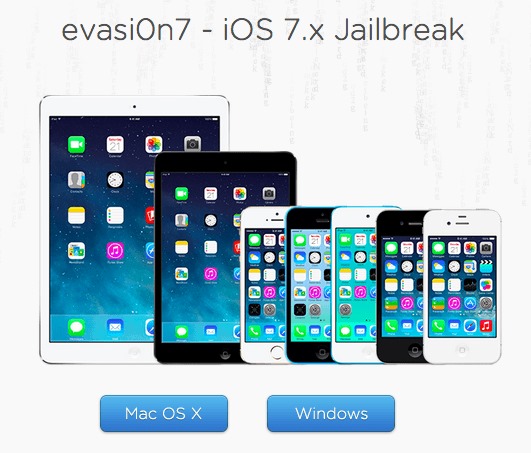
How do we jailbreak an iOS device running iOS 7?
- download the utility evasi0n7 and install it on the supplied computer
- Make one backup your iOS device using iTunes or iColud for any eventuality
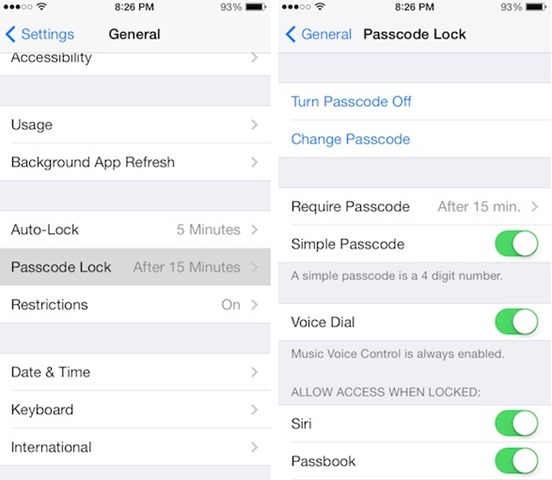
- Disable Passcode Lock before performing the jailbreak, to avoid possible errors; also if you use a password for protecting iOS backups made with iTunes, disable the respective feature, then create a backup of the device again
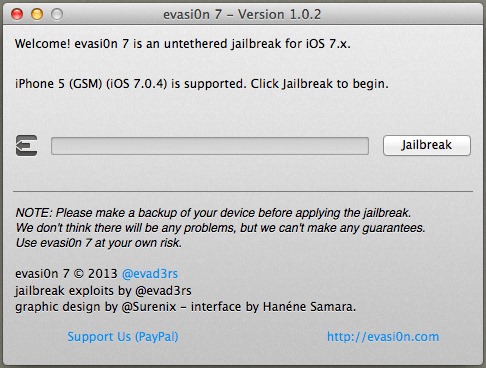
- Open the utility evasi0n7 and connected the iOS device to the computer (the application will recognize your device automatic); then click on the button Jailbreak
- follow exactly instructions displayed by the evasi0n7 utility (such as iOS device screen unlock or touch evasi0n7 icons appeared on home screen-ul device during the jailbreak process), otherwise the device will restart after a few minutes without completing the jailbreak process
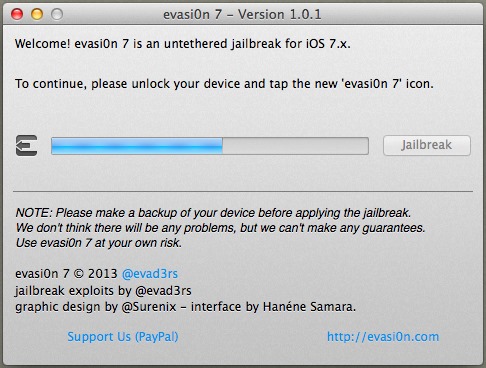
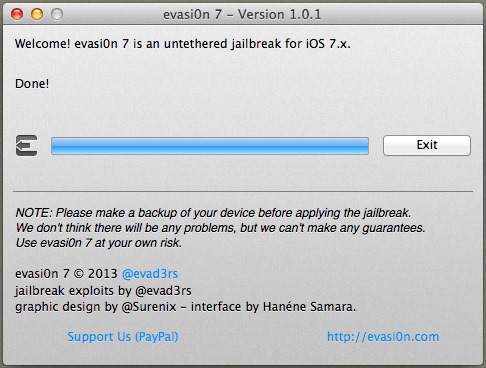
- then wait for the evasi0n7 utility to display the message Done! and click on the button Exit
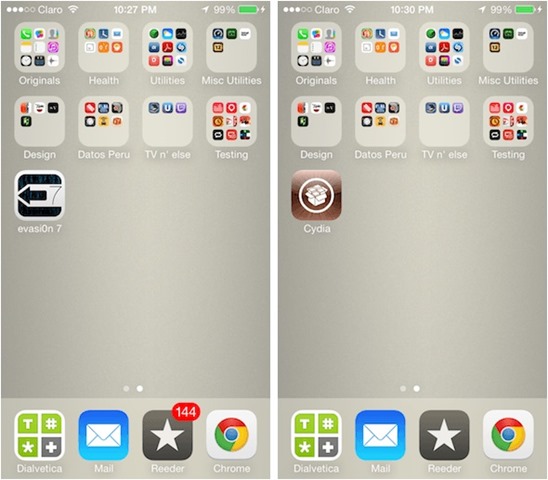
Most of the time, the device restarts itself, and after the restart you will notice the icon for Cydia displayed on the home screen of the device; sometimes, however, users have to tap once more on evasi0n7 icon for the device to restart (iconita Cydia appears after restart).
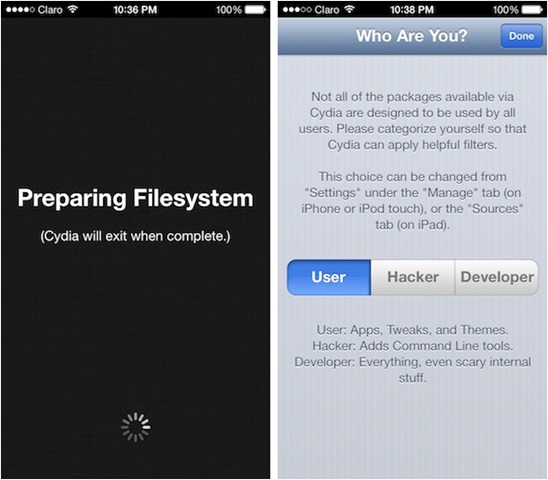
In order to complete the jailbreak process, data tap on the Cydia icon. This action will restart the device once more, then the store can be used to download tweak-uri and Applications.
iOS devices compatible with the tutorial above are the following:
- iPhone 5s
- iPhone 5c
- iPhone 5
- iPhone 4S
- iPhone 4
- iPad 2
- iPad 3
- iPad 4
- iPad Air
- iPad mini
- iPad mini 2
- iPod touch 5
Note: evasi0n7 is also compatible with iOS 7.0.1, 7.0.2, 7.0.3, 7.0.4, 7.1 Beta1 and 7.1 Beta2.
STEALTH SETTINGS – How to jailbreak iOS 7 with evasi0n7


You may also be interested in...

2 thoughts on “How to do jailbreak at iOS 7 with evas0n7”