
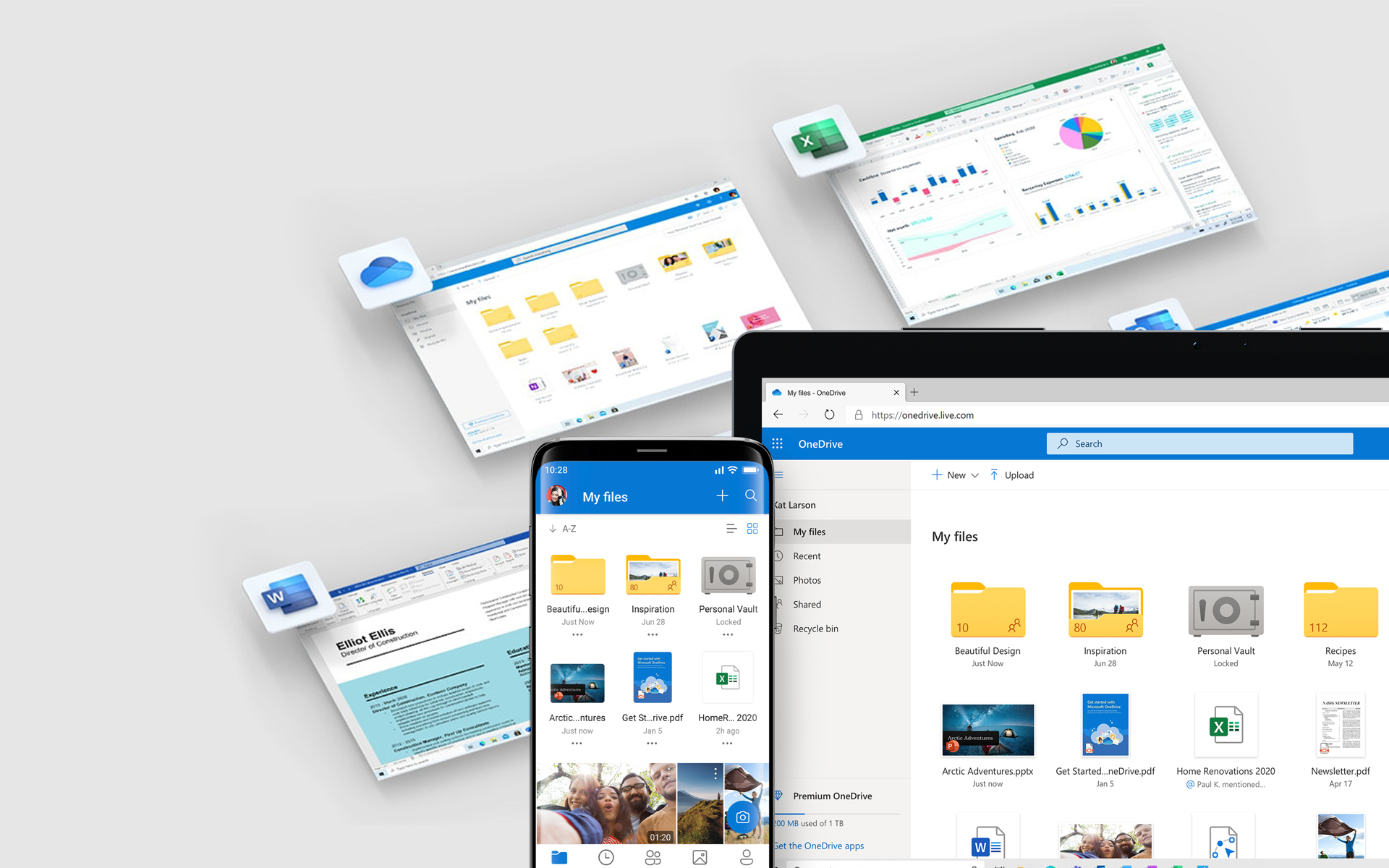

Desi Microsoft SkyDrive it has been available for several years and has a fairly high number of users, very many users Windows or I don't know what it represents SkyDrive, or they were not interested in what this service can offer them. But with the official announcement about the launch Google Drive, Microsoft it seems that he decided to do it SkyDrive-ul as popular among Windows users: for a limited period they can upgrade your online storage for free of the 7 GB the 25 GB, and access to it can now be done much faster through the new SkyDrive client for Windows.
One of the major benefits of using the SkyDrive client for Windows is the ability to Transfer of files (maxim 2GB/file) between the computer and the SkyDrive account through a simple drag-and-drop. In addition, all files on SkyDrive can now be accessed offline, and these can be administered directly from Windows Explorer.
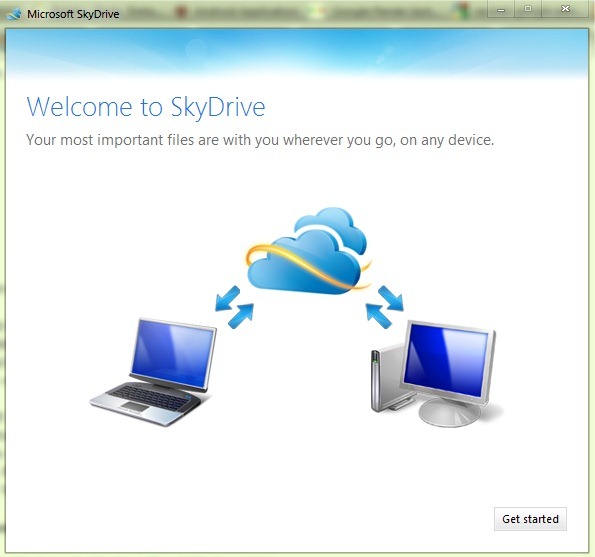
How does the SkyDrive client for Windows work?
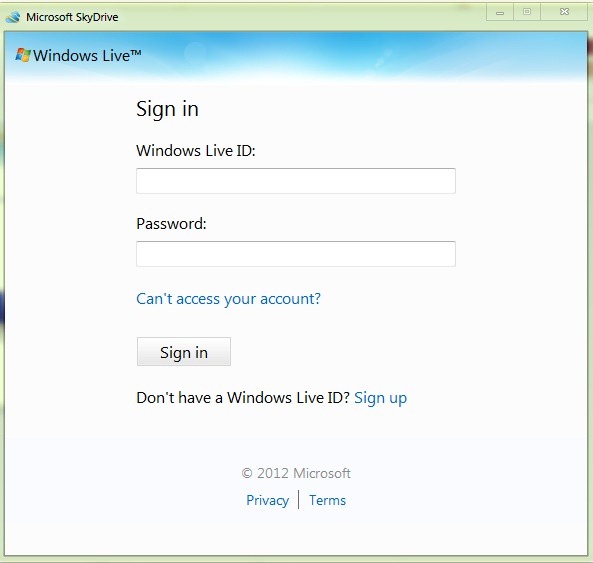
After installing the client, users must log first using username and password for your Windows Live account To be able to access Skydrive folder through Windows Explorer.
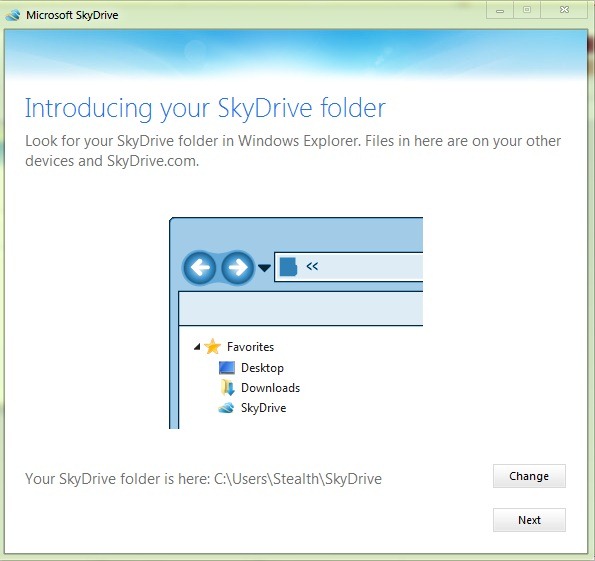
The default location of the SkyDrive folder is C:Usersnume-userSkyDrive, but this can be modified according to user preferences with a simple click on the button Change.
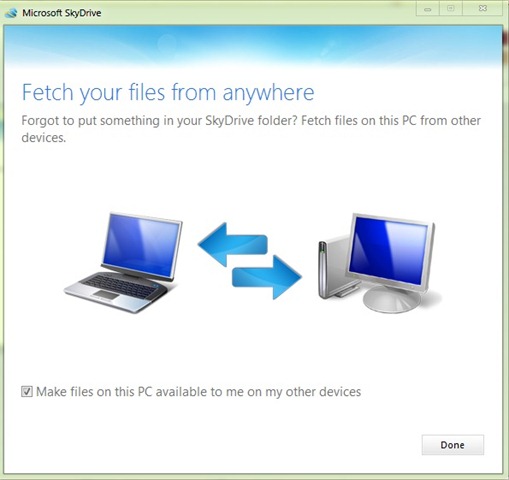
There is also the option of being able to access files on your computer from any other device (computer, mobile phone or tablet) connected to the same SkyDrive account.
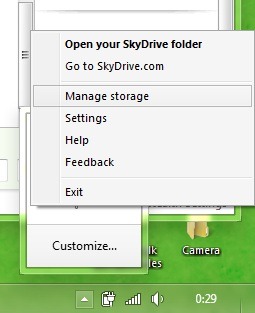
For one faster access to the SkyDrive folder and to its important functions, the client for Windows will place after installation and a shortcut in the system systray.
Download SkyDrive client for Windows
As I said at the beginning of the article, Microsoft also offers SkyDrive users a "promotion", namely possibility to upgrade for free, and for o limited period, the SkyDrive storage space from 7 GB the 25 GB. To be able to do this upgrade, users must right-click on the SkyDrive icon from systray (or to access the account from Web interface), then click on Manage Storage.
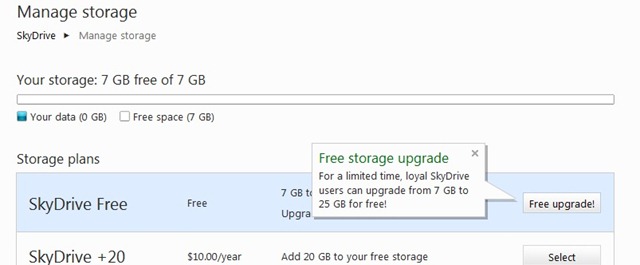
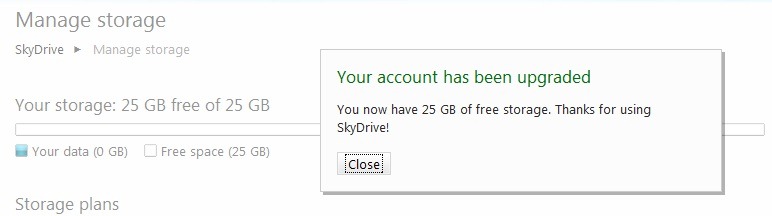
Then, after they click on the button Free Upgrade in the plan SkyDrive Free, users will be notified that the storage space has been increased the 25 GB.
If until now you have counted yourself among Windows users who had no interaction with the SkyDrive service provided by Microsoft, or you did not pay much attention to it, our recommendation is not to dwell on your thoughts and analyze the advantages offered (the possibility of store files online, accessible from both PC and mobile devices provided and permanently synchronized with these; the possibility of share-ui or to maintain the stored files private; the possibility of access files on your computer from other devices via SkyDrive) and sa take advantage of the limited offer to increase the storage space.
STEALTH SETTINGS – Download SkyDrive client for Windows and upgrade to 25 GB free storage


You may also be interested in...

11 thoughts on “Download the new Skydrive customer for Windows and upgrade your account to 25 GB FREE storage space”