
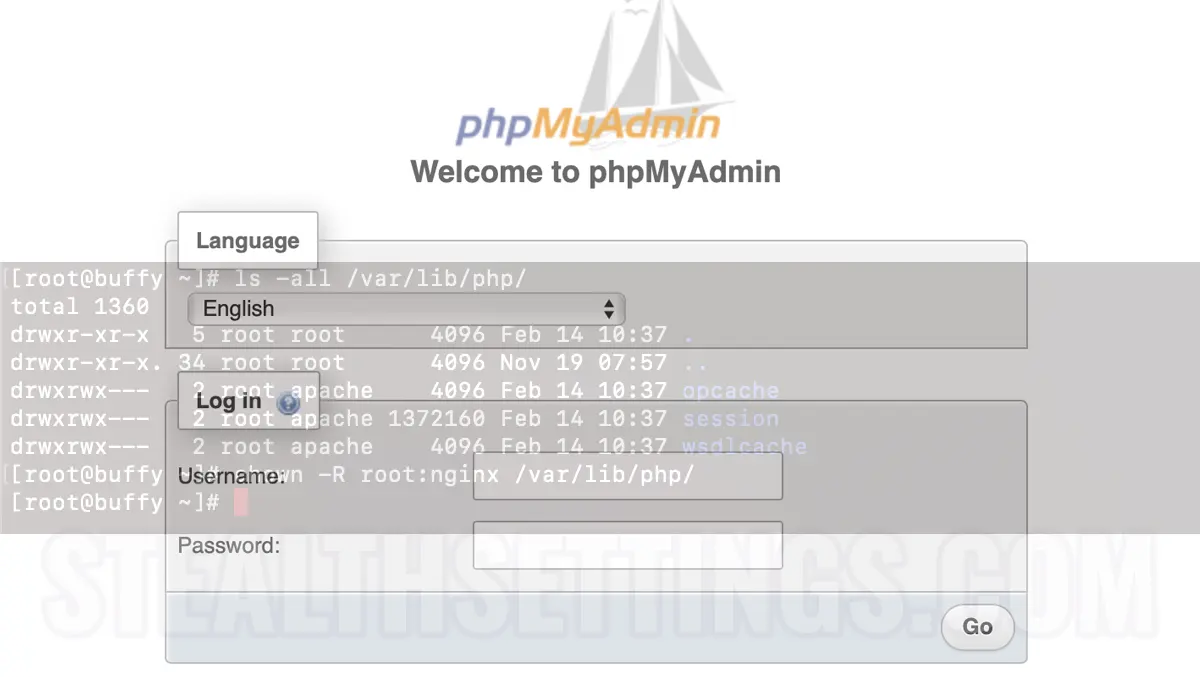

Phpmyadmin Session_Start () Permation Denied is one of the most common errors that appears in this MySQL database manager.
The error occurs when you try to authenticate in PHPmyadmin, often appearing from PHP packages updates.
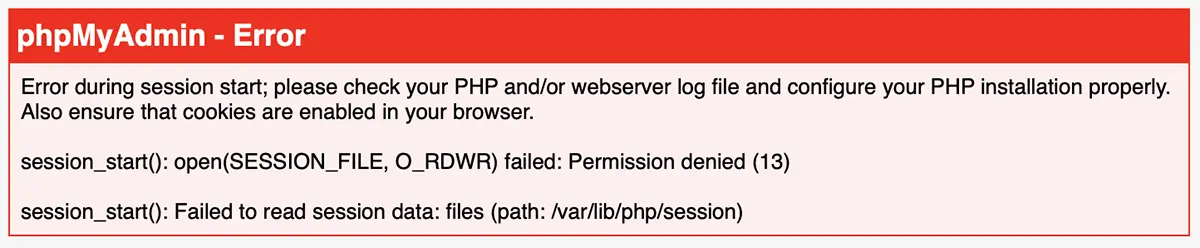
Error during session start; please check your PHP and/or webserver log file and configure your PHP installation properly.
Also ensure that cookies are enabled in your browser.
session_start(): open(SESSION_FILE, O_RDWR) failed: Permission denied (13)
session_start(): Failed to read session data: files (path: /var/lib/php/session)
Fortunately, this error that appears when authentication in Phpmyadmin, has a very easy solution. But for that you need access to the host server.
Fix phpMyAdmin session_start() Permission denied
Error is generated by the lack of writing perisks in the director block in /var/lib/php/session. There may be two inconveniences:
1. chmod Without Writing Permissions in /var/lib/php/session
2. The directors in /var/lib/php/session belong to another owner:group, than the one who serves the PHP / web processes.
For example, if you have a web server with NGINX, and PHPMYADMIN scripts are rolled under the user “nginx“, it is possible that a trace of a PHP update, session directors may be passed under the user: apache. For this reason, there will be no writing permissions of PHP sessions.
To solve this phpmyadmin error, follow the steps below:
1. assuming that phpMyAdmin is rolled by the user “nginx“, execute the order:
ls -all /var/lib/php/This command will list the directories in PHP, together with the information about Owner and Group.
2. Sets writing departures for user “nginx” in /var/lib/php/.
chown -R root:nginx /var/lib/php/
After this step, Refresh on the PHPmyadmin authentication page. Enter the user's database user to connect and password. Everything should work without problems. Leave the comment below if you need help.


You may also be interested in...
