
Windows 10
Update Management in Windows 11 – Specify deadlines for automatic updates and restarts
Windows 10 and Windows 11 operating systems constantly receive updates in the background through Windows Update. The most...
What is Hybrid Sleep and how do you activate this standby mode
We talked in the previous tutorials about what Modern Standby is and how you enable or disable Modern Standby on Windows 10 and Windows...
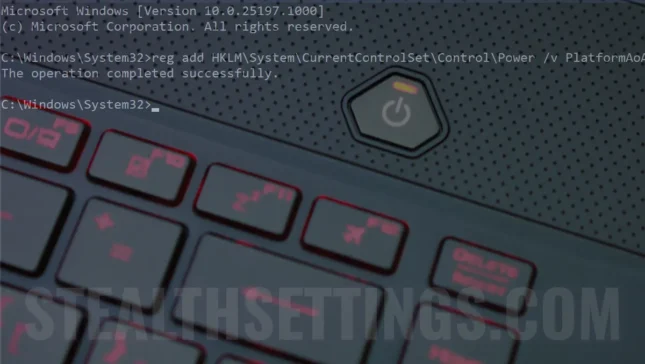
How do you activate or disable Modern Standby (S0) on Windows 11
The new low power mode, Modern Standby was introduced by Microsoft with Windows 10 and is a development of the classic Sleep mode (S3). ...
What is modern standby and with it is different from classic standby (Sleep)
To better understand what Modern Standby is on Windows 11 and Windows 10, we need to look a little at the sleep and standby modes...
“Reset This PC” in Windows 10 si Windows 11 – BUG to delete OneDrive data
In older versions of Windows, completely deleting the operating system by formatting and reinstalling the operating system from scratch...
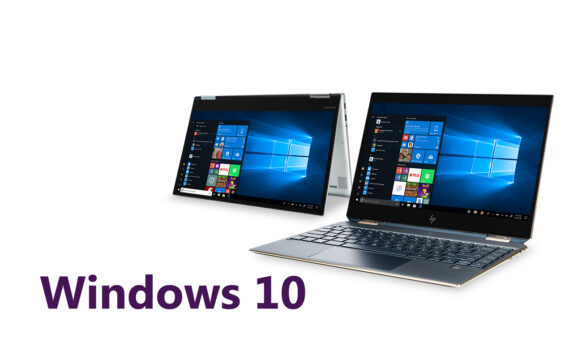
When Windows 10 is withdrawn and why do we need PC for Windows 11. Windows 10 End of Life
Immediately after Microsoft presented the upcoming Windows 11 operating system, many wondered what will happen in the near future...
How do we increase the performance of Windows 11 and Windows 10? Computer or laptop faster
We all want to have computers that run well, that Windows performance is high, that it doesn't get stuck when we run...

How to change the keyboard language (Keyboard Layout) in the operating system [Windows 10 and Mac]
How can we install a new keyboard language on Windows 10 and macos? Find out how we can use more keyboard layout at the same time and how to change the keyboard key.
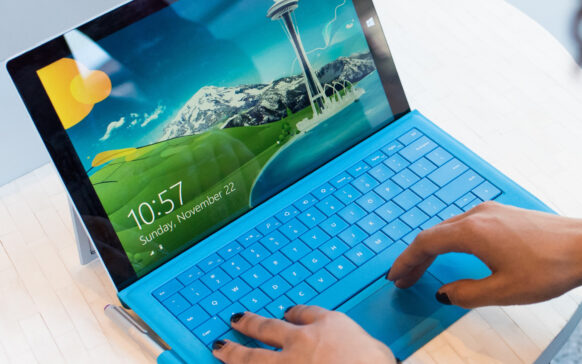
How we disable authentication with Windows Hello Pin, also Fingerprint in Windows 10
Disable Hello PIN, Face and Fingerprint password for login in Windows 10.
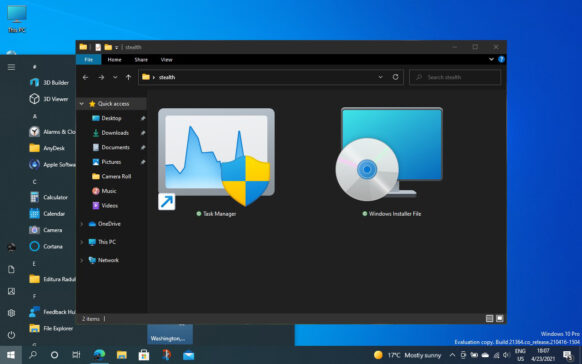
New Task Manager & Windows Installer Package Icon in Windows 10 Insider Preview Build 21390.1
The latest Windows 10 Updates have brought new icons for user folders, Task Manager and .MSI installation files.