
Windows How-To
What does overclocking mean and if it is worth doing overclock to a PC
Most Windows PC users know very well what overclocking means, but few know if it is worth overclocking one...
Kiosk mode in Windows 11 – User with limited access
Kiosk mode in Windows 11 is one of the least known features, but very useful in many scenarios. Through Kiosk you can...
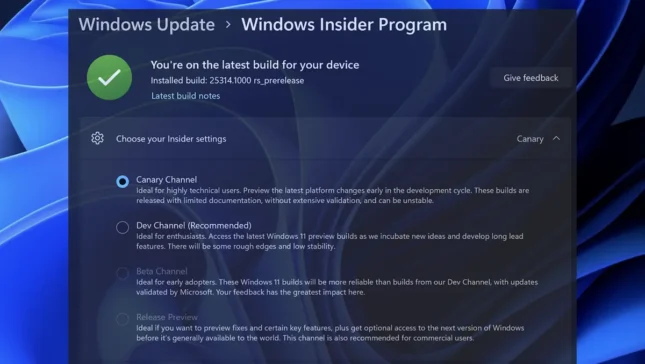
How do you activate Canary Channel updates for Windows 11
In the previous article, I broadly showed the characteristics of each channel for receiving beta updates in the Windows Insider Program. ...

How do you disable Windows Security notifications on Windows 11 – Non-Critical Alerts
In this tutorial you learn how to disable Windows Security notifications on Windows 11, which are not critical. Those notifications in which ap...
This might take a few minutes. Fix Windows 11 Update
This might take a few minutes. it wouldn't often be a problem if Microsoft added an estimated timer, so you know how many minutes...
How do you disable antivirus and firewall in Windows 11? Windows Security
It is not at all recommended to leave your computer unprotected against cyber attacks, but there may be situations in which you need to...
How to see applications that have used many CPU resources on Windows 11
The new updates of Windows 11 bring it to better performance and easier management of hardware and system resources. New...
How you do Screen Recording with Snipping Tool on Windows 11
A very useful tutorial that shows you how to do screen recording with the Snipping Tool on Windows 11, without the need to install any a...
How do you set Static IP address to Windows 11
Normally, IP addresses are automatically distributed by the router through the DHCP protocol (Dynamic Host Configuration Protocol). That though...
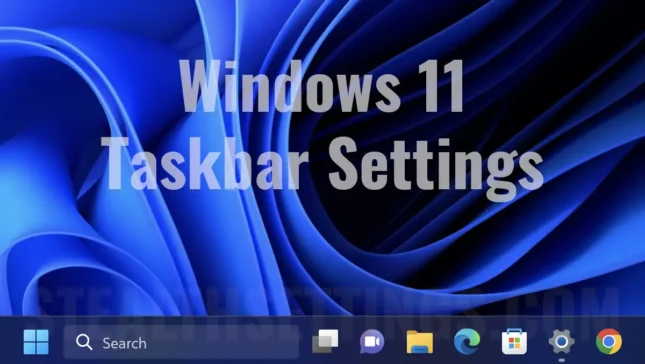
How to remove chat and search from taskbar on Windows 11
A short tutorial that shows you how to remove Chat and Search from the taskbar on Windows 11.
Windows 11 brought many news and changes...