
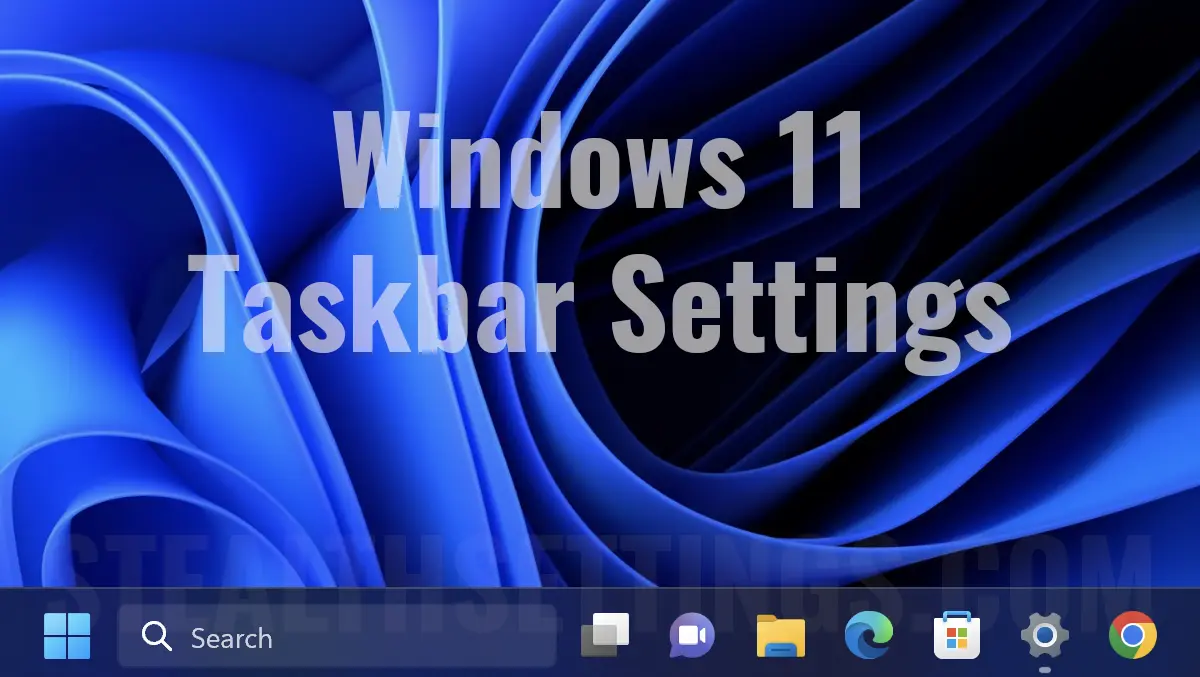

A short tutorial that shows you how to remove Chat and Search from the taskbar on Windows 11.
Windows 11 brought many novelties and UI changes (User Interface), and the Taskbar has been slightly redesigned compared to what Microsoft had been used to since Windows 95. The application icons and the Search function are now positioned centrally, just like in macOS. Here is the activity space where the icons of the open applications and the shortcuts we put for quick access are present.
When you want to remove the shortcut icon of an application from the taskbar, all you have to do is left-click on it and click on “Unpin from taskbar“.
The same does not happen if you want to remove Chat and Search from taskbar. These shortcuts are set by Microsoft to unpin Search, Chat and Widgets on Windows 11 you have to follow the steps below.
How to remove Chat and Search from the taskbar on Windows 11
In the image below, I have circled the elements that I am going to delete from the Windows 11 taskbar. Widgets, Chat and Search.
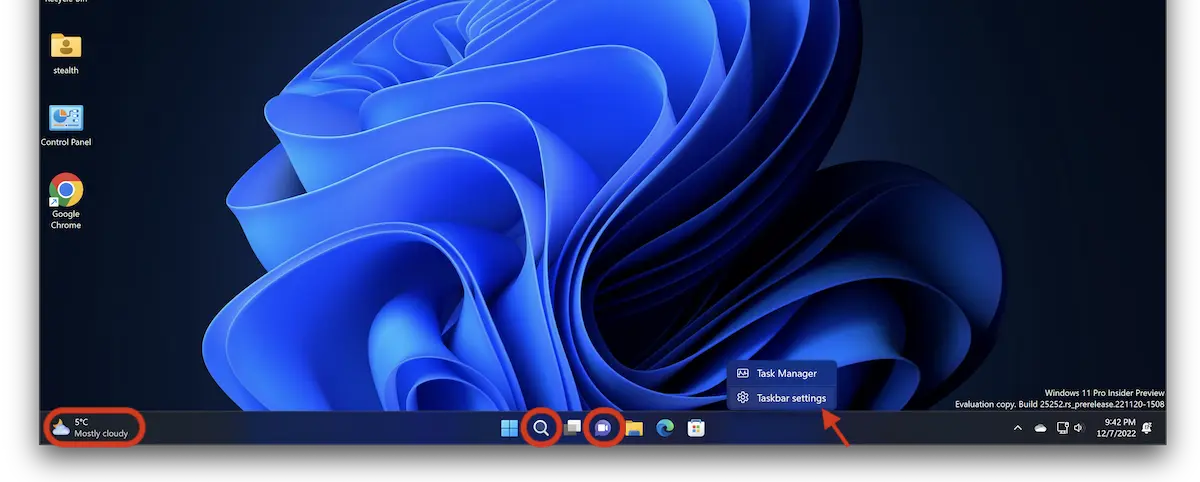
Right click on the taskbar and click Taskbar settings.
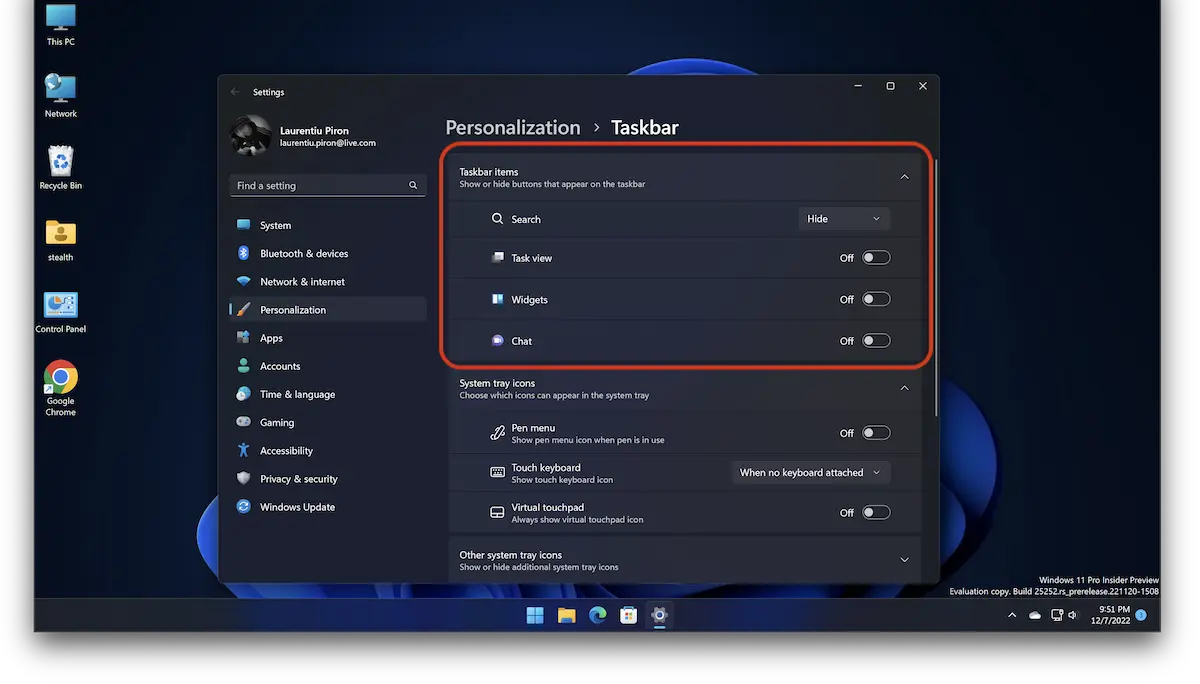
In the options page that opens, select “Hide” the Search, yeah “Off” for Widgets, Chat and Task View (if you want).
- How do you activate or disable Modern Standby (S0) on Windows 11
- Cum stergi Windows.old in Windows 11
- How to update to drivers in Windows 11 - the easiest method
- How to increase the writing and all UI elements in Windows 11 - Display Scaling
As can be seen in the image above, the elements for which it was checked “Off” have disappeared from the Windows 11 taskbar.


You may also be interested in...
