
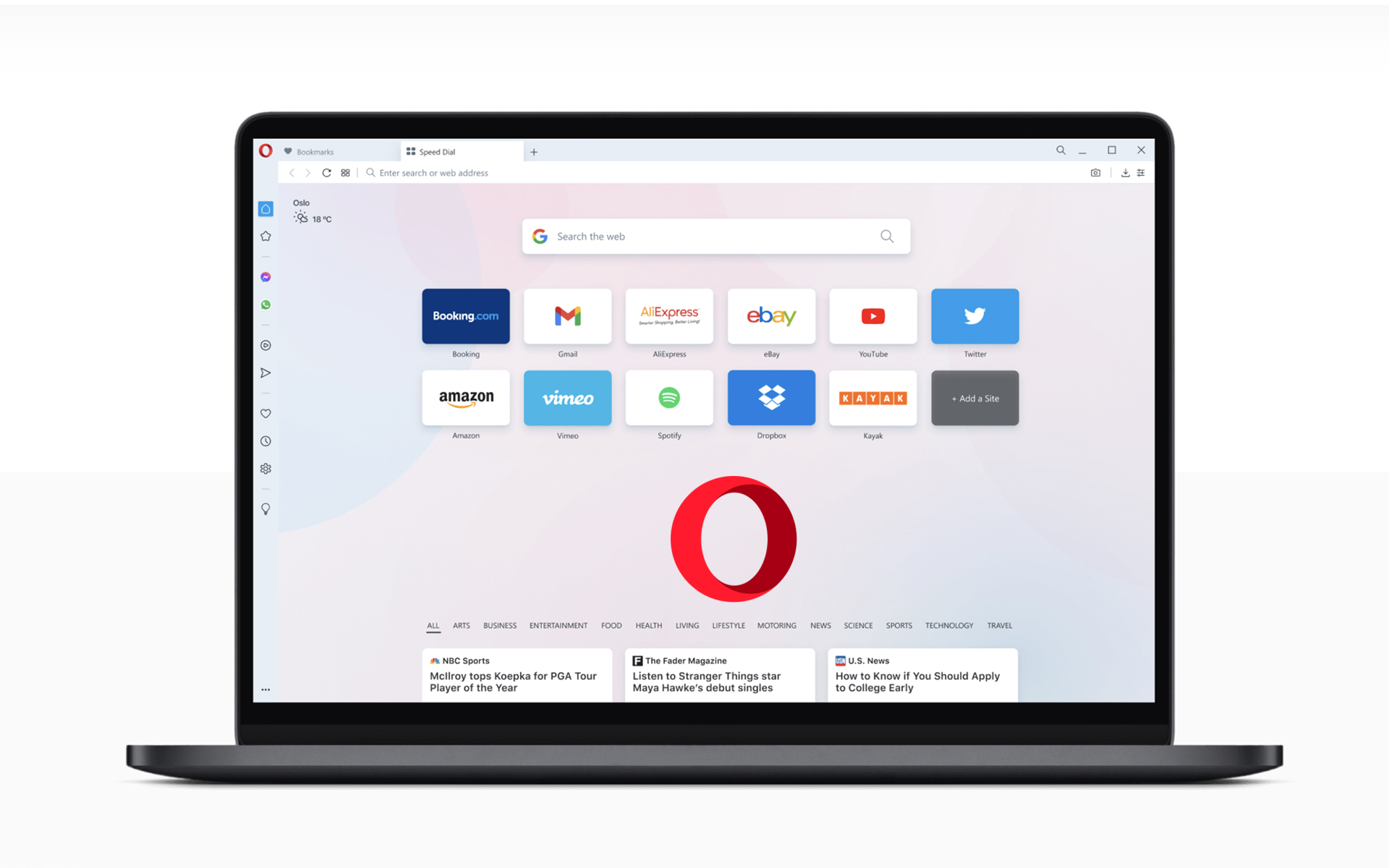

Almost two weeks ago I was telling you about the new Internet Browser developed by Opera. Opera 10.50 Beta 1. It didn't take long until Opera released a new version of Opera 10.50.
Opera 10.50 Beta 2 fix a lot of bug-s from the previous version and perfects the integration Aero Glass, Aero Peek and Jump Lists in Windows 7 Aero.
How to check if new updates have appeared for Opera Browser. (Opera 10.50)
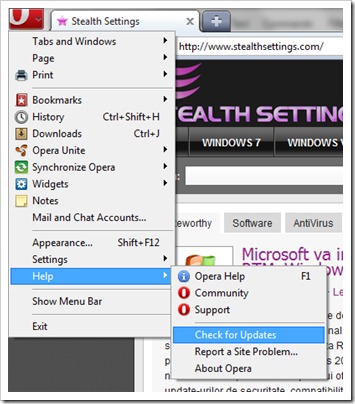
1. Click pe “O” (Opera logo from top left) > Help > Check for updates
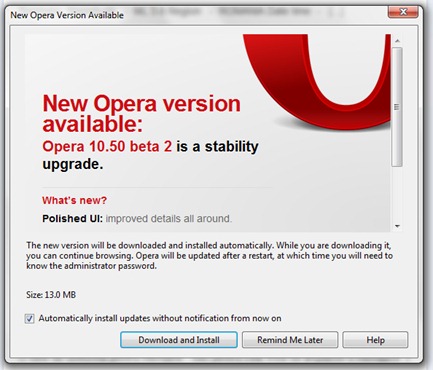
2. If there are updates available, a dialog box will open in which you are notified of the release of the new version. Click on the button “Download and Install”. It is recommended that before the update you make one backup la bookmarks and personal settings.
3. Wait until the update kit is downloaded, then click on the button “Install Now“.
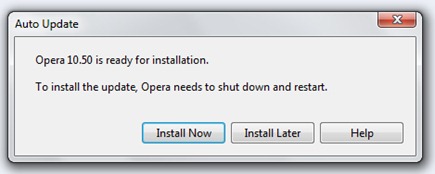
When the installation is complete, your browser is updated.


You may also be interested in...

3 thoughts on “Opera Update – Opera 10.50 Beta 2 (Opera Widgets for Desktop)”