
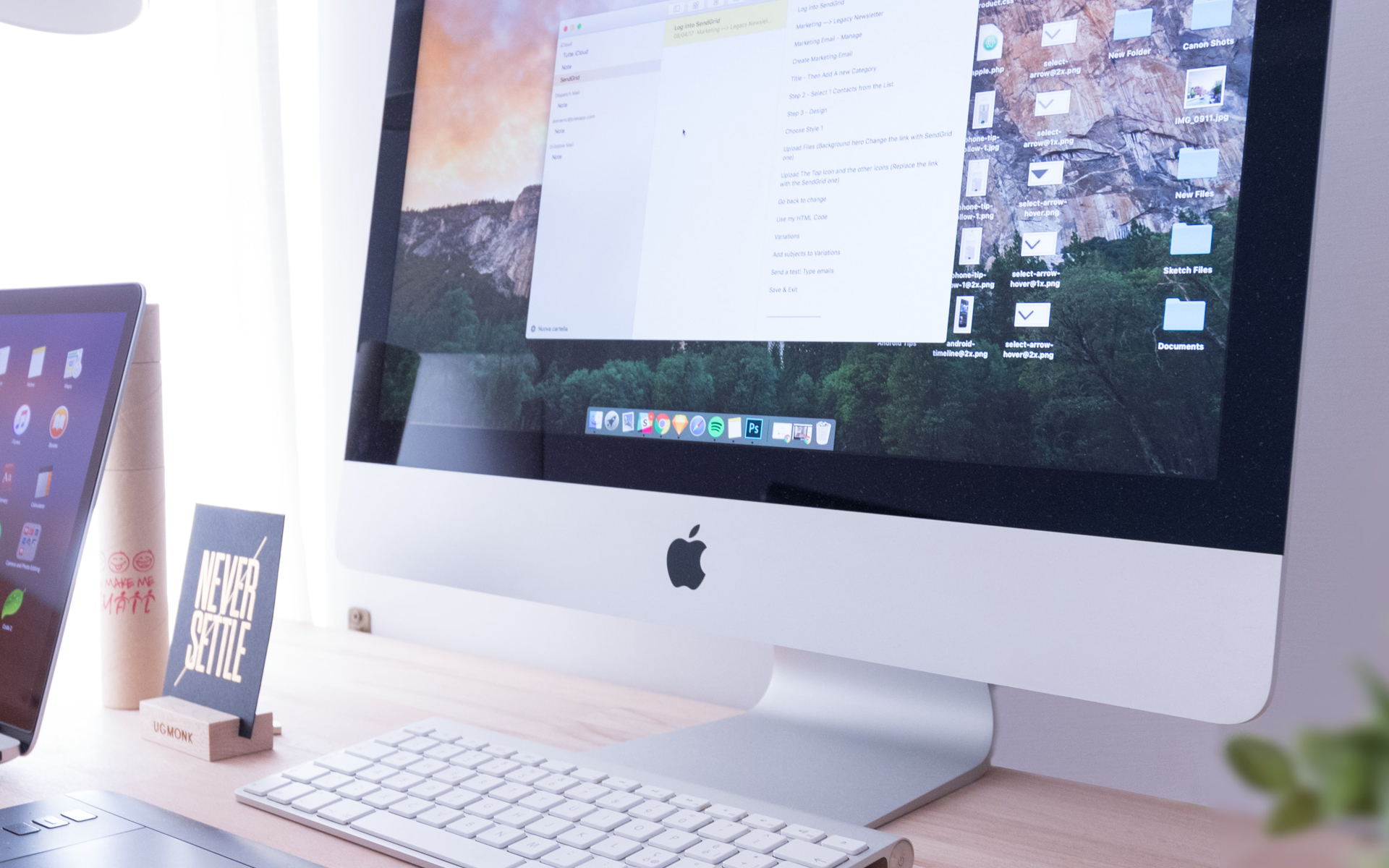

Apple confirm again this year that you care very much privacy policy of users who use the company's devices and services. After they announced that it had started “CLEAN” in App Store, being targeted in the first place applications and games care does not respect confidentiality private data of those who download and use them, together withmacOS High Sierra it also comes with a measure to protect users' online identity.
This time, Apple is making significant changes internet browseracquis Safari. Too little used, even among Mac users (by the way, Apple has discontinued Safari support for Windows), even if it is a very safe and very stable browser. We have been using it as the default browser on Mac for many years and we have no reason to complain. With the upcoming update to Safari on the new one macOS High Sierra, is an additional reason to use this Internet browser more and more, when we check our mail, when we browse websites that have media content or when we simply search for something on the Internet.
New capabilities of Safari on macOS High Sierra
Intelligent tracking prevention
First of all, as Apple says, the new Safari will be able to intelligently prevent tracking. What does this tracking refer to and what does it help or not help? Then when you access a website or when you search the Internet through Google or when search for something on Facebook, through tracking, sensitive data is stored on advertising delivery networks. This data is later used (automatically, of course) to deliver results and advertisements close to what you were looking for. Thus, if you are going to search on the Internet “green bikes“, and you will access a profile site, in the following days, on many of advertising spaces of the sites you access, bicycle ads will appear. Even if you will no longer be on a profile site at that moment or if you will no longer be interested in a green bike.
This is possible through the manipulation of cookies. Information stored by the websites you access, and with the help of which it can be tracked very easily your online behavior.
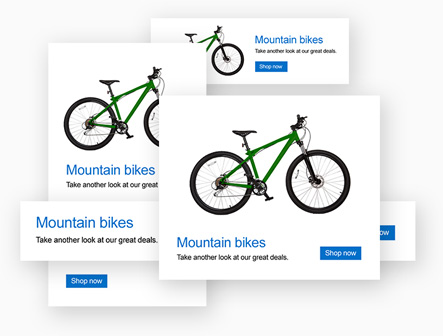
To avoid such situations, the new Safari will include by default a module that intelligently prevents tracking. It will identify you advertising agencies and other entities that store user data and will remove them.
As a clarification, the new function will not be a ads-blocker, but only a technology will be used that will no longer allow advertising agencies to store personal data through which your online behavior will be tracked.
Automatic stop of videos with audio
This was really a stressful thing. Let's access a web page and automatically start a video or a video advertisement with sound.
The new version of Safari automatically stop videos with sound, here in the settings the sites on which we want the videos to start automatically can be predefined. I don't know why anyone would want this, but Apple gives us this possibility.
Other personalized options are added depending on the website you are accessing.
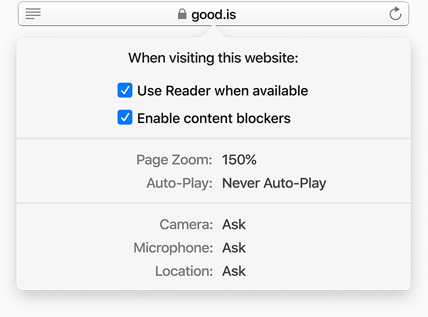
Possibility to use “Reader” by default, when accessing the website, inappropriate content is blocked. Camera, Microphone and Location control options. Also from here you can set auto-play for media content.
Automatic start of the mode “Reader” when accessing a web page
Personally, I've been using this mod since it was first introduced on Safari. Module “reader” remove advertisements, graphic elements, menus and other elements from the web page accessed. Leave only the title and content, black on white. Easy to read.
We all know that there are many sites where excessive advertisements put even the strongest nerves to the test. We are not against advertisements, but we have a problem when they become suffocating. It's no secret that sports websites are full of advertisements and announcements. For these sites it is the good function “reader” from Safari. This is how a page chosen at random from sport.ro looks like, without the reader activated.
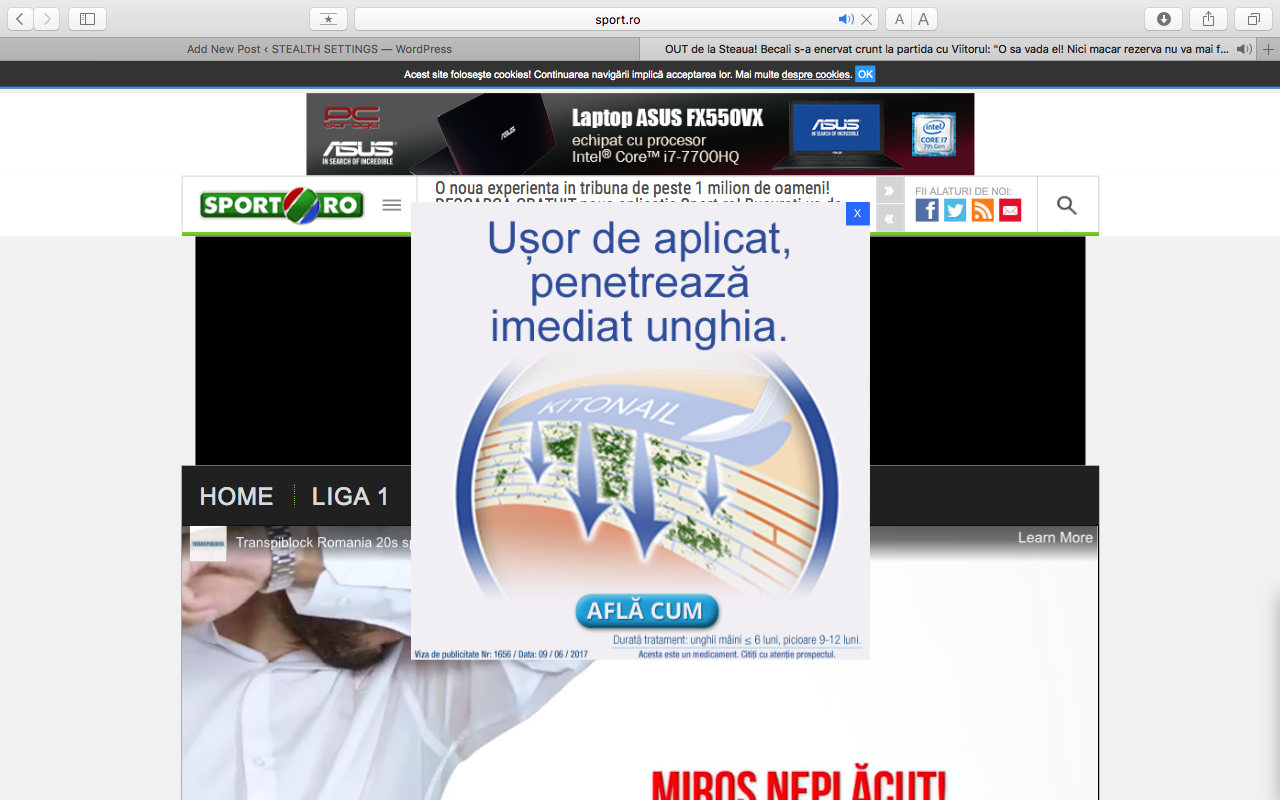
As a little bonus, the video content started automatically.
This is how the same web page looks like with the reader activated.

It seems that the text is also seen. In the first screen I had to do it “scroll” down to get to the title.
The function “Reader” it can only be activated on compatible web pages that are article pages. Not allowing navigation in the module “Reader”, this function is not available for the website index (first page) or for archive and category pages.
All these novelties will be available with the launch macOS High Sierra.


You may also be interested in...
