

Windows 11 Insider Preview Build 25197 has recently been published for Dev Channel and is a confirmation that Microsoft is making efforts after Windows 11 in a new stage.
content
Windows 11 Build 25197 comes with a few news for both PC and 2-in-1 systems, but especially for Tablets Windows. Taskbar and System Tray Optimized for tablets and animated icons in Windows Settings for PC. It was introduced with Build 25197 and a small key in the keyboard to improve the experience on traditional touch keyboards. The typing rate is now 20 presses per seconds. Very useful when holding for example press the key “Delete” to delete characters from a text.
Besides these news, Microsoft has solved some bugs and errors Windows 11 from the previous versions. Windows Settings, Widgets, Start, File Explorer, Task Manager have received bug resolutions from previous versions.
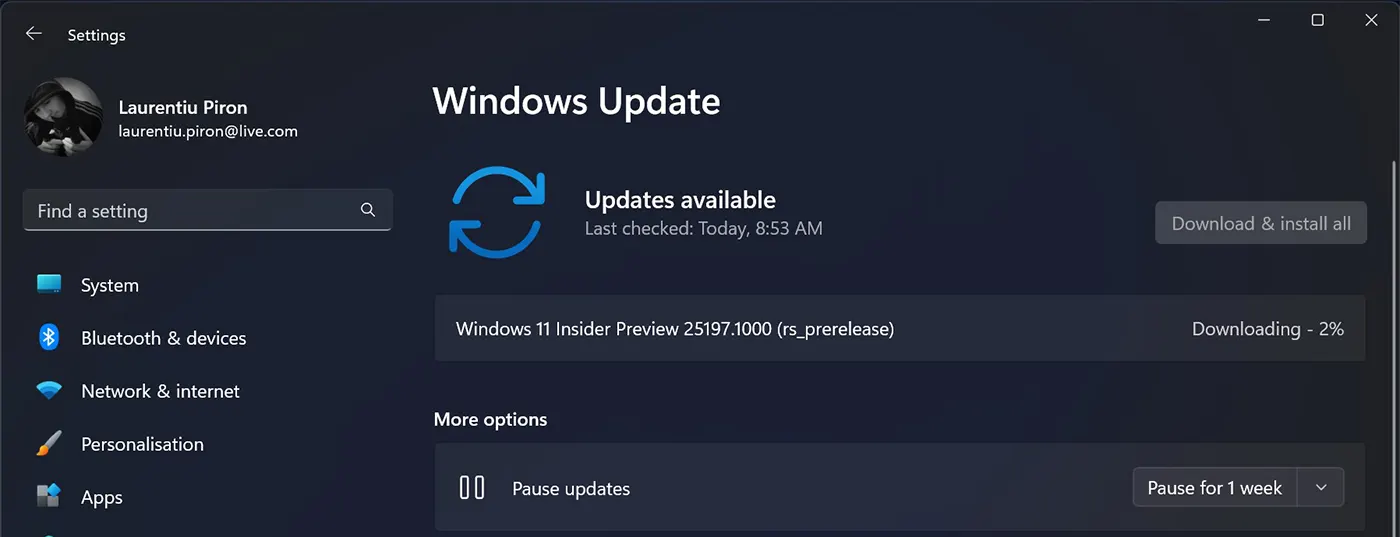
Windows 11 Insider Preview Build 25197
Taskbar optimized for touch on tablets.
The great advantage of this update is the Windows 11 tablet owners. It was necessary to resize taskbar (taskbar) for the tablet, both in extended and restricted mode. It was not easy at all to reach an application in Taskbar before this update, and the active applications were not removed for easier access.
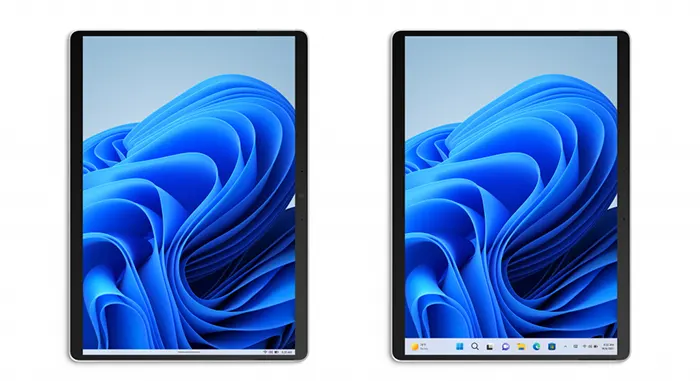
If you use a 2-in-1 device, Taskbar will automatically switch to the optimized version after disconnecting or folding the keyboard.
This new feature works only on Windows 11 devices that can be used as a tablet. It is not available for PC or laptop.
How to use the extended and small modes of Taskbar on the Windows 11 tablet (Extended and Collaps)
Modul collapsed (restrans) of the activity bar (taskbar) offers more space on ECAN for open applications or desktop. Taskbar and decreases considerably and access to open applications is harder.
Expanded (extended) mode increases the taskbar space to the detriment of the workspace, but access to open applications, System Tray and other options is much easier.
To switch between the two ways, all you have to do is slide up and down with your finger over taskbar.
If this optimized taskbar option for Windows 11 tablet is available on your device, you should find the new option in: Settings > Personalization > Taskbar > “Optimize taskbar for touch interactions when this device is used as a tablet“.
Besides a few “fixes” solved by Microsoft in build 25197, a UI update for Windows Settings was also made. They receive one animated effect pleasant when activated. To click or press.
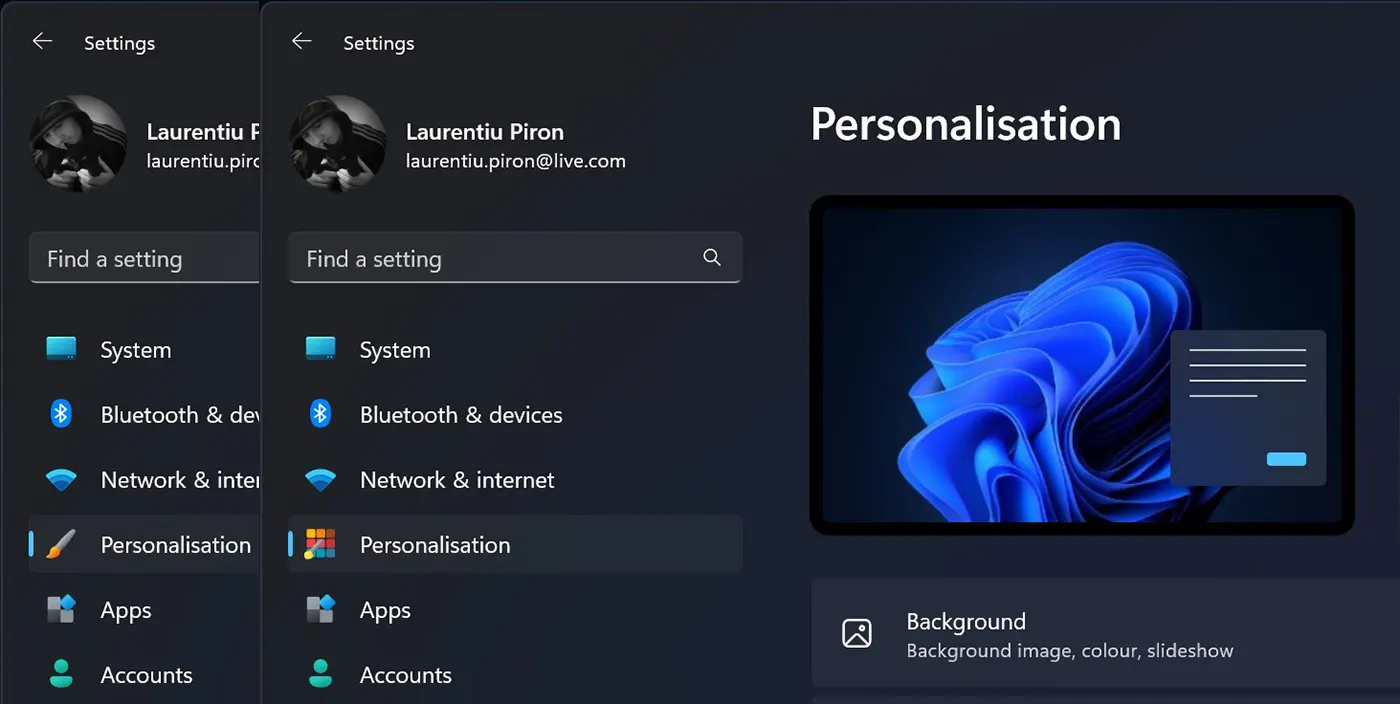
Iconite System Tray updated
In view of a good visual experience, Microsoft redesiges after a long time and adds effects from System Tray icons. They receive round icons and an animated effect when passing with mouse over them.
Conclusion
Microsoft works intensely on the modernization of Windows 11 and after many years in which I had Windows XP, Windows 7, Windows 8.1 with many shortcomings, the company seems to have changed its policy.
With Windows 10, significant changes in the operating system were seen both in productivity optimization and as a visual interface (UI). In Windows 11 it seems that Microsoft is making more efforts than ever to create a robust, pleasant, reliable and optimized system to meet as many users as possible.


You may also be interested in...
