
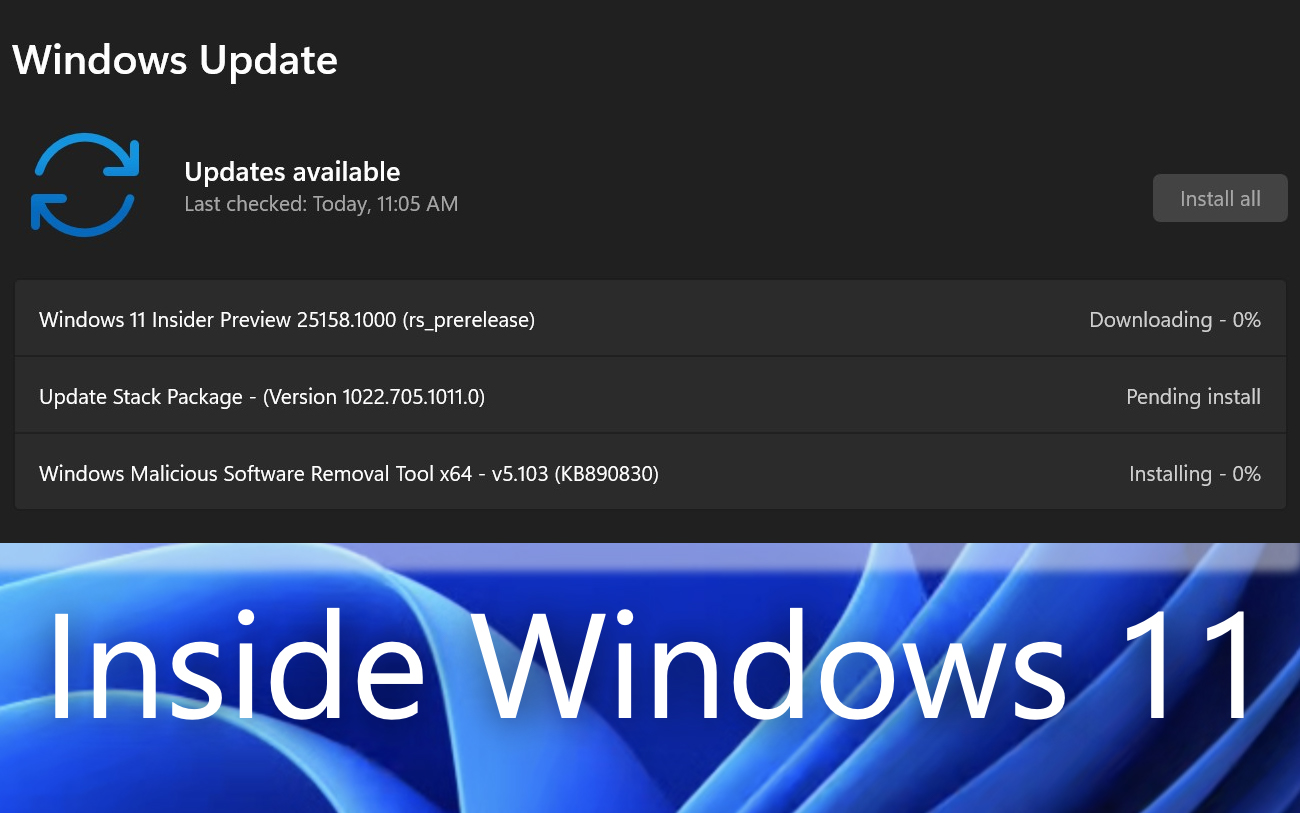

Insider Preview Build 25158 is the latest update of the Windows 11 operating system in the beta version for those who have set to receive updates from Developer Channel in Windows Insider Programe.
content
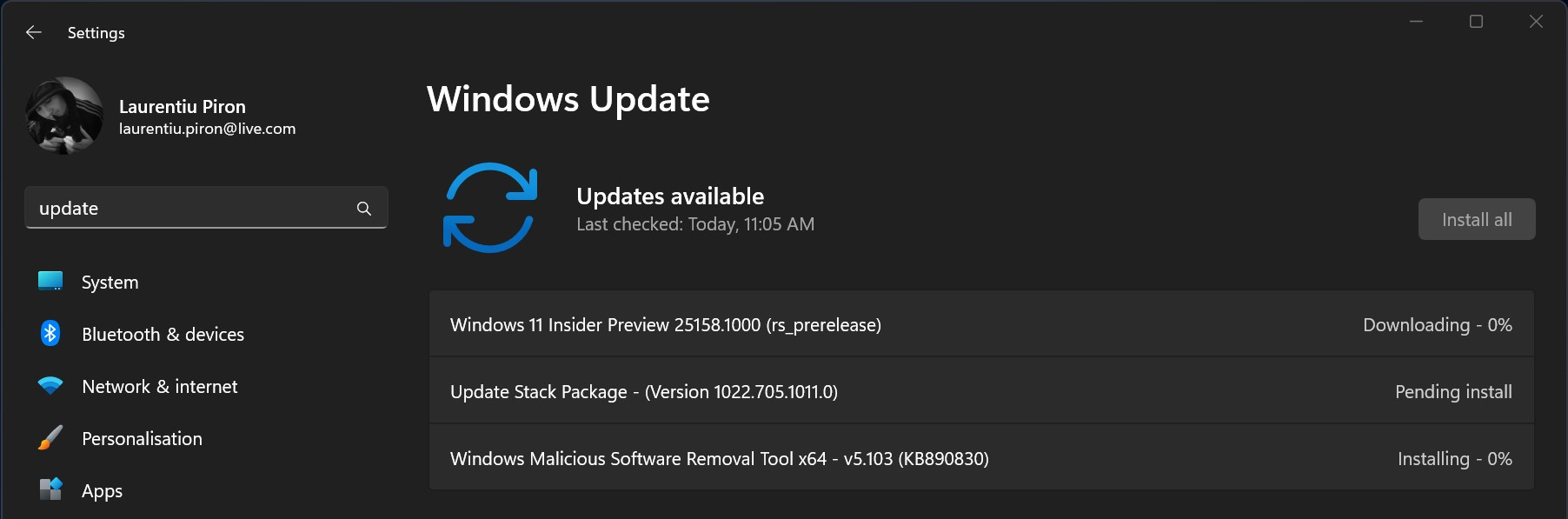
Noutati in Windows 11 Insider Preview Build 25158
Notifications with badges in taskbar, a new one layout with the box of search in taskbar and DNS over TLS.
Notifications in Windows 11 Taskbar
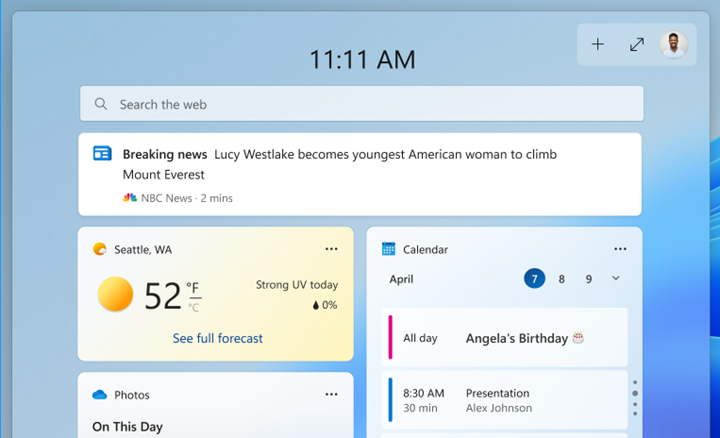
Widget shortcut from taskbar will display application notifications in the form of badge. When we click on the application icon in the widget, the application that generated the notification will appear at the top. For example, if I had a widget shortcut Weather, if in the area from which we receive the weather, a code for heat wave, storm, heavy rain is issued, then the shortcut of the application Weather will display a badge notification.

When we click on the notification, Widgets will open, and the application from which the alert came will be displayed at the top. Breaking news in the example below but by Microsoft.
Search in Taskbar
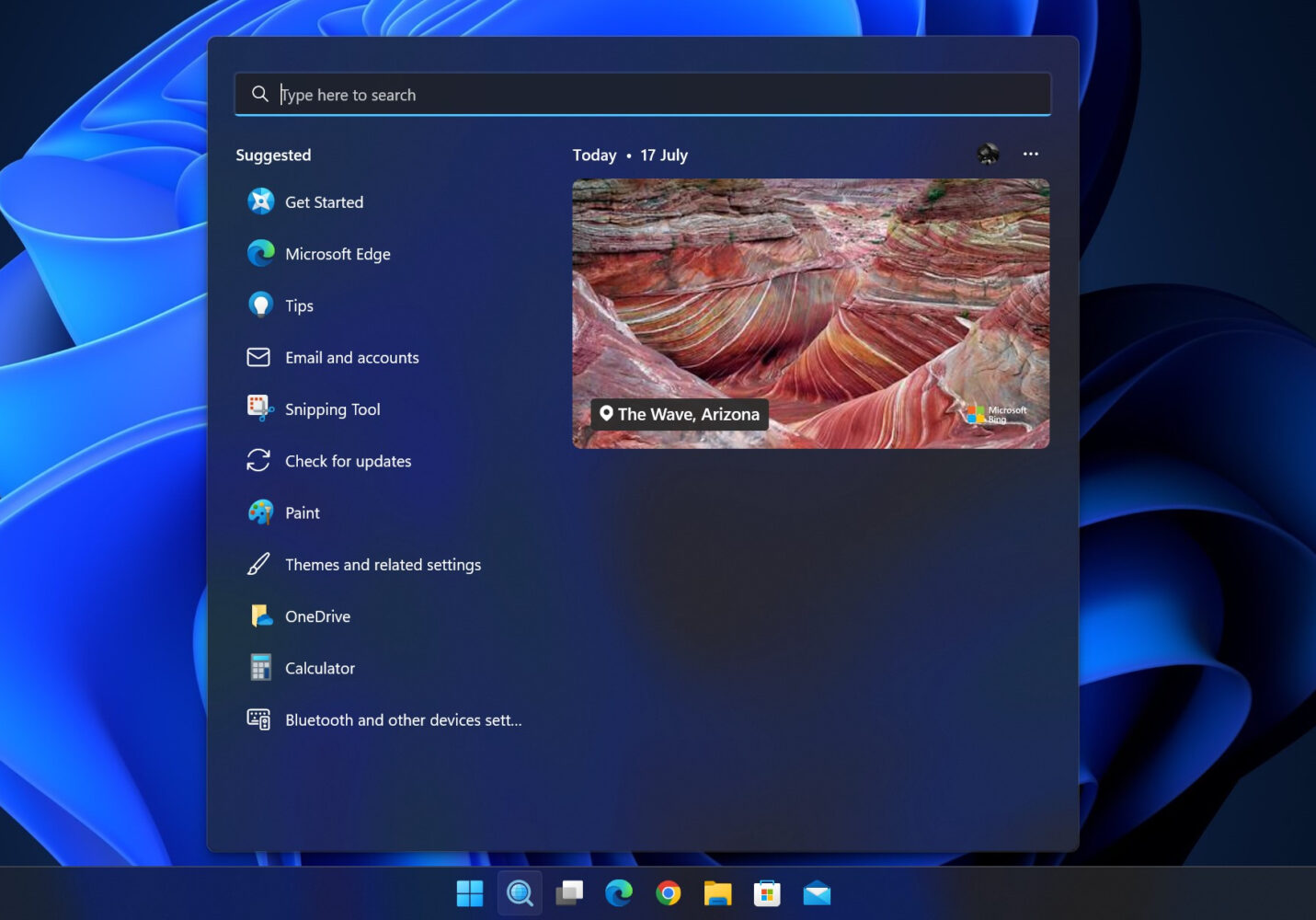
A shortcut has been added for search in Taskbar, with a new design and a redesigned blue icon. Three layouts are available, but they will be set automatically depending on the device. Most likely depending on the screen size.

Icon search and two types of boxes – search box. “Search” and “Search the web“.
DNS over TLS (DoT) – Plus de securitate in Insider Preview Build 25158
Insider Preview Build 25158 brings a new one secure protocol offered as an alternative to the existing DoH (DNS over HTTPS) that is present in Windows 11 and Windows Server 2022. DoT is designed to provide additional protection to external DNS queries.
Bug fixes and errors from the previous version of Windows 11 Insider Preview
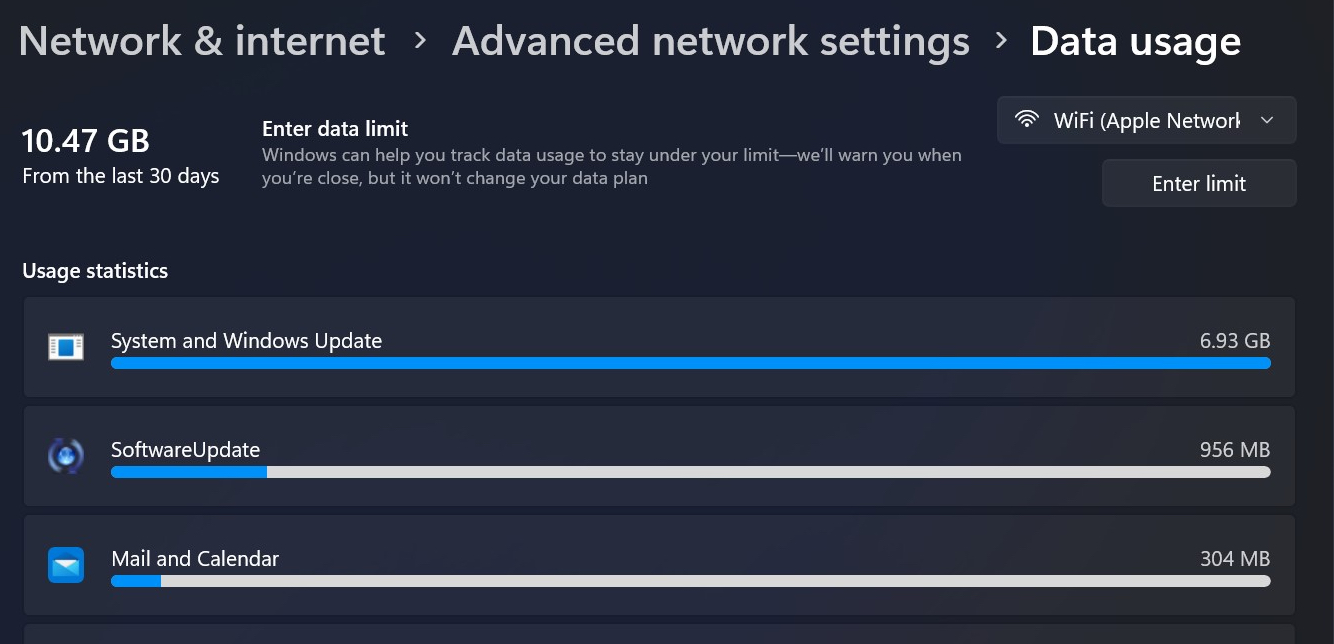
Fixed the error from the previous version KMODE_EXCEPTION_NOT_HANDLED in NetAdapterCx.sys. Entry to “Data Usage” it will be done through Settings > Network & Internet > Advanced network settings > Data Usage and was renamed from System in System and Windows Update.
Start Menu will no longer give an error when moving a pin application to a folder with CTRL + Shift + Right Arrow. At the same time, the error that keeps the application icons in the Insider Preview Build 25158 was solved Start and after they were uninstalled.
Users should no longer lose connection while using mobile hotspot. The error is also resolved 0x80080204 what appeared when downloading applications from Microsoft Store.
Task View has improved performance, plus the gesture of touching with two or three fingers from Narator will close context menus correctly.
Fixed crashes of explorer.exe when activated OneDrive, plus other navigation and closing errors File Explorer.
Windows 11 Insider Preview Build 25158 still has some issues to resolve before it reaches the mature version available to all Windows 11 users. As I said before, I only encourage Insider Preview on computers that are not intended for productivity or for students.


You may also be interested in...
