

오늘까지 몰랐던 흥미로운 사실입니다. 하나에 랩탑 (노트북에서 테스트토시바) cuWindows 8.1 키보드가 잠겨 있을 수 있습니다 전적으로 그렇습니다 잠금 해제됨 키 조합의 도움으로. Windows 키보드 단축키.
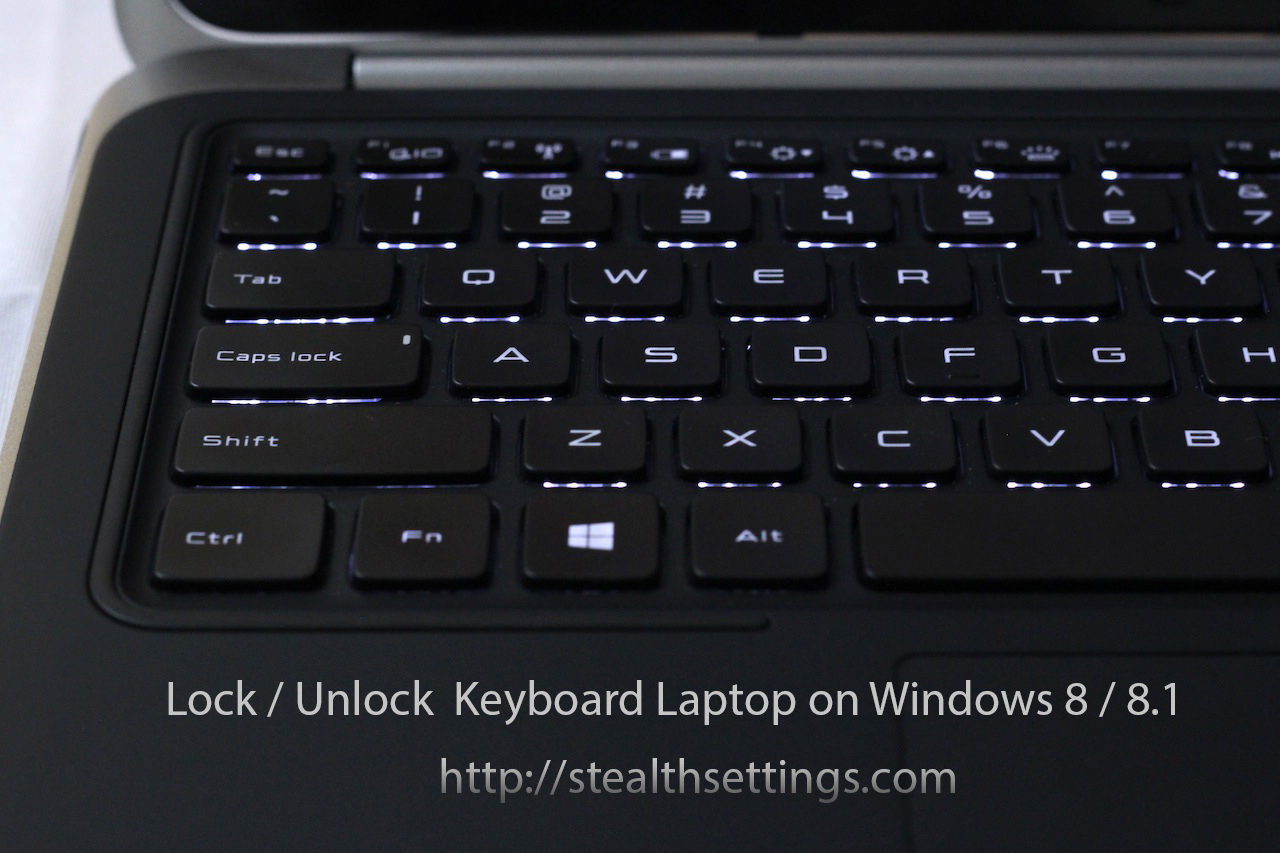
조금 이상한 점은 잠긴 노트북 키보드를 하나의 키보드에서 잠금 해제할 수 있다는 사실입니다. 맛을 조합하다. 우리가 해야 할 일은 키를 동시에 누르는 것뿐입니다. CTR + ALT + L 잠금을 해제합니다.
어떤 문제로 인해 키보드가 파손되는 경우도 있습니다 하드웨어 또는 운전사. 이러한 경우에는 다음 중 하나를 연결하는 것이 좋습니다. 키보드 외부 문제가 해결될 때까지, 또는 키보드가 잠긴 노트북에 원격제어 프로그램을 통해 연결해보세요. 예를 들어 팀뷰어.


당신은 또한에 관심이있을 수 있습니다 ...

텍스트 편집을위한 키보드 바로 가기 – 단어와 단락
컴퓨터 작업, 학생, 학생, 교사 등의 활동에 참여하는 대부분의 사람들은 편집 작업을 해야 합니다.
Windows 11에서 마우스 대신 키보드를 어떻게 사용할 수 있습니까?
유선 마우스는 현재 오래된 컴퓨터나 게이머에게 더 많이 사용됩니다. 오랫동안 노트북과 PC 모두에서...
MacOS에서 사용자 정의 된 키보드 바로 가기로 스크린 샷은 어떻게합니까?
우리 자신을 위해 보관하거나 다른 사람에게 보내기 위해 스크린샷을 찍어야 하는 상황이 많이 있습니다...
Mac / MacBook 키보드 바로 가기 – 수면, si를 종료하십시오
키 조합을 누르면 일반적으로 마우스, 트랙패드 또는 기타 도구를 사용하여 수행하는 작업을 수행할 수 있습니다.
키보드 단축키 pentru Windows 10
Microsoft의 최신 운영 체제인 Windows 10에는 몇 가지 새로운 키보드 단축키가 포함되어 있습니다.
Windows 8 RTM의 전체 바로 가기 목록
Windows 8의 RTM 버전이 출시된 후 많은 사용자가 새로운 기능을 테스트하기 위해 이 운영 체제를 설치했습니다.
Windows 7의 모든 키보드 바로 가기
키보드 단축키는 두 개 이상의 키 조합(때때로 키 + 마우스 클릭 조합)이며 동시에 작동됩니다.
Microsoft Office 2010의 키보드 바로 가기 – 옵션 및 텍스트 편집
Word에서 문서 작업을 하거나 Excel에서 계산을 수행할 때 생산성을 높이는 데 도움이 되는 몇 가지 요령입니다. 일부...
스피드 다이얼 애드온 – [Firefox] 키에서 멀리 떨어진 좋아하는 웹 사이트
모든 인터넷 사용자는 특정 수(다소)의 즐겨찾는 사이트를 갖고 있으며 그 중 최소 2~3개에 액세스합니다.
키 조합을 사용하여 Windows 7에서 응용프로그램을 엽니다. [Windows 7에서 키보드 단축키 만들기]
빠른 액세스를 위한 키 조합(키보드 단축키)을 사용하면 일부 응용프로그램을 더 빠르게 열고 비용을 절약할 수 있습니다.
4개의 생각 “Windows 8 / 8.1에서 노트북 키보드 잠금 / 잠금 해제 방법”
매우 도움이 되었습니다. 키보드가 다시 작동해요 😄
동시에 누른 후에도 여전히 작동하지 않는 이유는 무엇입니까?
아 맞고 그리고 ctrl+alt+L을 한참 눌렀더니 L만 써지더라구요. 다른건 못하겠어요
안녕하세요. 휴대폰에서는 페이스북에 작은 문제가 있어서 문제없이 연결이 되지만 노트북에서는 인증하라고 뜹니다 ….
무엇이 문제가 될 것 같나요???
도움을 주셔서 감사합니다