

Įdomus dalykas, apie kurį iki šiol nežinojau. Ant vieno Nešiojamasis kompiuteris (išbandyta užrašų knygelėjeToshiba) Cu„Windows 8.1“ klaviatūra gali būti užrakinta visiškai taip atrakinta klavišų derinio pagalba. „Windows“ spartusis klavišas.
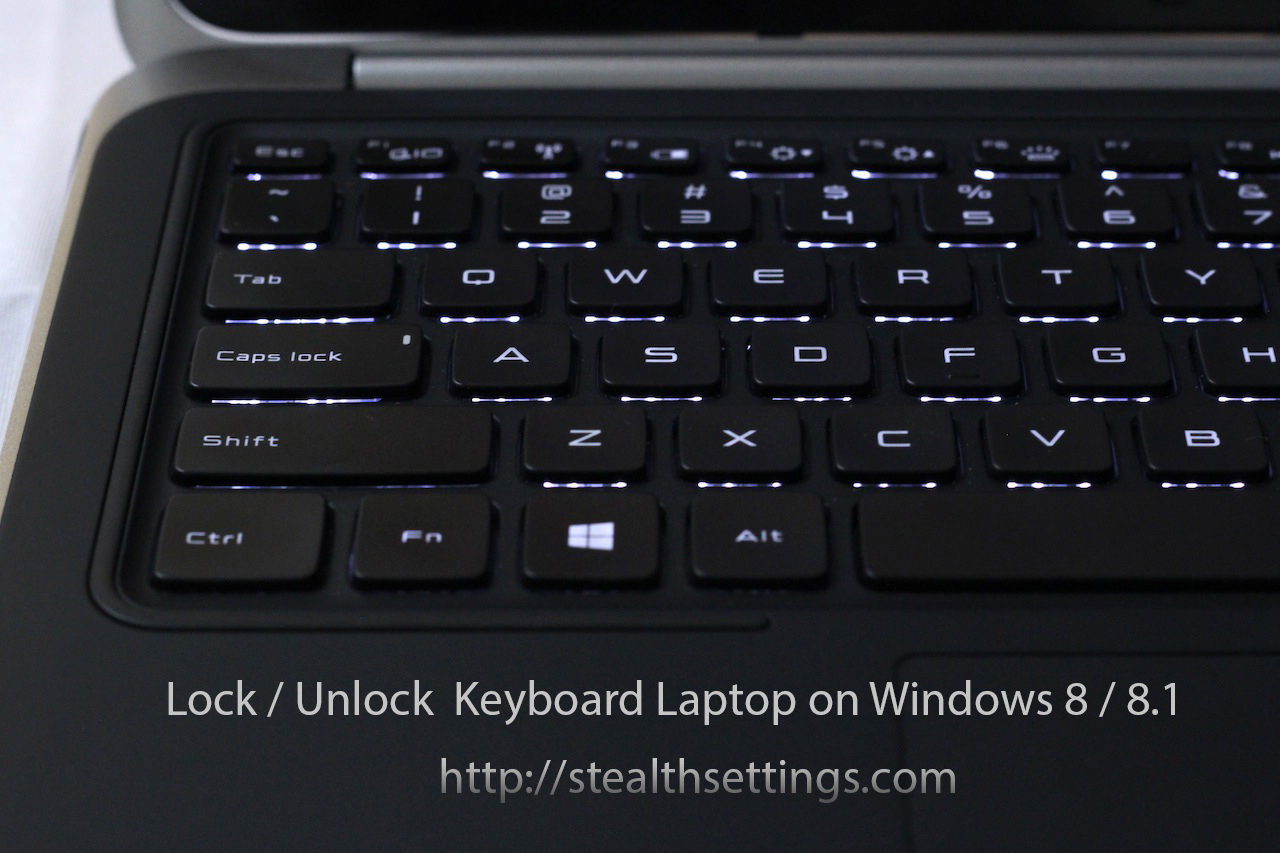
Šiek tiek keista yra tai, kad užrakintą nešiojamojo kompiuterio klaviatūrą galima atrakinti iš vienos skonio derinys. Viskas, ką turime padaryti, tai vienu metu paspausti klavišus: PR + ALT + L kad jį atrakintumėte.
Taip pat pasitaiko atvejų, kai dėl tam tikrų problemų gali sugesti klaviatūra Aparatūra arba iš vairuotojas. Tokiais atvejais rekomenduojama arba prijungti a išorinė klaviatūra kol problema bus išspręsta arba prisijungsite prie nešiojamojo kompiuterio su užrakinta klaviatūra per nuotolinio valdymo programą. Pavyzdžiui, TeamViewer.


Galbūt jus taip pat domina...

4 mintys apie “Kaip užrakinti / atrakinti nešiojamojo kompiuterio klaviatūrą „Windows 8 / 8.1“”
Ačiū, labai naudinga. Mano klaviatūra vėl veikia 😄
Kodėl po to, kai paspaudžiu tuo pačiu metu, jis vis tiek neveikia?
o taip ir po to kai bandžiau ilgai spausti ctrl+alt+L, parašė tik raidę L. Daugiau nieko negalėjau padaryti
sveiki. Turiu nedidelę problemą su Facebook telefonu, galiu prisijungti be problemų, bet nešiojamajame kompiuteryje prašo patvirtinti tapatybę ….
Kaip manote kame butu problema???
aciu uz pagalba