


Une chose intéressante que je ne connaissais pas jusqu'à aujourd'hui. Sur un ordinateur portable (testé sur un notebookToshiba) cuWindows 8.1 le clavier est peut-être verrouillé totalement oui débloqué à l'aide d'une combinaison de touches. Raccourci clavier Windows.
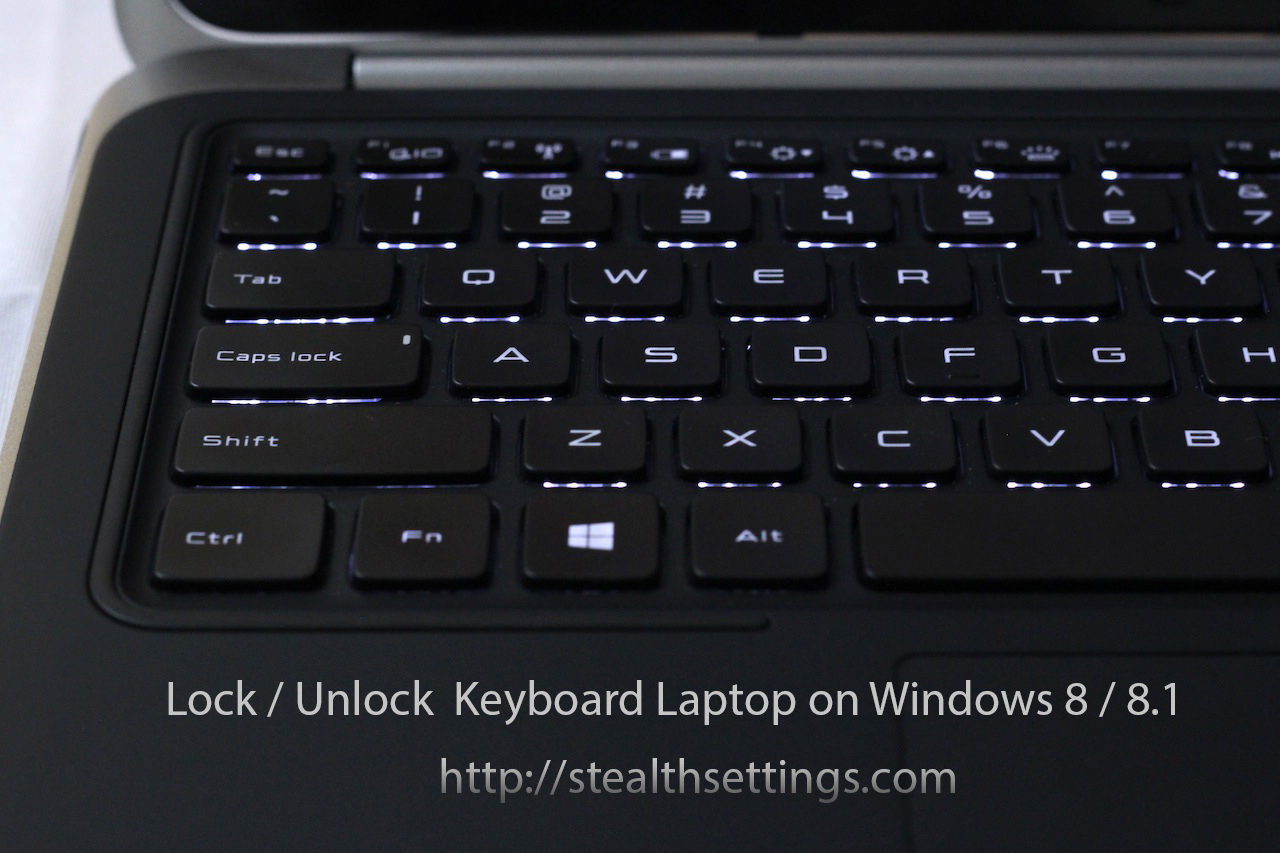
Un peu étrange est le fait qu'un clavier d'ordinateur portable verrouillé puisse être déverrouillé à partir d'un combiner le goût. Il suffit d'appuyer simultanément sur les touches : CTR + ALT + L pour le débloquer.
Il existe également des cas où le clavier peut être cassé en raison de certains problèmes matériel ou de conducteur. Dans ces cas, il est recommandé de connecter un clavier externe jusqu'à ce que le problème soit résolu, ou en vous connectant à l'ordinateur portable avec le clavier verrouillé, via un programme de contrôle à distance. TeamViewer par exemple.


Vous pourriez également être intéressé par...

4 réflexions sur “Comment verrouiller / déverrouiller le clavier pour ordinateur portable sur Windows 8 / 8.1”
Merci, très utile. Mon clavier fonctionne à nouveau 😄
Comment se fait-il qu'après avoir appuyé dessus en même temps, cela ne fonctionne toujours pas ?
oh ouais et aussi après avoir essayé d'appuyer longtemps sur ctrl+alt+L, il n'a écrit que la lettre L. Je ne pouvais rien faire d'autre
Bonjour. J'ai un petit problème avec Facebook sur le téléphone, j'arrive à me connecter sans problème, mais sur le portable il me demande de m'authentifier ….
Selon vous, quel serait le problème ???
merci pour l'aide