
Tag Archives: Windows 8 tips

How can we import the photos from iPhone to Windows 8.1
If you are an iPhone or iPad user, the easiest way to copy/import photos taken with your iOS device to a computer with...
How can we access the Boot Options menu in Windows 8.1
One of the changes brought to the Windows system with the release of Windows 8 is the new Boot Options menu, which offers to use...

How can we add the boot option in Safe Mode to the boot menu in Windows 8/8.1 and Windows 10
One of the most important features of Windows operating systems is Safe Mode, which allows users to re...
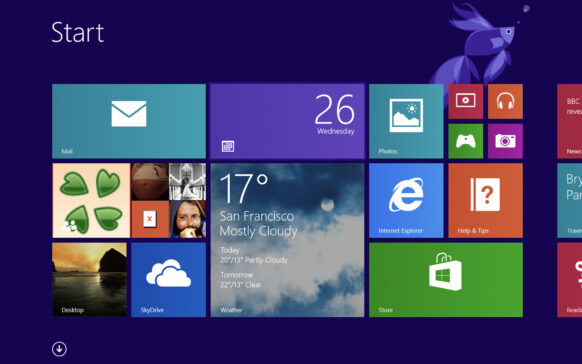
How can we rename an email account in the Mail application for Windows 8/8.1
If you are used to using the modern Mail application, available by default in the Windows 8 operating system, to manage your ...
How can we disable the automatic update of modern applications in Windows 8/8.1
One of the major changes brought by the Windows 8 operating system was the introduction of modern applications, available to users...
How can we disable touch-screen for a computer/device running Windows 8/8.1
Even before its launch, Microsoft made it clear that Windows 8 was going to be an operating system developed for all...
How can we update modern applications without connecting to Windows Store (offline)
With the release of Windows 8 and the introduction of modern applications, Microsoft also launched the Windows Store online store, where you can use...
How can we disable automated maintenance tasks in Windows 8/8.1
If you are a Windows 8 or Windows 8.1 user, you are most likely already familiar with the automatically run maintenance actions...
How can we upgrade from Windows 8 Direct to Windows 8.1 Update
Two weeks ago, Microsoft released Windows 8.1 Update 1 (the equivalent of Service Packs for previous Windows systems...
How can we reset the cache for Windows Store in Windows 8/8.1
With the launch of Windows 8, in addition to the complete change of the system interface, Microsoft also introduced modern applications and Windo...