
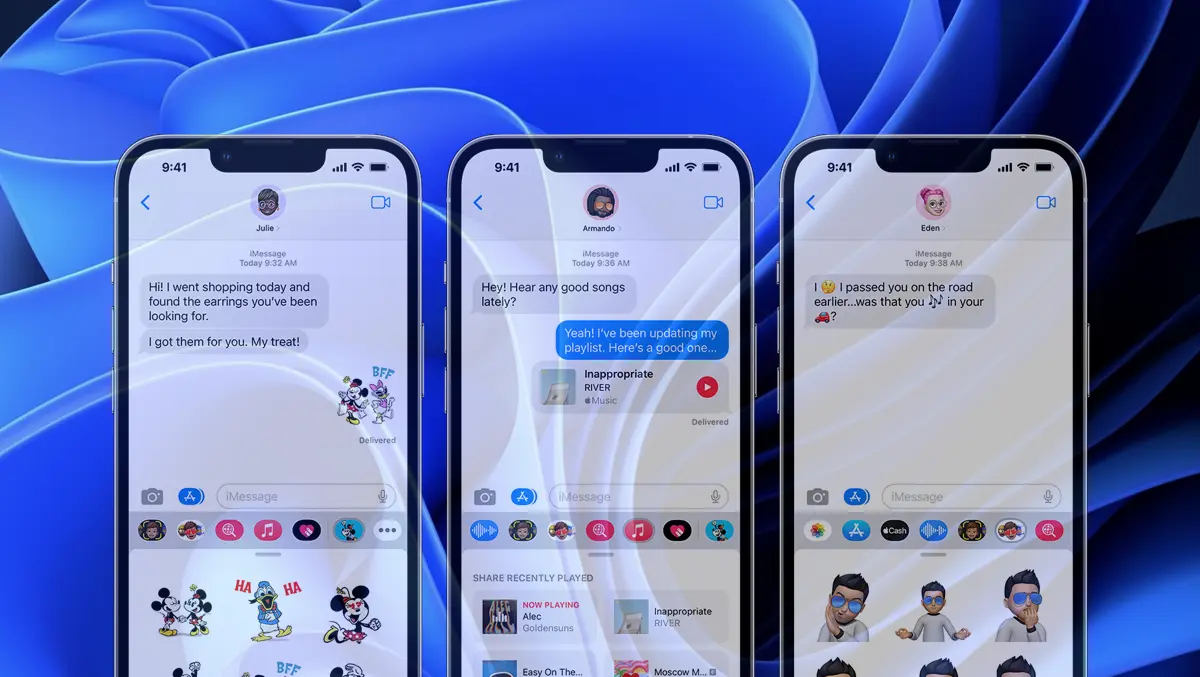

Before you see how you can send and receive immesages on Windows 11, let's see a little what this type of messaging for iPhone means and what the SMS images are different.
content
What does Imessages mean and what is the difference from SMS and MMS?
IMESSAGES is a messaging application Instant developed by Apple for iOS, iPados, Watchos and Macos. Through IMESSAGES you can receive and send both text messages, as well as images, videos, documents and other files, using the internet connection of the device. Wi-Fi connection or mobile internet (3g, 4g, 5g).
The conversations through IMESSAGES benefit from end-to-end encrypts, being considered almost impossible to intercepted.
Apple constantly brings improvements in the functions of Imessages, and besides the confirmation of receipt, the possibility of editing or deleting the shipments and animations in chat, many more will be added.
The IMESSAGES service identifies users via the iCloud / Apple ID account. So once you connect your Apple ID to iPhone, iPad and Mac, you will have access to send and receive messages from any of the devices. Decigur, synchronized in iCloud, you have access to all previous conversations.
Imassage messages are received and are sent from the Messages application, as well as SMS and MMS messages. The immesages conversations appear in blue while the MMS and SMS conversations appear with green. So you can easily make the difference between the conversations that use immesage and the internet and those that use the SMS service of the mobile operator.
How do you send and receive immesages on Windows 11?
Send and Pimesti Imassages on Windows 11 through the application Phone Link. The application has been used for a long time for windows synchronization and Android smartphones. The security restrictions imposed by Apple did not allow the synchronization of the messages on the iPhone on Windows.
In Windows Insider Preview versions, Microsoft has worked for a limited number of users synchronizing iPhone devices with Windows 11, through the Phone Link application. This means that soon, all iPhone owners will be able to send and receive both SMS and IMSSages on Windows 11 computers.
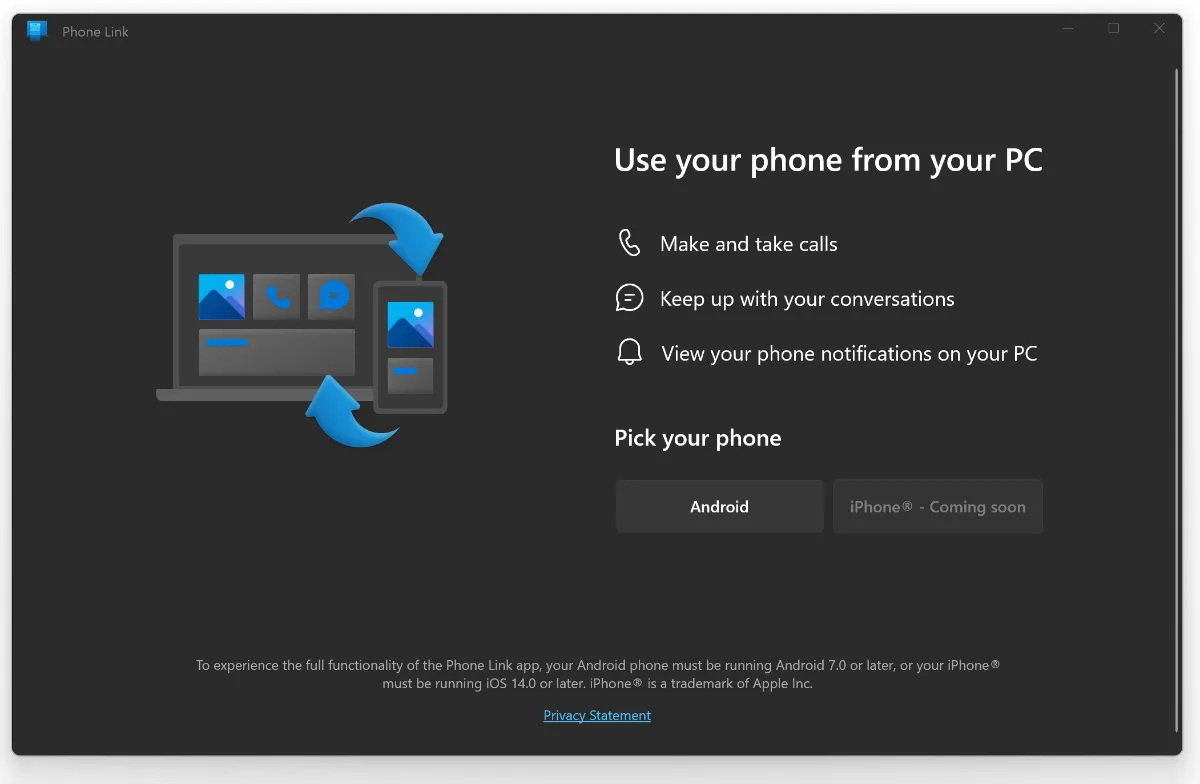
However, there will be some limitations. In Phone Link only the messages received and sent from Windows will be available. The user will not be able to access Windows the history of conversations and messages he sent or received when he was not on the computer. They remain available on the iPhone and the other Apple devices that are connected with the same user account.
Imesassages in the iPhone Link will not have many of the features on the iPhone, iPad, iPod touch or macos. Messages will not be able to be edited or deleted after shipment, will not receive view confirmation (seen) At the recipient, IMESSAGES will not be able to send and receive visual effects, memoji or animations.
The synchronizing iPhone in the Phone Link on Windows 11 is still a welcome feature for iOS and Windows users. Productivity on the computer will no longer be interrupted for viewing and sending messages received on the iPhone.
Let's hope that over time several features of IMESSAGES will be extended on Windows PC.


You may also be interested in...
