

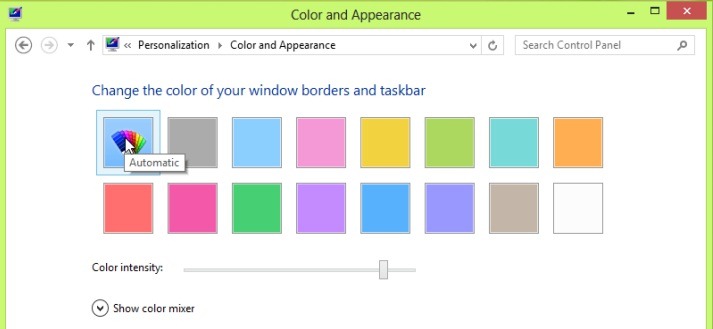
One of the new feature-uri but Windows 8 it is and Auto Colorization, feature care automatically changes the color taskbar and window edges according to The main color a Background's used by the system for the system (desktop). This feature can be activated/disabled FROM Control Panel > Personalization > Color (or click-right on desktop > Personalize).
If you are a user Windows 7 or Windows Vista And you want this feature for your operating system, the solution is called Aura.
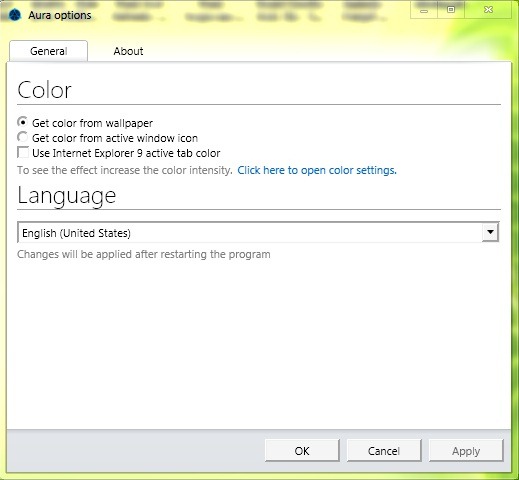
Aura is o Free utility and portable (does not require installation) that identifies the main color of the background or a the active window from the system and set it as Aero Color (Color for Taskbar and Windows borders). The application is compatible with all Windows versions that support Aero Effects, namely Windows Vista and Windows 7.
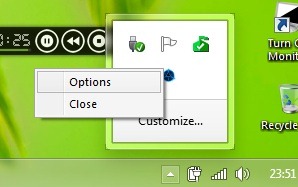
If you do not notice the big difference between the initial color and the color modified by Aura, Increase color intensity FROM Control Panel > Personalization > Color Settings. To access Aura options or to Close the application, click-right click on its icon in system tray.
Notes: In order to use the aura, you need to have Microsoft Net Framework 3.5 SP1 installed. Application in beta version.
STEALTH SETTINGS – Windows 8 Auto Colorization for Windows 7 and Windows Vista


You may also be interested in...
