
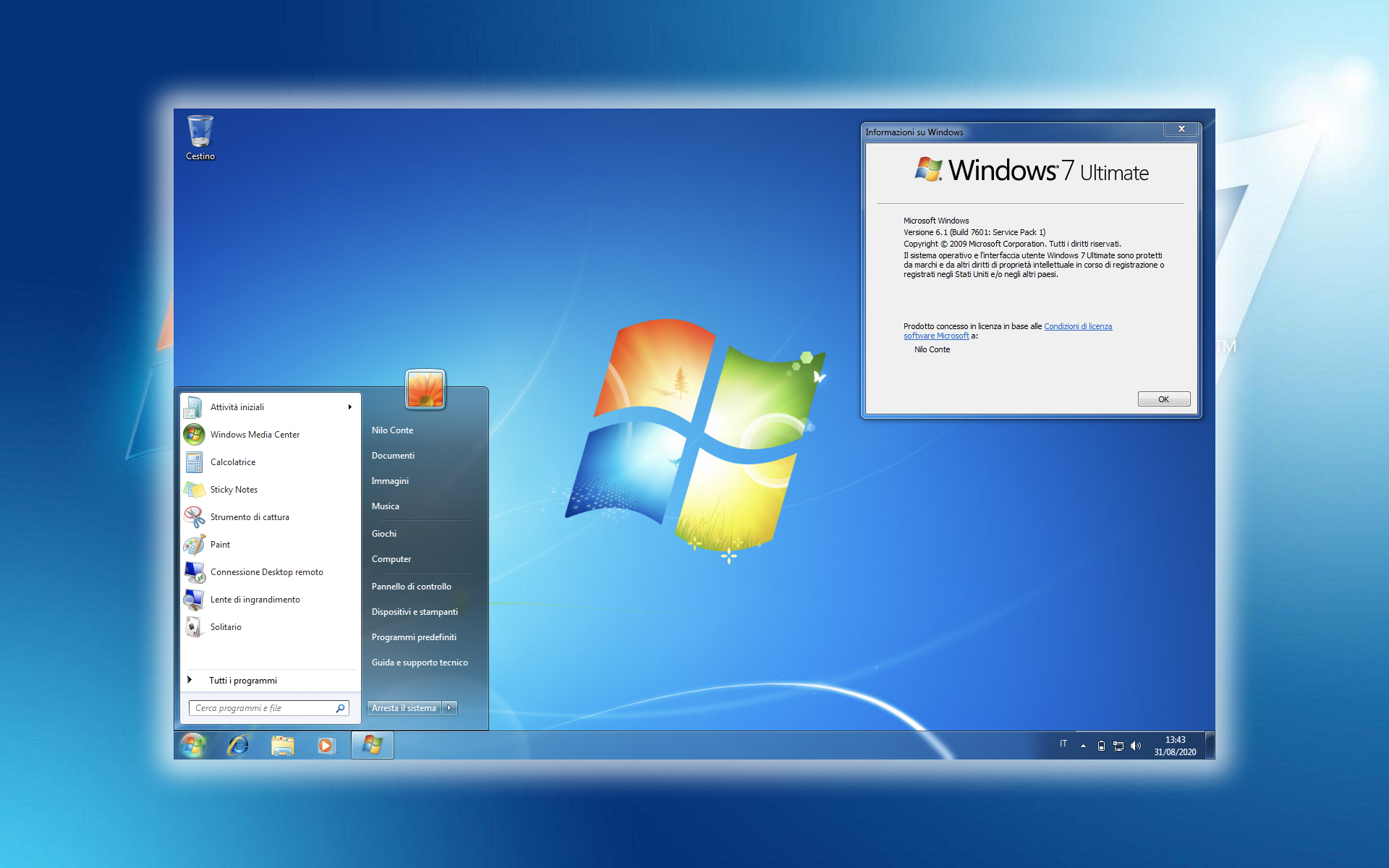

After the last ones update-s, more and more users of Windows 7 Report fall (blue screen) by kl1.sys at system startup.
It seems that, in most cases, this error is caused by a conflict in Kaspersky Anti virus si Windows 7.
Because this error occurs at Starting the system of operation, the only option left is to enter in Safe Mod (protected mode) and disable all Kaspersky services from Startup (kl1.sys, avp.exe). Here's how you can do it step by step:
1. Turn on the computer and when the black screen appears, press the key F8 and choose start Safe Mode or Safe Booting. Depending on the type of system, the name may differ.
2. After the system has loaded, click on the button Start (stanga play) hyar hyar hyar hyar s.msconfig” (without the quotes), then press Enter. The System Configuration panel will open.
3. In System Configuration, click on the tab "Startup”, and in the list “Startup Items” identify Kaspersky services and uncheck the house in their right.
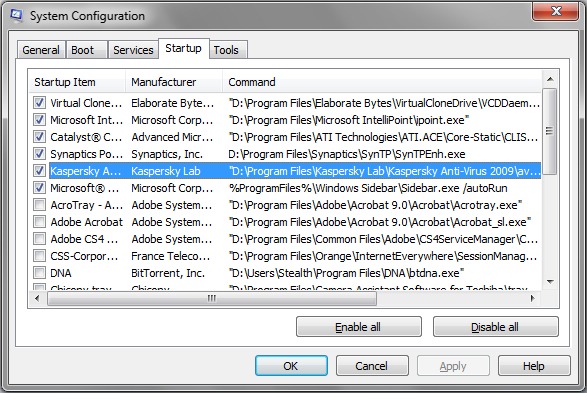
4. Apply, OK & restart.
After the operating system starts, you can activate Kaspersky manually, but we are not sure that this error will not appear again.
Since Windows 7 is in a test version, we suggest you update it daily.


You may also be interested in...

6 thoughts on “Blue Screen – kl1.sys [Windows 7 vs. Kaspersky]”