

Although not officially released, Windows 7 Build 7106.winmain.090408-163, he stopped for tests on one of our systems. At first glance, from the installation phase, I had a small shock. Installer started in Russian, and after the first restart I looked at some herroglife @ CHINESE (traditional) in all their splendor. It seems that this version has been launched only in the version Russian-Chinese, but after the complete installation of the system you can set english language (US).
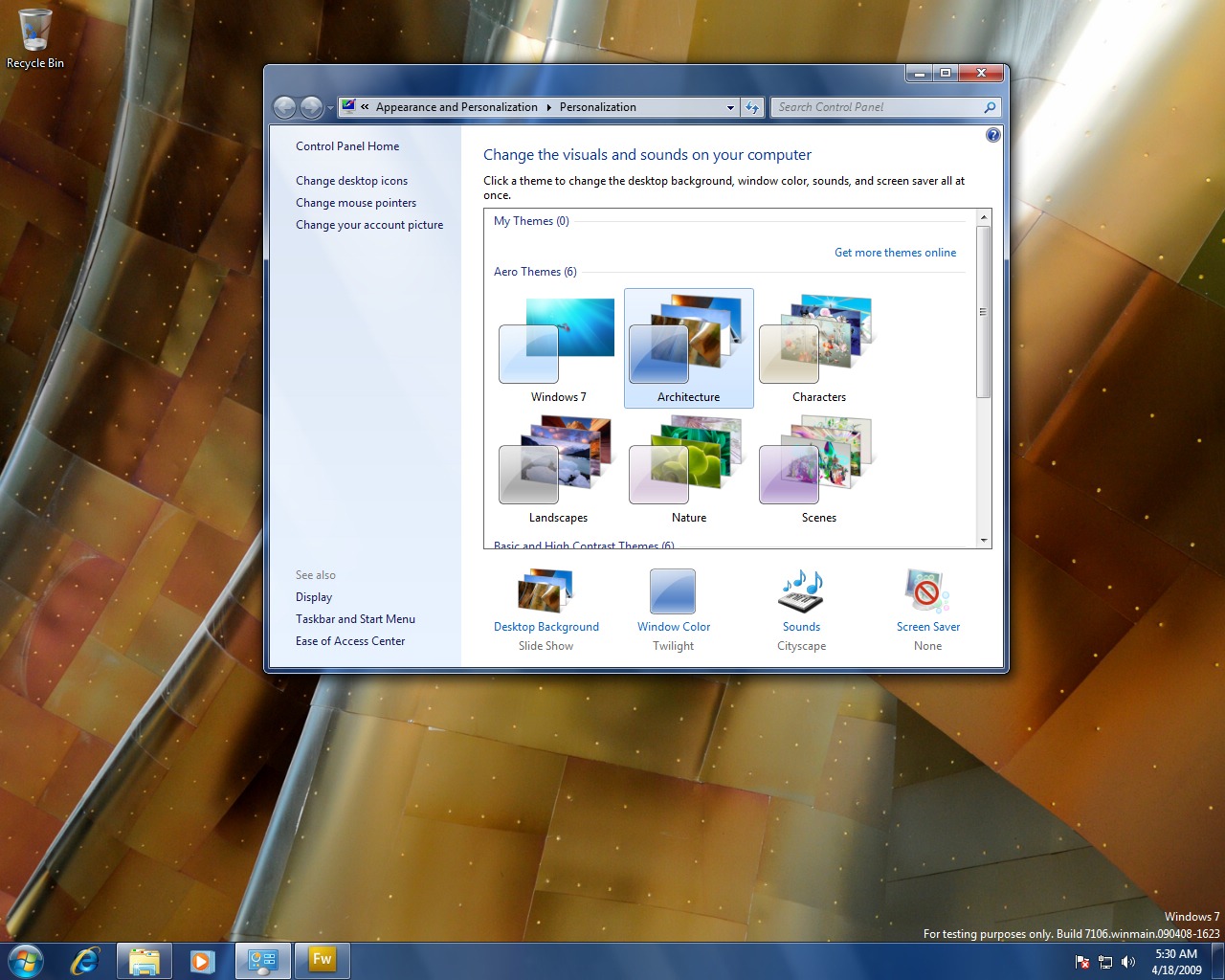
At first glance, the differences between Windows 7 Build 7000 and Windows 7 Buils 7106 are not very large. I am noteworthy visual themes (themes) si SOUNDS.
New Themes in Windows 7.
New Sounds in Windows 7.
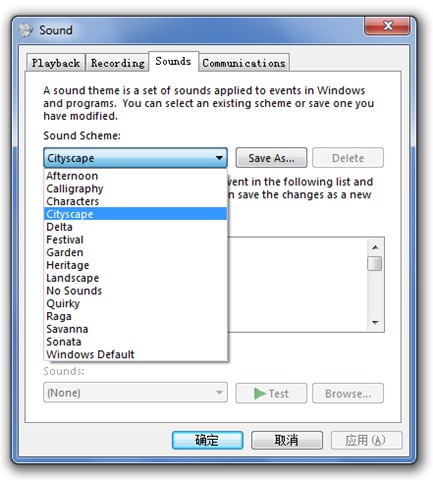
On the last screenshot, you can see some buttons written in Chinese. This problem can be solved very easily from “Control Panel” -> “Region and Language” -> “Change display language”.
For those who choose not to install Windows 7 Build 7106, only for the sake of new themes and sounds, I can download and copy to Windows 7 Build 7000.
Download Windows 7 Build 7106 visuals themes & sounds:
– download Windows 7 themes pack: > download link. This archive contains the new graphic themes of Windows 7 Build 7106: aero.themes, architecture.theme, characters.theme, landscapes.theme, nature.theme, scenes.theme.
– download Windows 7 Sounds > download link.
To "install" these themes and sounds, copy the contents of the "Themes" folder in "C: Windowsresorcesthems", and the media (Sounds) in "C: Windows". (C: it may differ. Depending on the partition you have installed Windows7).


You may also be interested in...
