
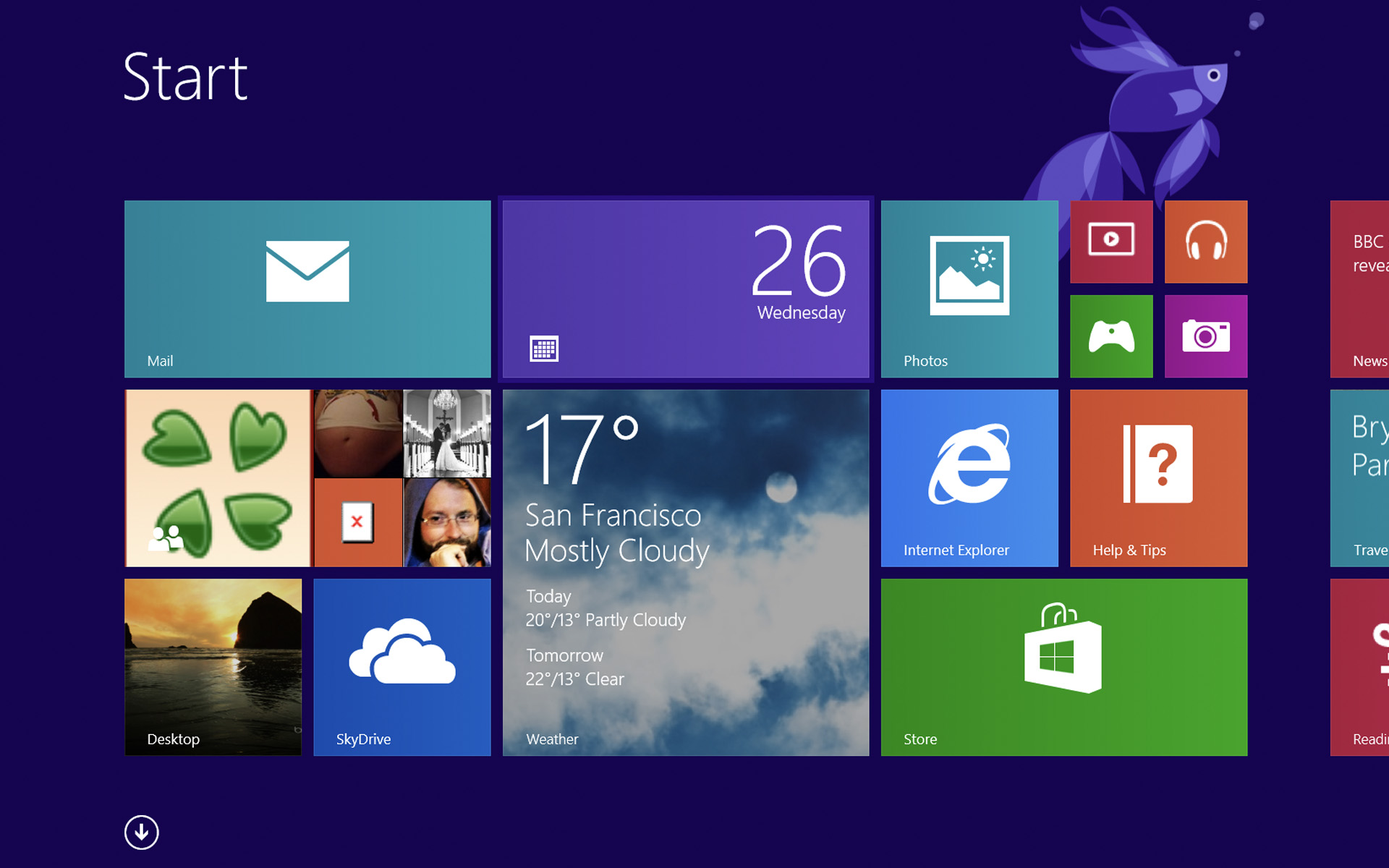

Although it was announced for the end of June, it seems that Microsoft he decided to hurry the launch of Windows 8 Release Preview and Windows Server 2012 Release Candidate, these operating systems being available to the public since the first day of this month.
Windows 8 Release Preview are build number 8400 (version completed as of May 18) and, although users can do upgrade direct de la Customer Preview la Release Preview, they cannot keep installed applications or system settings. Instead, those who will the upgrade from Windows 7 to the new Windows 8 version they will be able to keep both applications and system settings, as well as user accounts existing.
Compared to Customer Preview, Windows 8 Release Preview contains a series of minor changes to the interface (UI), a few new Metro applications and system performance improvements. But luckily for users, the minimum system requirements remained the same as for Windows 7 and Windows 8 Customer Preview: minimum 1GHz processor, 1 GB of RAM for the 32-bit version, respectively 2 GB for the 64-bit version, 16 GB of HDD space for 32-bit, respectively 20 GB for 64-bit.
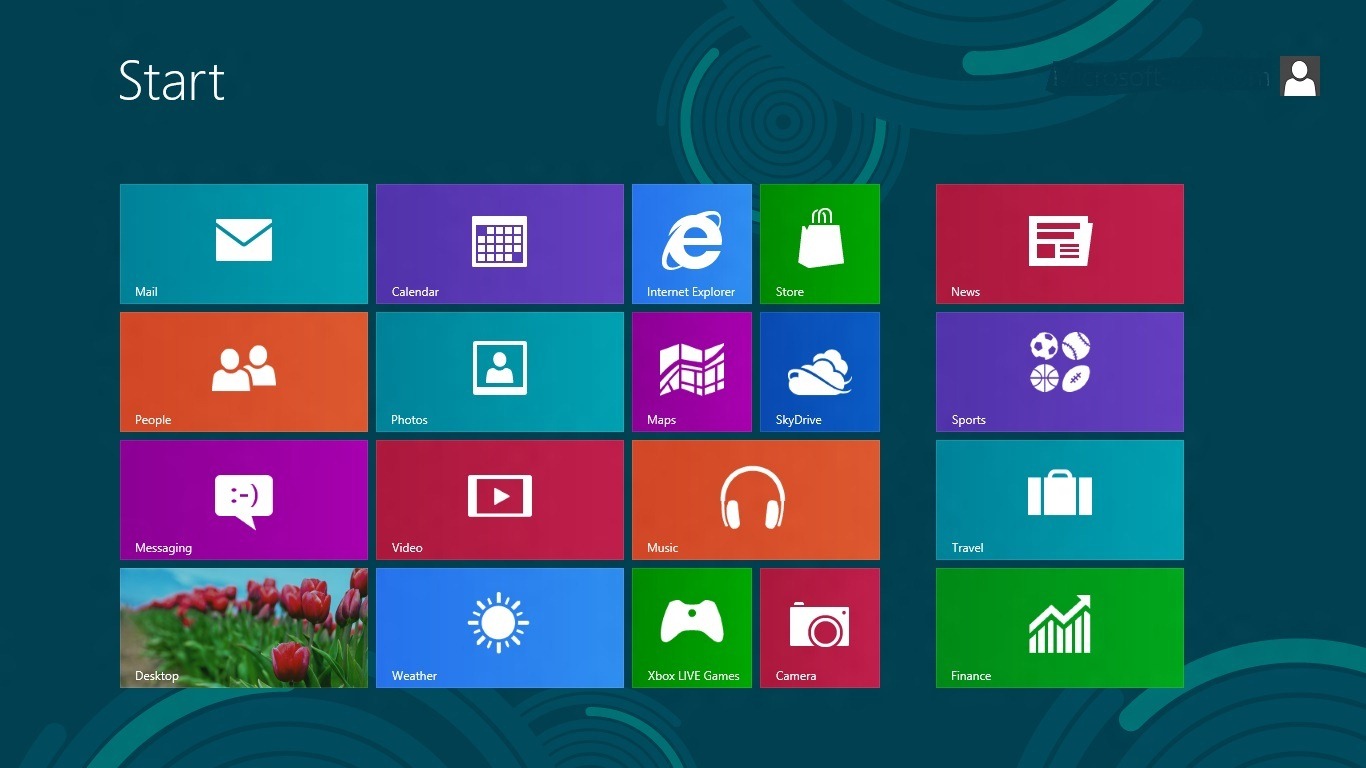
However, we also have bad news for users, because it seems that in Windows 8 Release Preview, most of the applications that brought back functionalities of previous versions of Windows (among which the Start Menu button). Aero interface is still available, most likely it will be deactivated in RTM version.
Windows Server 2012 Release Candidate is available only in the 64-bit version or in varianta VHD, this also coming as a package with some improvements, such as the new one ReFS (Resillient File System) for the support of large volumes and greater resistance against file corruption, optimized infrastructure for share between computers and for cloud, and has included tool-uri which consolidates and automates processes and resources for networking. Also the new Microsoft system for servers includes a new one redesign for Server Manager and use Metro interface instead of the classic Start Menu.
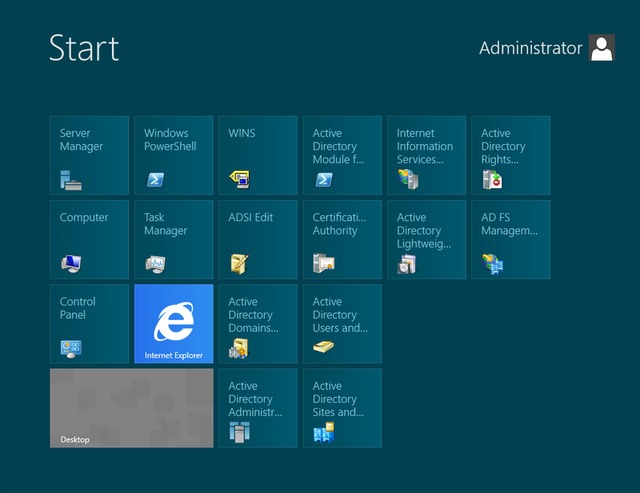
Minimum system requirements to be able to install Windows Server 2012 RC are: minimum 1.4 GHz processor, minimum 512 RAM, minimum 32 GB HDD space, DVD drive and super VGA monitor (800×600) or higher resolution.
Windows 8 Release Preview (both x86 and x64 versions) and Windows Server Release Candidate can be downloaded by users from Microsoft servers:
Download Windows 8 Release Preview 32-bit
Download Windows 8 Release Preview 64-bit
Download Windows Server 2012 Release Candidate (users must first log in using the username and password for the Live account, and the browser used must be Internet Explorer, because the download is done through a add-on of him).
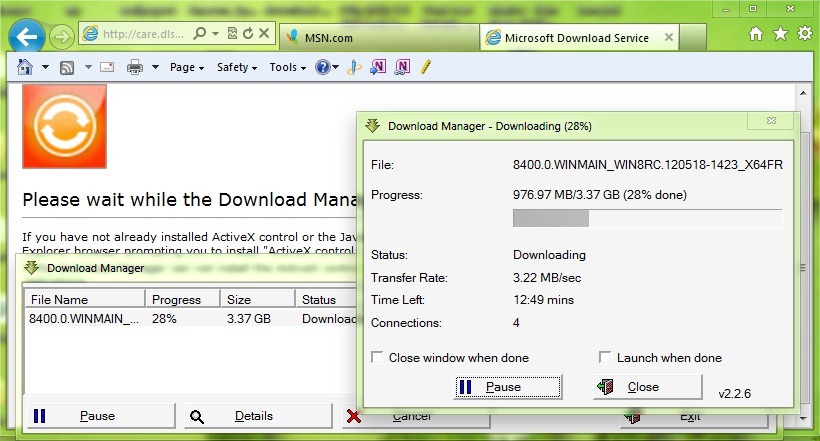
License code to be able to use Windows 8 Release Preview, provided by Microsoft is:
TK8TP-9JN6P-7X7WW-RFFTV-B7QPF
Following what was declared by Microsoft, we expected that Windows 8 RTM should be ready at the end of this summer, the official launch of the system being scheduled somewhere around the winter holidays.
STEALTH SETTINGS – Download Windows 8 Release Preview and Windows Server 2012 Release Candidate


You may also be interested in...

7 thoughts on “Download Windows 8 Release Preview si Windows Server 2012 Release Candidate”