


APF (Advanced Policy Firewall) is a system of firewall for Linux, based on iptables (netfilter).
When APFIt has blocked access to the server several IPs, there are two variants so you can get these limitations. The first version would be direct order from the console (or by ssh) by which you can remove the blocked IPs. You can do this by order:
apf -u 117.41.182.209Where “117.41.182.209” is the IP that was blocked by the APF. The message resulting from the order will be:
apf(7931): {trust} removed 117.41.182.209 from trust systemIf it is a large number of blocked IPs, the above method would take us some time until we removed them all. To delete all IPs, we will have to clean the file in which the blocked IPs are stored. That is, the file deny_hosts.rules FROM /etc/apf .
To achieve this, we delete the deny_host.rules file and restart the apf service. The commands below:
rm -rf /etc/apf/deny_host.rules

/etc/init.d/apf restart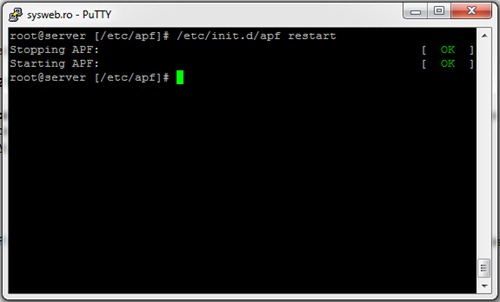
Now all the IPs blocked by APF have been deleted and the service restarted. If you want to retrieve the list of IPs blocked by APF, open the file deny_hosts.rules.back.
Advanced Policy Firewall Commands
usage /usr/local/sbin/apf [OPTION]
-s|–start ……………………. load all firewall rules
-r|–restart ………………….. stop (flush) & reload firewall rules
-f|–stop…….. ……………… stop (flush) all firewall rules
-l|–list …………………….. list all firewall rules
-t|–status …………………… output firewall status log
-e|–refresh ………………….. refresh & resolve dns names in trust rules
-a HOST CMT|–allow HOST COMMENT … add host (IP/FQDN) to allow_hosts.rules and
immediately load new rule into firewall
-d HOST CMT|–deny HOST COMMENT …. add host (IP/FQDN) to deny_hosts.rules and
immediately load new rule into firewall
-u|–remove HOST ………………. remove host from [glob]*_hosts.rules
and immediately remove rule from firewall
-o|–ovars ……………………. output all configuration options
STEALTH SETTINGS – Delete the list of all IPs blocked by Advanced Policy Firewall.


You may also be interested in...
