
Tag Archives: Windows Tips and Hacks

How can we block Windows users access to Shutdown options in Login Screen
If you want, for various reasons, to block the access of users of a Windows computer to the Shutdown options on ...
How can we restart or close urgent windows
It is possible that sometimes we find ourselves in the situation where we have to immediately close or restart the Windows system. Also, in...
How can we uninstall Windows 8.1 Update 1
A few days ago, Microsoft made Windows 8.1 Update 1 available for download for users, announced since the beginning...
How can we quickly open files and folders in Windows Explorer
Most Windows users use Windows Explorer to navigate the system. This navigation method is the most accurate...
How can we add custom folders in the Favorites section of Windows File Explorer
You probably have some folders in Windows that you would like to be able to access more easily/quickly. An idea would be to use the Toolbars...
How can we create shortcuts on the keyboard for special characters in Windows
If you are used to using special characters in Windows (be it in documents, conversations or articles), then surely...
How can we change the default location to install applications in Windows
When we install applications on a Windows operating system, their default installation location is in the Program Files folder...
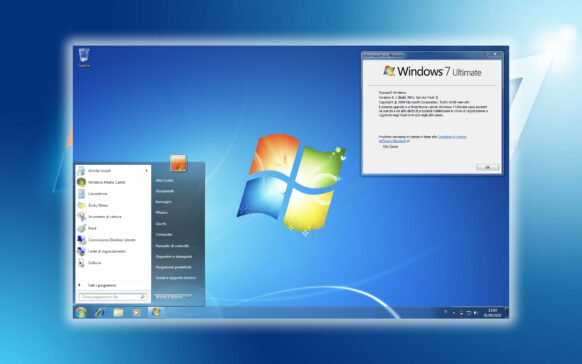
How can we block access to taskbar settings in Windows 7 and Windows 8/8.1
When other people (family, friends, co-workers) have access to our Windows computer, you probably don't want...
How can we form a hard disk or run check disk from Windows Command Prompt
Sometimes we find ourselves in the situation of not being able to access a certain hard disk or USB drive. In such cases, we can only hope that I can...
How can we restrict an application (.exe) to run in Windows
Sometimes, for various reasons, we don't want people who have access to our computer to be able to run certain applications installed in the system...