

Am vazut in tutorialul anterior, cum facem sa apara sau sa dispara iconitele Mülleimer recyceln & Computer aus Desktop-ul Windows 7. In continuare o sa vedem cum putem schimba iconitele acestor doua Abkürzung-uri de system.
Daca v-ati plictisit de iconitele default ale Computer si Recycle Bin, din Windows 7, trebuie sa stiti ca aceastea se pot schimba foarte simplu, din doar cateva click-uri.
Cum schimbam pictogramele Computer si Recycle Bin de pe Desktop-ul Windows 7.
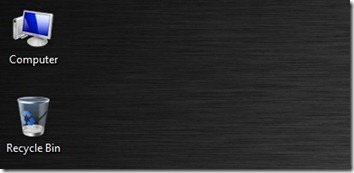
1. In primul rand, trebuie sa aveti la dispozitie trei noi Ikonen care sa le inlocuiasca pe cele originale Aber Windows 7. O iconita pentru Computer si doua pentru Mülleimer recyceln (Full Und Leer)
 |  |  |
Trebuie sa stocati iconitele (.ICO) intr-un folder .
2. Click-dreapta pe Desktop - -> Personifizieren - -> Ändern Sie Desktop -Symbole - -> selectati Computer sau Recycle Bin & Symbol ändern … in Desktop -Symboleinstellungen.
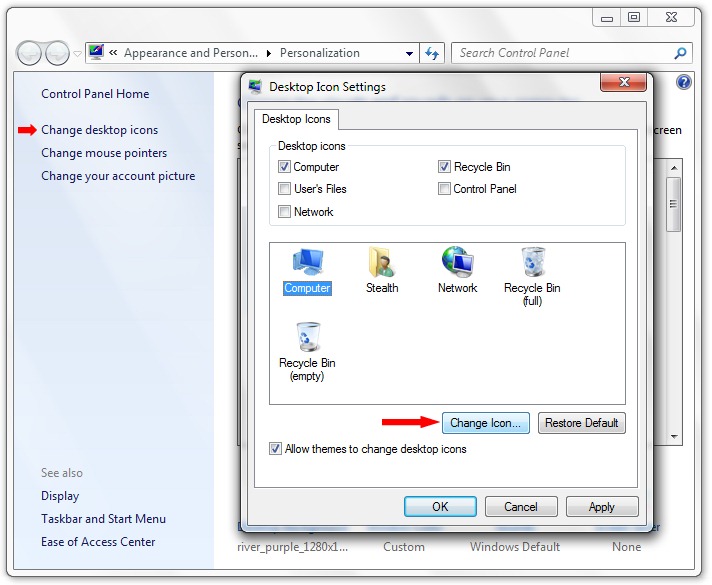
3. Daca nu va satisface nicio iconita din setul default al Windows 7 din “Symbol ändern“, klicken Sie auf die Schaltfläche “Browse…” si selectati iconita salvata de dvs. la punctul 1.
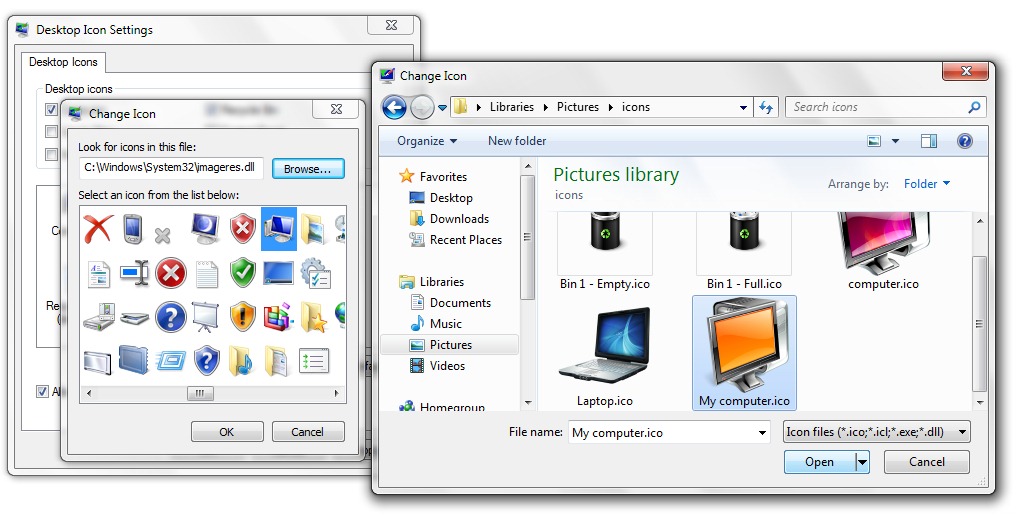
Open , OK & Anwenden & OK.
In acelasi mod schimbati si iconitele pentru Mülleimer recyceln oder Netzwerke.
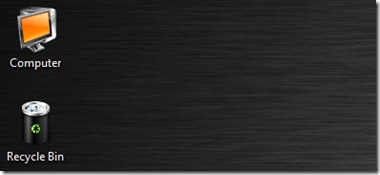
Windows 7 va ofera posibilitatea sa va alegeti cate un set de iconite desktop pentru fiecare tema (windows 7 themes) a Windows 7. Tot ce trebuie sa faceti, este sa bifati optiunea “Allow themes to change desktop icons” in Desktop Icon Settings.

Change default desktop icons in Windows 7.
Stealth Settings .


Vielleicht interessieren Sie sich auch für...

2 Gedanken dazu “Wie man Computer wechselt & Recycle Bin Desktop -Symbole in Windows 7 recyceln”