


To wake up suddenly that you enter WhatsApp, you start a conversation and…where i am emoticons? Tragedy!!! I think it took me a good few days to figure out how to insert emoticons WhatsApp conversations. The procedure is very simple. Here's what you need to do:
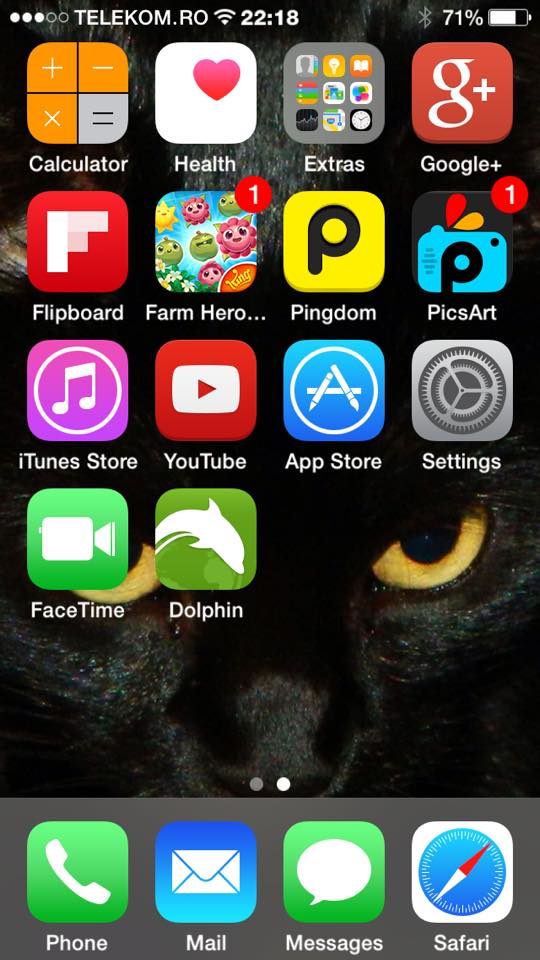
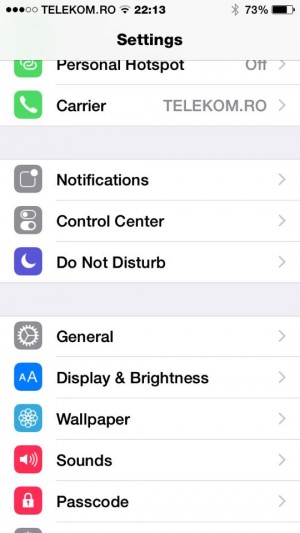
– Open the phone screen Apple and access the function Settings;
– Intra in General;
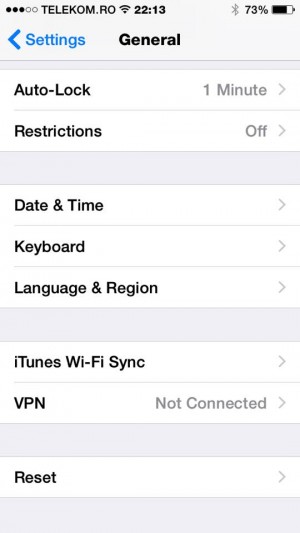
– Click on the section Keyboard;
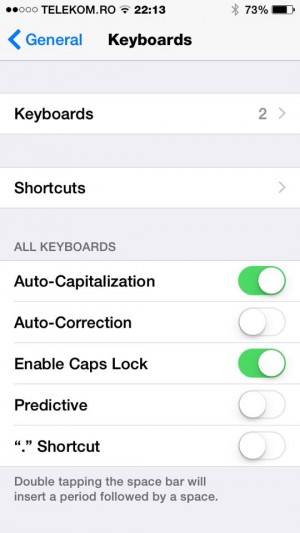
– Click on it again Keyboards;
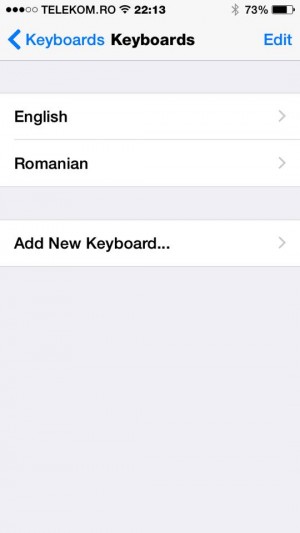
– Press on Add New Keyboard;
– Search among many languages Emoji;
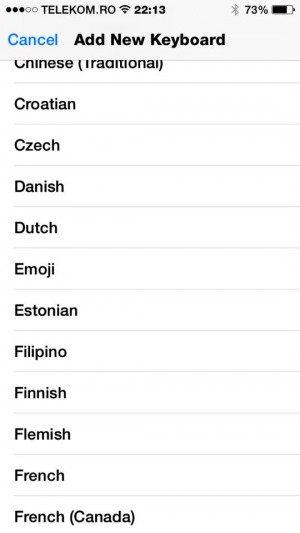
– Click on Emoji;
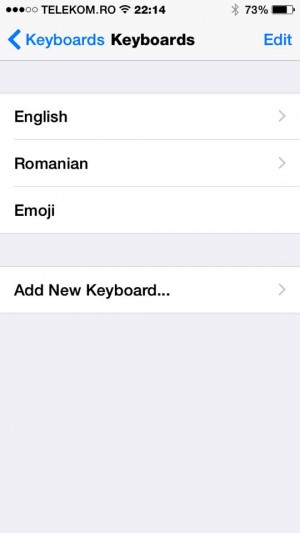
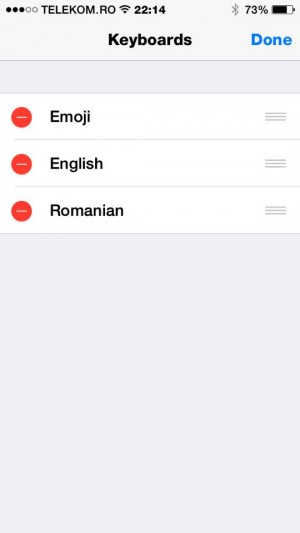
– Press, at the top right, the section of Edit;
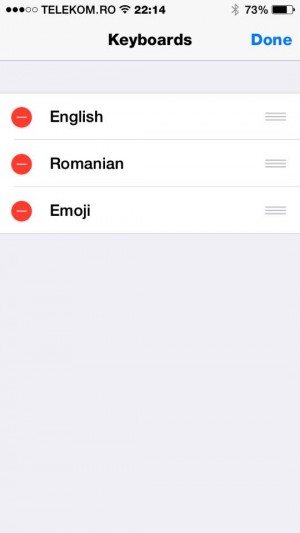
– Muta Emoji from the third row to the first row;
– Go back in WhatsApp application and press the key in the form of a globe, from the bottom, left, next to the 123 key;

– And that's it! They appeared emoticons! From now on, you can be happy that funny girls are back in your conversations!

Simple, isn't it? :)


You may also be interested in...
